Why You're Seeing "DEEZER*" on Your Bank Statement
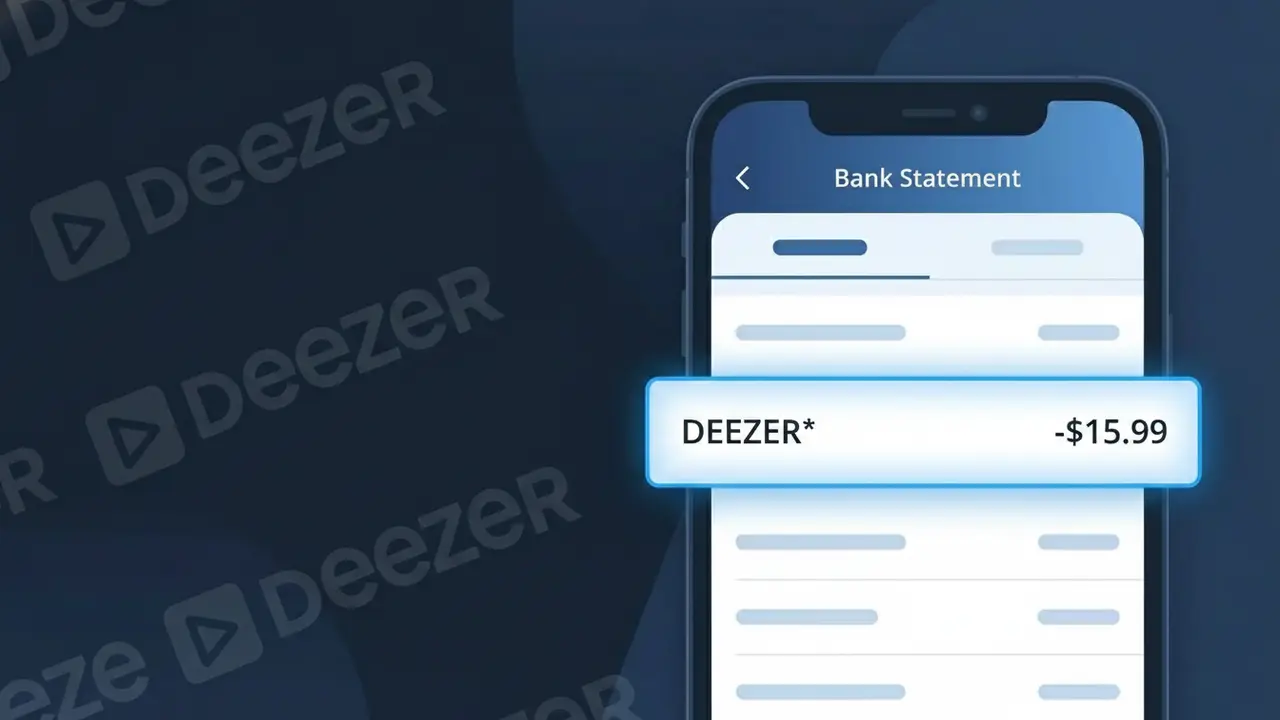
Why You're Seeing "DEEZER*" on Your Bank Statement
A charge showing DEEZER* on your bank statement comes from Deezer, a French music streaming service that gives subscribers access to millions of songs, podcasts, and audiobooks. This charge represents your recurring subscription fee for one of Deezer's premium plans, such as Deezer Premium or Deezer Family. Deezer is headquartered in France and operates globally, so the charge may appear alongside a currency conversion if you are billed in euros. If you see DEEZER* followed by additional characters, this is simply how Deezer's payment processor identifies the transaction on your statement.
The DEEZER* descriptor appears on bank statements because Deezer uses a truncated billing identifier through their payment processor, which is common practice among subscription-based streaming companies. The asterisk following the name is a standard formatting convention used by many merchant processors to separate the company name from any additional transaction details such as a plan type or region code. If you have an active Deezer subscription or recently signed up for a free trial that has converted to a paid plan, this charge is the expected billing descriptor you will see each month.
Is the DEEZER* Charge Legitimate or Fraud?
A DEEZER* charge on your bank or credit card statement is most commonly a legitimate billing from Deezer, the global music streaming service. Deezer uses the descriptor "DEEZER*" when processing subscription payments, so seeing it on your statement typically means an active or recently activated plan is being billed. However, if you don't recall signing up, it's worth investigating further.
- You or a family member signed up for a Deezer Premium, Family, or Student plan
- A free trial on Deezer converted to a paid subscription automatically
- You subscribed to Deezer through a third-party app store or partner bundle
- Unauthorized use of your payment details to create a Deezer account
How to Verify the DEEZER* Charge
- 1
Check your Deezer account
Log into deezer.com and navigate to Settings > Subscription to confirm your active plan, billing amount, and the date it was last renewed.
- 2
Search your email for Deezer receipts
Search your inbox for emails from 'no-reply@deezer.com' or subject lines like 'Your Deezer receipt' to match the DEEZER* charge to a specific transaction.
- 3
Check household members
Ask family members or housemates if they signed up for Deezer using your payment method, especially if you share a card or bank account.
- 4
Review app store subscriptions
If you downloaded Deezer via Apple App Store or Google Play, check your in-app subscription settings, as the charge may be routed through those platforms.
- 5
Contact your bank
If you still can't identify the DEEZER* charge, call the number on the back of your card and ask your bank to provide the full merchant details associated with the transaction.
How to Dispute a DEEZER* Charge
- 1
Act within 60 days
Most banks require disputes to be filed within 60 days of the statement date. Don't delay if you believe the DEEZER* charge is unauthorized or incorrect.
- 2
Contact Deezer support first
Visit deezer.com/support to reach Deezer's customer service. Explain the unauthorized or incorrect DEEZER* charge — Deezer may issue a refund directly, which is the fastest resolution.
- 3
File a chargeback with your bank
If Deezer does not resolve the issue, contact your bank or card issuer to initiate a formal chargeback for the DEEZER* transaction, citing it as unauthorized.
- 4
Request a new card
If you suspect your card details were stolen to fund a fraudulent Deezer account, ask your bank to cancel the compromised card and issue a new one immediately.
Tips for Managing Deezer Charges
Enable billing alerts on your bank app to catch any unexpected DEEZER* charges the moment they post.
Keep your Deezer subscription plan details saved so you can quickly cross-reference the DEEZER* charge amount each month.
Use a strong, unique password for your Deezer account to prevent unauthorized access that could lead to unexpected DEEZER* charges.
Note your Deezer renewal date in your calendar so monthly or annual DEEZER* charges never catch you off guard.
Use a virtual card number for your Deezer subscription to limit exposure if your payment details are ever compromised.
Use WhatIsThisCharge.net to identify related charges that may appear alongside DEEZER* on your statement.
Frequently Asked Questions About the DEEZER* Charge
ℹ️ Note
In most cases, a DEEZER* charge simply means your Deezer music streaming subscription has renewed as expected — it's one of the most recognized descriptors for Deezer billing. A quick login to your Deezer account is usually all it takes to confirm the charge and put your mind at ease.
Was this article helpful?