Why You're Seeing "DISCORD NITRO" on Your Bank Statement
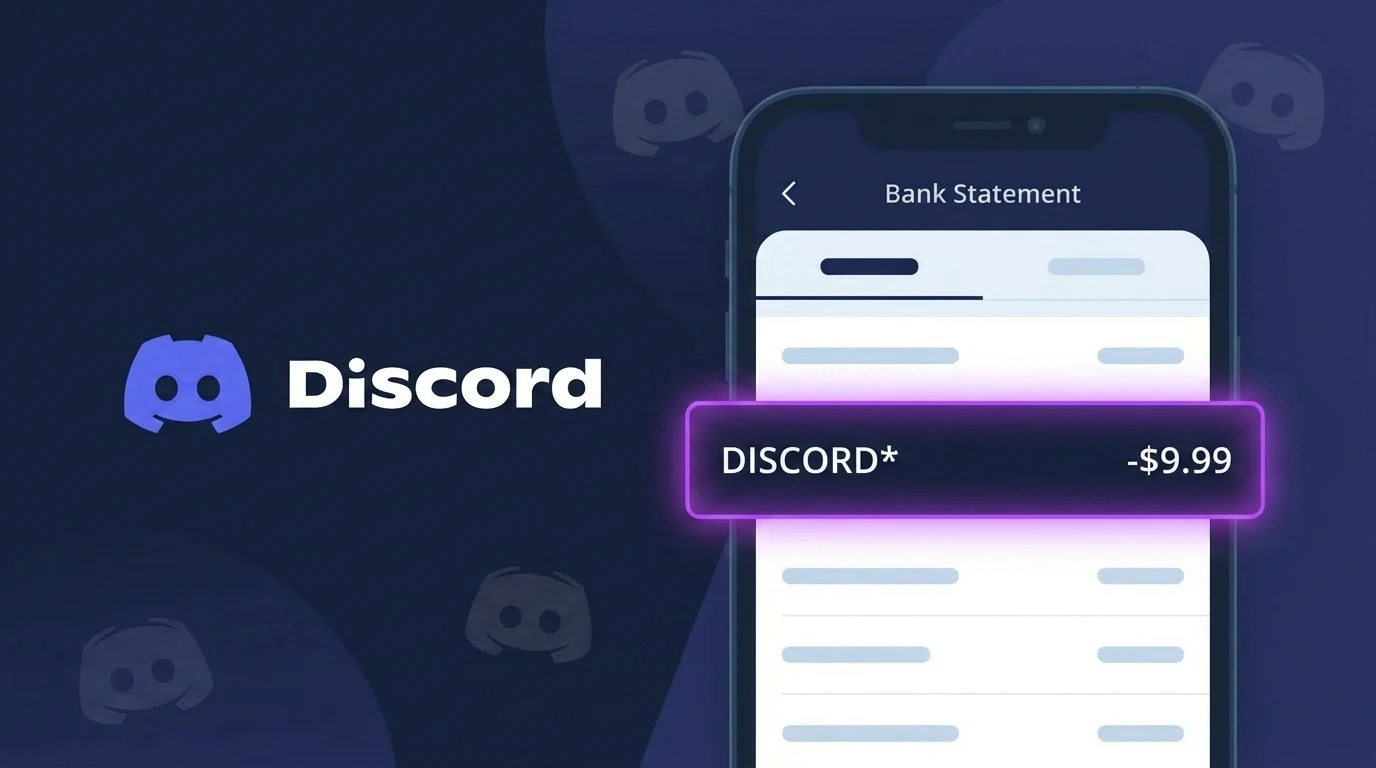
Is the DISCORD NITRO Charge Legitimate or Fraud?
If you see a charge labeled DISCORD NITRO on your bank or credit card statement, it is most likely a legitimate subscription charge from Discord's premium service, Discord Nitro. Discord Nitro is a paid subscription that unlocks enhanced features such as animated avatars, custom emojis, higher upload limits, and server boosts.
Common reasons you may see this charge include:
- You or a household member subscribed to Discord Nitro or Discord Nitro Basic
- A free trial of Discord Nitro ended and converted to a paid subscription
- You gifted or received a gifted Discord Nitro subscription that auto-renewed
- A server boost purchase or renewal tied to your Discord Nitro plan
However, if you do not recognize the charge at all, it is worth investigating further, as unauthorized use of your payment method is possible. Always verify through your Discord account before contacting your bank.
How to Verify the DISCORD NITRO Charge
- 1
Log into your Discord account
Visit discord.com or open the Discord app, go to User Settings, then click 'Subscriptions' to see if an active Discord Nitro plan is listed on your account.
- 2
Search your email for Discord receipts
Search your inbox for emails from 'noreply@discord.com' or 'support@discord.com'. Discord sends a payment confirmation email each time a DISCORD NITRO charge is processed.
- 3
Check household members' accounts
Ask family members or anyone with access to your payment method whether they signed up for Discord Nitro, as it's popular among gamers and teens.
- 4
Review your subscription and billing history
In Discord, go to User Settings > Subscriptions > Billing to see a full history of DISCORD NITRO charges tied to your account, including dates and amounts.
- 5
Contact your bank if still unrecognized
If you cannot find any Discord Nitro account activity matching the charge, contact your bank to flag the transaction and begin an investigation.
How to Dispute a DISCORD NITRO Charge
- 1
Act within 60 days of the charge
Most banks require you to dispute unauthorized charges within 60 days of the statement date. Don't delay if you believe the DISCORD NITRO charge is fraudulent or unauthorized.
- 2
Contact Discord Support first
Visit support.discord.com and submit a billing support ticket explaining the situation. Discord Nitro support can issue refunds within their refund window, typically within 5 days of the charge.
- 3
File a chargeback with your bank
If Discord Support does not resolve the issue, contact your bank or card issuer to file a formal chargeback for the DISCORD NITRO charge, providing any relevant email evidence.
- 4
Request a new card number
If you suspect your payment information was used fraudulently to purchase Discord Nitro, ask your bank to cancel and reissue your card to prevent future unauthorized charges.
Tips for Managing DISCORD NITRO Charges
Set a billing reminder before your Discord Nitro renewal date so you're never surprised by the charge.
Review your Discord Subscriptions page monthly to confirm your Nitro plan tier and pricing are what you expect.
Secure your Discord account with two-factor authentication to prevent unauthorized Discord Nitro purchases.
Discord Nitro bills monthly or annually — switch to annual billing to save roughly 16% per year.
Use a virtual card number for Discord Nitro subscriptions to limit exposure if your payment info is compromised.
Use WhatIsThisCharge.net to identify related charges that may appear alongside your DISCORD NITRO billing.
Frequently Asked Questions About DISCORD NITRO
🔍 Decode this charge instantly
Search our database for DISCORD NITRO and similar charges.
Decode DISCORD NITRO →Was this article helpful?