Why You're Seeing "DISNEY PLUS" on Your Bank Statement
Is the DISNEY PLUS Charge Legitimate or Fraud?
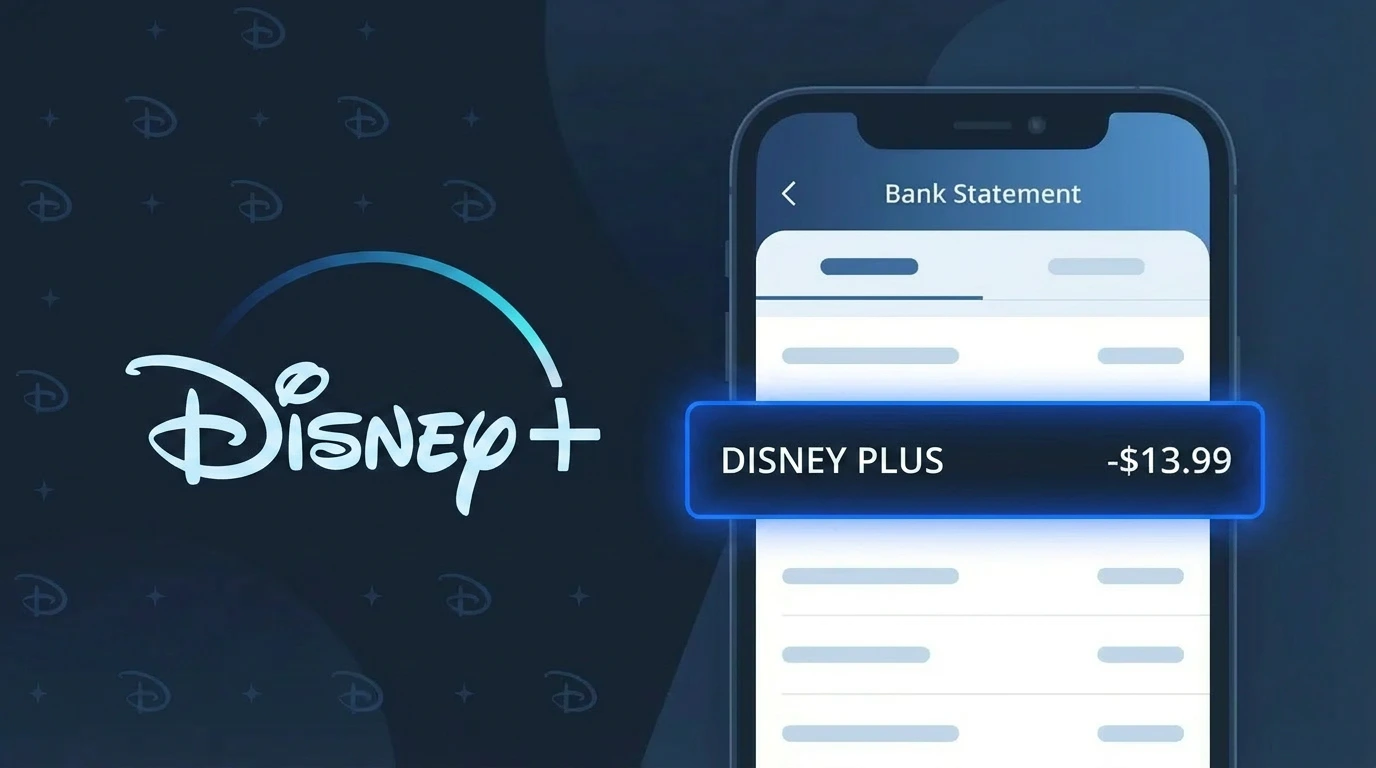
If you see a charge labeled DISNEY PLUS on your bank or credit card statement, it is most likely a legitimate recurring subscription charge from Disney's streaming service, Disney Plus (Disney+). Disney Plus bills subscribers monthly or annually for access to its library of Disney, Marvel, Star Wars, Pixar, and National Geographic content.
Common reasons you might see a DISNEY PLUS charge include:
- You or a family member signed up for a Disney Plus subscription (individual or bundle)
- A free trial period ended and your paid subscription began automatically
- You upgraded from a Disney Plus ad-supported plan to an ad-free plan
- A Disney Plus bundle charge covering Disney+, Hulu, and ESPN+ together
While most DISNEY PLUS charges are genuine, fraudulent charges do occur if your card details were compromised. If you have never signed up for Disney Plus and do not recognize the charge, treat it as suspicious and take action immediately.
How to Verify the DISNEY PLUS Charge
- 1
Log into your Disney Plus account
Visit DisneyPlus.com and sign in. Navigate to your account settings and check 'Billing Details' to confirm your subscription plan, billing date, and the amount that matches the charge on your statement.
- 2
Search your email for Disney Plus receipts
Search your inbox for emails from 'disneyplus.com' or 'Disney Plus'. Disney Plus sends a confirmation email every time a payment is processed, so a matching receipt confirms the charge is legitimate.
- 3
Check if a household member signed up
Ask family members or anyone who has access to your payment methods whether they signed up for Disney Plus or a Disney Bundle. Subscriptions are sometimes started by spouses, children, or roommates without the cardholder's awareness.
- 4
Review your active subscriptions
Check subscription managers on your devices — such as Apple ID subscriptions, Google Play subscriptions, or your Amazon account — as Disney Plus can be billed through these third-party platforms rather than directly through Disney Plus.
- 5
Contact your bank for more details
If you still cannot verify the DISNEY PLUS charge, call the number on the back of your card and ask your bank for the full merchant details, including the transaction date and any associated merchant ID, to help identify the charge.
How to Dispute a DISNEY PLUS Charge
- 1
Act within 60 days of the charge
Most banks and credit card issuers require you to report unauthorized or disputed charges within 60 days of the statement date. Don't delay — locate the DISNEY PLUS charge on your statement and begin the dispute process as soon as possible.
- 2
Contact Disney Plus customer support first
Reach out to Disney Plus directly at help.disneyplus.com or via their chat support. Explain the unauthorized charge and request a refund. Disney Plus may issue a refund for recent charges, especially if you did not use the service.
- 3
File a chargeback with your bank
If Disney Plus refuses to refund the charge, contact your bank or credit card issuer to file a formal chargeback. Provide evidence such as your lack of a Disney Plus account, any communication with Disney Plus support, and the transaction details.
- 4
Request a new card number
If you suspect your card details were stolen and used to pay for someone else's Disney Plus subscription, ask your bank to cancel your current card and issue a new one with a different number to prevent further unauthorized DISNEY PLUS charges.
Tips for Managing DISNEY PLUS Charges
Enable billing alerts in your Disney Plus account to get notified by email before each renewal charge is processed.
Review your Disney Plus plan regularly — you may be paying for an ad-free tier or bundle you no longer need.
Secure your Disney Plus account with a strong, unique password and enable two-factor authentication to prevent unauthorized access.
Note your Disney Plus billing date each month so unexpected DISNEY PLUS charges on other dates raise an immediate red flag.
Use a virtual card number for your Disney Plus subscription to limit exposure if your payment details are ever compromised.
Use WhatIsThisCharge.net to identify related charges that may appear alongside your DISNEY PLUS billing.
Frequently Asked Questions About the DISNEY PLUS Charge
🔍 Decode this charge instantly
Search our database for DISNEY PLUS and similar charges.
Decode DISNEY PLUS →Was this article helpful?