Why You're Seeing "FLIPKART*" on Your Bank Statement
Why You're Seeing "FLIPKART*" on Your Bank Statement
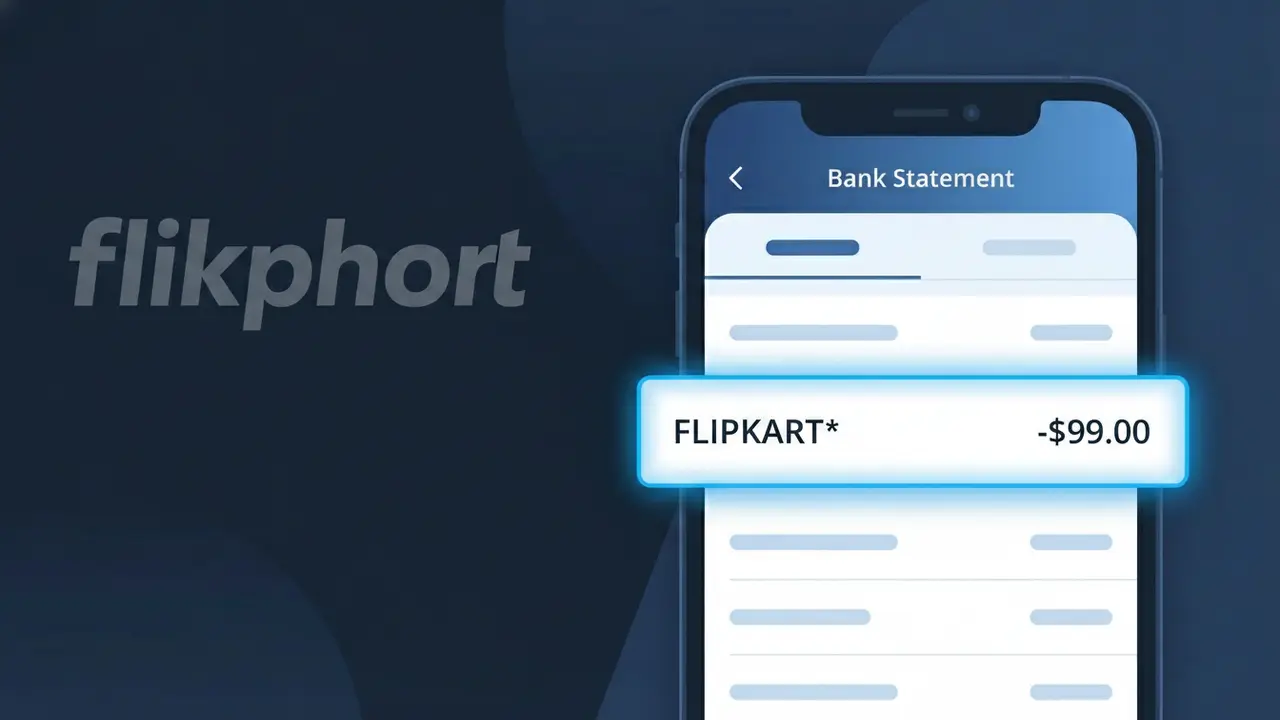
A charge showing FLIPKART* on your bank statement comes from Flipkart, one of India's largest e-commerce marketplaces. This charge appears when you make a purchase through Flipkart's website or mobile app, covering anything from electronics and clothing to groceries and home goods. The asterisk following the descriptor is a common formatting convention used by payment processors to separate the merchant name from additional transaction details. If you or someone with access to your account shops on Flipkart, this charge is almost certainly a legitimate online shopping transaction.
The FLIPKART* descriptor appears on your bank statement because payment processors and card networks truncate or format merchant names to fit standardized transaction fields, which is why you may not see the full brand name spelled out exactly as you recognize it. The asterisk is typically used to separate the merchant identifier from supplemental information such as an order number or transaction ID. Flipkart registers this shortened descriptor with banking networks, so any purchase made through their platform will consistently show up as FLIPKART* across most major banks and credit card issuers.
Is the FLIPKART* Charge Legitimate or Fraud?
A FLIPKART* charge on your bank or credit card statement is almost always a legitimate transaction from Flipkart, one of India's largest e-commerce platforms. This billing descriptor appears when you make a purchase, pay for Flipkart Plus membership, or complete any other transaction through Flipkart's website or app.
- You or a household member recently purchased a product on Flipkart
- A Flipkart Plus subscription renewal processed automatically
- An EMI installment for a previous Flipkart order was billed
- A pre-ordered item on Flipkart shipped and triggered the charge
How to Verify the FLIPKART* Charge
- 1
Check your Flipkart order history
Log into your Flipkart account at flipkart.com and navigate to 'My Orders' to see if the charge amount matches any recent purchases or EMI payments.
- 2
Search your email for Flipkart receipts
Look in your inbox for order confirmation or payment receipt emails from Flipkart. Search for 'Flipkart order' or 'Flipkart payment' to find matching transactions.
- 3
Check household members
Ask family members if they used your payment method saved on a shared Flipkart account, as Flipkart allows multiple addresses and users under one account.
- 4
Review your Flipkart Plus subscription
Visit the Flipkart Plus section in your account settings to confirm whether an annual or renewal subscription fee matches the FLIPKART* charge on your statement.
- 5
Contact your bank for details
If you still cannot identify the FLIPKART* charge, call the number on the back of your card and ask for the full merchant details and transaction date to narrow it down.
How to Dispute a FLIPKART* Charge
- 1
Act within 60 days
Most banks require disputes to be filed within 60 days of the FLIPKART* charge appearing on your statement. Act quickly to preserve your right to a chargeback.
- 2
Contact Flipkart customer support first
Reach out to Flipkart's customer care via the Help Center on flipkart.com or the Flipkart app. Providing your order ID can speed up resolution for unauthorized or incorrect charges.
- 3
File a chargeback with your bank
If Flipkart does not resolve the issue, contact your bank or card issuer to formally dispute the FLIPKART* charge. Provide any correspondence with Flipkart as supporting evidence.
- 4
Request a new card if fraud is suspected
If you believe your card details were compromised and used fraudulently on Flipkart, ask your bank to cancel the card and issue a replacement to prevent further unauthorized FLIPKART* charges.
Tips for Managing Flipkart Charges
Enable bank transaction alerts so you're notified instantly whenever a FLIPKART* charge posts to your account.
Keep Flipkart order confirmation emails as proof of purchase in case you need to dispute a FLIPKART* charge later.
Use a strong, unique password for your Flipkart account to prevent unauthorized purchases that could result in unexpected FLIPKART* charges.
Note your Flipkart Plus renewal date to anticipate the annual subscription charge appearing as FLIPKART* on your statement.
Enable two-factor authentication on your Flipkart account to protect against unauthorized purchases and fraudulent charges.
Use WhatIsThisCharge.net to identify FLIPKART* and other related Flipkart charges you don't immediately recognize.
Frequently Asked Questions About the FLIPKART* Charge
ℹ️ Note
In most cases, a FLIPKART* charge is a routine and legitimate transaction from Flipkart for a recent product order, EMI payment, or Plus membership renewal — double-checking your Flipkart order history will usually explain the charge within seconds.
🔍 Decode this charge instantly
Search our database for FLIPKART* and similar charges.
Decode FLIPKART* →Was this article helpful?