Why You're Seeing "FOODPANDA PH*" on Your Bank Statement
Why You're Seeing "FOODPANDA PH*" on Your Bank Statement
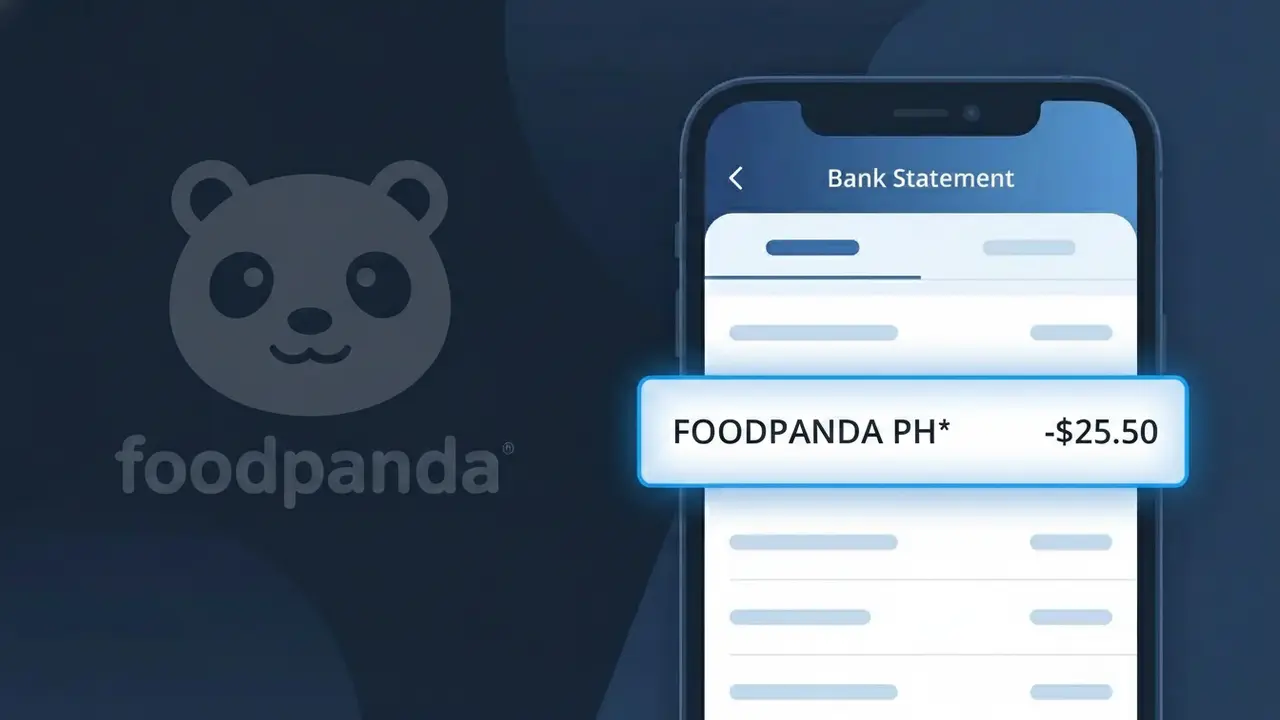
The FOODPANDA PH* charge on your bank statement comes from Foodpanda Philippines, one of the country's leading online food delivery platforms. This charge appears whenever you place a food order through the Foodpanda app or website, covering the cost of your meal, delivery fees, or any service charges applied to your transaction. If you've recently ordered from a restaurant through Foodpanda in the Philippines, this is almost certainly the source of the charge. The asterisk following the descriptor is a common formatting convention used by payment processors to separate the brand name from additional transaction details.
The FOODPANDA PH* descriptor appears on your bank statement because Foodpanda Philippines processes payments through a payment gateway that registers the company's abbreviated merchant name rather than a more recognizable storefront label. The 'PH' portion of the descriptor identifies the transaction as originating from the Philippine branch of the Foodpanda platform, helping distinguish it from Foodpanda operations in other countries. This shortened format is standard practice among digital platforms, as payment networks have character limits for merchant descriptors, making full brand names impractical to display.
Is the FOODPANDA PH* Charge Legitimate or Fraud?
If you see FOODPANDA PH* on your bank or credit card statement, this charge almost certainly comes from Foodpanda Philippines, the popular online food delivery platform operating across Philippine cities. This descriptor is the standard billing name Foodpanda Philippines uses when processing payments through their app or website.
- You or someone in your household recently placed a food delivery order through the Foodpanda Philippines app or website
- You have an active pandapro subscription with Foodpanda Philippines that auto-renews monthly
- A saved payment method on your Foodpanda Philippines account was charged for a scheduled or repeat order
- A promotional voucher or discount was applied after initial authorization, resulting in an unexpected adjusted charge amount
How to Verify the FOODPANDA PH* Charge
- 1
Check your Foodpanda Philippines order history
Log into your Foodpanda Philippines account via the app or foodpanda.ph, navigate to 'My Orders,' and match the charge amount and date to a recent delivery or reorder.
- 2
Search your email for Foodpanda Philippines receipts
Search your inbox for emails from Foodpanda Philippines (noreply@foodpanda.ph) containing order confirmations or payment receipts that match the FOODPANDA PH* charge on your statement.
- 3
Check if a household member placed the order
Ask family members or anyone who may have access to your payment method whether they placed a Foodpanda Philippines delivery order, as shared cards are a common source of unexpected FOODPANDA PH* charges.
- 4
Review your pandapro subscription status
Check if you are enrolled in Foodpanda Philippines' pandapro subscription by going to your account profile. Monthly renewal fees for this membership also appear as FOODPANDA PH* on statements.
- 5
Contact your bank for transaction details
If you still cannot identify the charge, call your bank and ask for the full merchant details associated with the FOODPANDA PH* transaction, including the exact timestamp and amount authorized.
How to Dispute a FOODPANDA PH* Charge
- 1
Act within 60 days of the statement date
Most Philippine banks and card networks require you to raise a dispute within 60 days of the FOODPANDA PH* charge appearing on your statement, so do not delay if you believe the charge is unauthorized.
- 2
Contact Foodpanda Philippines customer support first
Reach out to Foodpanda Philippines directly through the in-app chat or their Help Center at foodpanda.ph/help. Resolving it directly is often faster than a bank dispute for issues like duplicate charges or undelivered orders.
- 3
File a chargeback with your bank
If Foodpanda Philippines does not resolve the issue, contact your bank or card issuer to file a formal chargeback dispute for the FOODPANDA PH* charge, providing your order details and any correspondence as evidence.
- 4
Request a new card number if fraud is suspected
If the FOODPANDA PH* charge is confirmed as unauthorized and you did not make any Foodpanda Philippines orders, ask your bank to cancel your compromised card and issue a replacement to prevent further fraudulent transactions.
Tips for Managing Foodpanda Philippines Charges
Enable real-time transaction alerts from your bank to catch any unexpected FOODPANDA PH* charges the moment they occur.
Keep your Foodpanda Philippines order confirmations in a dedicated email folder for easy cross-referencing with your bank statement.
Secure your Foodpanda Philippines account with a strong, unique password and enable two-factor authentication to prevent unauthorized orders.
Note your pandapro renewal date in your calendar so you are never surprised by Foodpanda Philippines' monthly subscription charge.
Remove unused saved payment cards from your Foodpanda Philippines account to limit exposure if your account is ever compromised.
Use WhatIsThisCharge.net to identify related charges you may not recognize alongside the FOODPANDA PH* entry on your statement.
Frequently Asked Questions About the FOODPANDA PH* Charge
ℹ️ Note
In most cases, a FOODPANDA PH* charge is completely legitimate and simply reflects a recent food delivery order or pandapro membership renewal processed by Foodpanda Philippines — a quick check of your order history in the app will typically clear up any confusion in seconds.
🔍 Decode this charge instantly
Search our database for FOODPANDA PH* and similar charges.
Decode FOODPANDA PH* →Was this article helpful?