Why You're Seeing "GITHUB" on Your Bank Statement
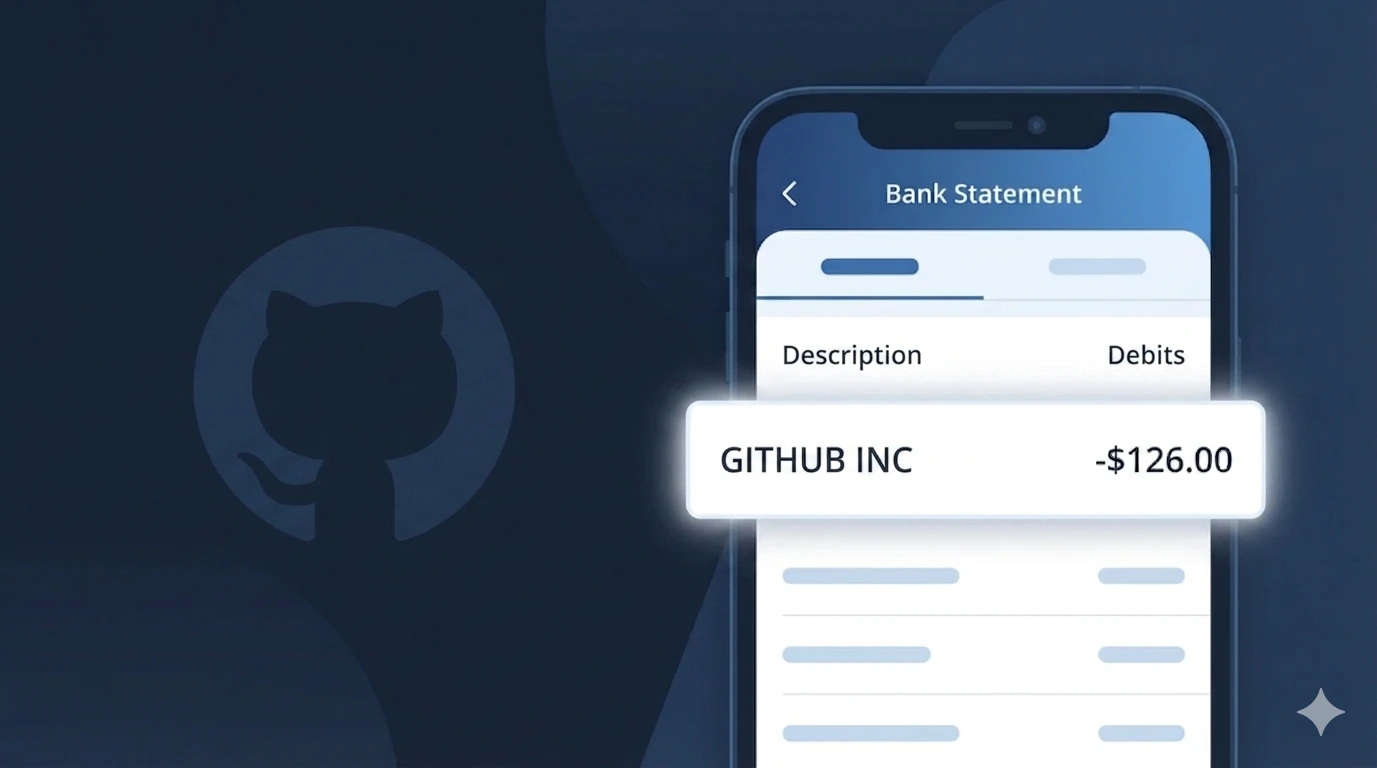
Is the GITHUB Charge Legitimate or Fraud?
If you see a charge labeled GITHUB on your bank or credit card statement, it is most likely a legitimate billing from GitHub, the world's leading software development and version control platform owned by Microsoft. GitHub charges users for its paid subscription plans, including GitHub Pro, GitHub Team, and GitHub Enterprise.
- You or a team member signed up for a GitHub Pro or Team plan
- Your organization renewed its annual or monthly GitHub subscription
- You enabled GitHub Copilot, GitHub's AI coding assistant, which has its own monthly fee
- A GitHub Actions, Packages, or storage overage charge was applied to your account
While most GITHUB charges are legitimate, unauthorized charges can occur if your GitHub account credentials were compromised. Always verify the charge amount matches a known GitHub plan before dismissing it as expected.
How to Verify the GITHUB Charge
- 1
Log into your GitHub account
Visit github.com and sign in. Navigate to Settings > Billing and plans to view your current subscription, billing history, and upcoming charges from GitHub.
- 2
Search your email for GitHub receipts
Search your inbox for emails from 'noreply@github.com' or 'billing@github.com'. GitHub sends receipts for every charge processed to your payment method.
- 3
Check for GitHub Copilot billing
If you enabled GitHub Copilot, it is billed separately at $10/month or $100/year. Check Settings > Copilot in your GitHub account to confirm this subscription is active.
- 4
Ask household or team members
Someone in your household or organization may have signed up for a GitHub Team or Enterprise plan using your shared payment method without notifying you.
- 5
Contact GitHub support
Visit support.github.com and submit a billing inquiry. GitHub's support team can confirm the exact charge and which account or plan it is associated with.
How to Dispute a GITHUB Charge
- 1
Act within 60 days
Most banks require disputes to be filed within 60 days of the charge appearing on your statement. Identify the GITHUB charge date and act quickly to preserve your rights.
- 2
Contact GitHub directly first
Visit support.github.com and file a billing dispute. GitHub can often issue refunds for accidental renewals or unauthorized charges faster than a bank chargeback.
- 3
File a chargeback with your bank
If GitHub does not resolve the issue, call the number on the back of your card and dispute the GITHUB charge. Provide your GitHub billing emails as supporting documentation.
- 4
Request a new card number
If you suspect your payment details were used fraudulently on a GitHub account you don't own, ask your bank to issue a new card to prevent future unauthorized GITHUB charges.
Tips for Managing GITHUB Charges
Enable GitHub billing email alerts so you're notified before each GITHUB renewal charge hits your card.
Review your GitHub billing page monthly to track Copilot, Actions, and storage overages that add to your GITHUB bill.
Secure your GitHub account with two-factor authentication to prevent unauthorized GITHUB charges from account takeovers.
Note your GitHub plan renewal date — annual plans renew all at once, making the GITHUB charge larger and easier to overlook.
Downgrade to GitHub Free before your renewal date if you no longer need paid features to avoid future GITHUB charges.
Use WhatIsThisCharge.net to identify related charges that may appear alongside your GITHUB billing.
Frequently Asked Questions About the GITHUB Charge
Was this article helpful?