Why You're Seeing "GOOGLE*GSUITE" on Your Bank Statement
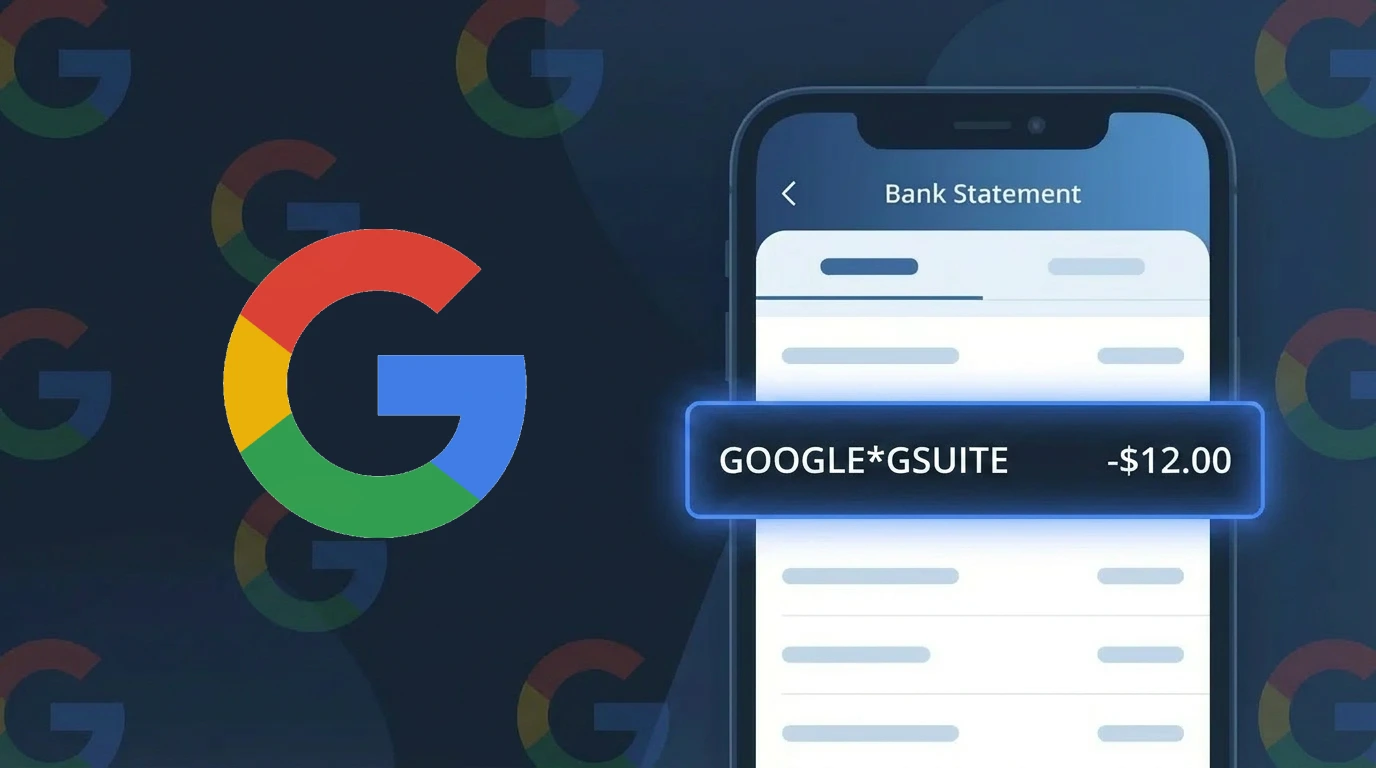
Is GOOGLE*GSUITE a Legitimate Charge?
The GOOGLE*GSUITE charge on your bank or credit card statement is a legitimate billing from GOOGLE for a Google Workspace (formerly G Suite) subscription. This includes business productivity tools such as Gmail, Google Drive, Google Docs, Google Meet, and other enterprise-grade services billed monthly or annually.
Common reasons you may see this charge include:
- An active Google Workspace subscription for your business or personal domain
- A free trial of Google Workspace that has converted to a paid plan
- A subscription purchased by a family member, employee, or colleague using your payment method
- An older G Suite legacy plan that has been migrated to a paid Google Workspace tier
If you do not recognize this charge, it is important to verify your GOOGLE account activity before assuming it is fraudulent, as the billing descriptor GOOGLE*GSUITE is standard for all Google Workspace billing transactions.
How to Verify the GOOGLE*GSUITE Charge
- 1
Sign in to your Google Admin Console
Go to admin.google.com and log in with your GOOGLE account. Navigate to Billing to see your active Google Workspace subscriptions and recent payment history.
- 2
Search your email for GOOGLE receipts
Search your inbox for emails from 'google-workspace-alerts@google.com' or 'noreply@google.com' with subject lines referencing GOOGLE*GSUITE billing or invoices.
- 3
Check all GOOGLE accounts you own
You may have multiple GOOGLE accounts. Visit myaccount.google.com and switch between accounts to check if any have an active Google Workspace subscription tied to your card.
- 4
Ask household or business members
If your card is shared, ask family members or employees whether they signed up for GOOGLE Workspace using your payment method, as admin accounts can add billing info.
- 5
Contact your bank for transaction details
Call the number on the back of your card and ask for the full merchant details on the GOOGLE*GSUITE transaction, including the date, amount, and any merchant ID provided.
How to Dispute a GOOGLE*GSUITE Charge
- 1
Act within 60 days of the charge
Most banks require disputes to be filed within 60 days of the GOOGLE*GSUITE charge appearing on your statement. Acting quickly improves your chances of a successful chargeback.
- 2
Contact GOOGLE support first
Visit support.google.com/a and contact GOOGLE Workspace billing support. Explain the unauthorized or incorrect GOOGLE*GSUITE charge and request a refund directly from GOOGLE before escalating.
- 3
File a chargeback with your bank
If GOOGLE does not resolve the issue, contact your bank or credit card issuer to file a formal chargeback dispute. Reference the GOOGLE*GSUITE descriptor and provide any supporting email documentation.
- 4
Request a new card number
If you suspect your card details were used fraudulently to pay for a GOOGLE Workspace account you never created, ask your bank to issue a new card to prevent future unauthorized GOOGLE*GSUITE charges.
Tips for Managing GOOGLE*GSUITE Charges
Set up GOOGLE billing alerts so you receive an email every time a GOOGLE*GSUITE charge is processed to your card.
Review your Google Workspace subscription plan annually to ensure you are only paying for the number of user licenses you actually need.
Secure your GOOGLE Admin account with two-factor authentication to prevent unauthorized users from adding billing methods or upgrading plans.
Note whether your GOOGLE*GSUITE plan is billed monthly or annually so unexpected renewal charges do not catch you off guard.
Use a dedicated business card for GOOGLE*GSUITE billing so personal and business charges stay separate and easier to track.
Use WhatIsThisCharge.net to identify related charges from GOOGLE that may appear alongside GOOGLE*GSUITE on your statement.
Frequently Asked Questions About GOOGLE*GSUITE
🔍 Decode this charge instantly
Search our database for GOOGLE*GSUITE and similar charges.
Decode GOOGLE*GSUITE →Was this article helpful?