Why You're Seeing "GOOGLE*STORAGE" on Your Bank Statement
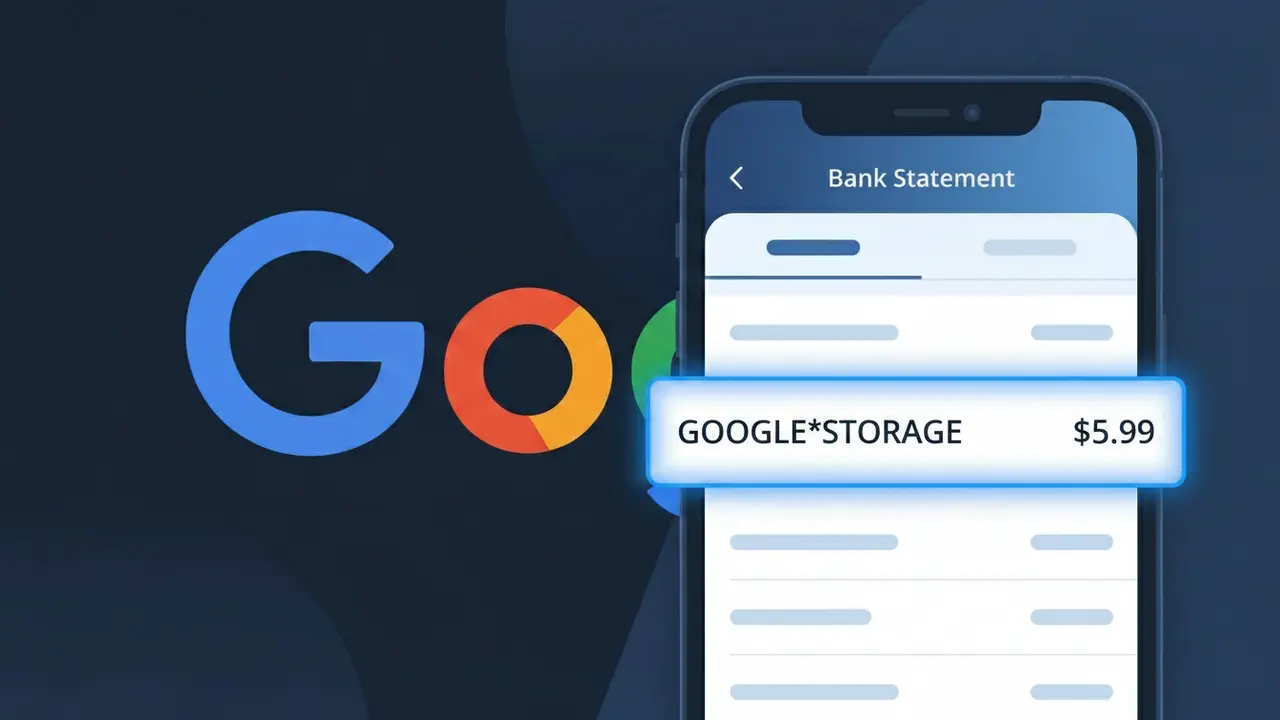
Why You're Seeing "GOOGLE*STORAGE" on Your Bank Statement
The GOOGLE*STORAGE charge on your bank statement comes from Google One, Google's cloud storage subscription service. This charge appears when you're paying for a Google One plan that gives you expanded storage across Gmail, Google Drive, and Google Photos beyond the free 15GB limit. Google bills this recurring subscription monthly or annually depending on the plan you chose when signing up. If you see this charge and don't recognize it, it's possible a family member set up a plan or you signed up during a free trial that has since ended.
Google uses the shortened descriptor GOOGLE*STORAGE on bank statements as a compact billing identifier that links the charge to Google's storage product rather than displaying the full Google One brand name. Payment processors often truncate or simplify merchant names to fit character limits on bank statement entries, which is why you see GOOGLE*STORAGE instead of something like 'Google One Subscription.' The asterisk between GOOGLE and STORAGE is a common formatting convention used by Google across many of its billing descriptors to separate the company name from the specific product or service being charged.
Is the GOOGLE*STORAGE Charge Legitimate or Fraud?
The GOOGLE*STORAGE charge on your bank or credit card statement is almost always a legitimate billing from Google One Storage, Google's paid cloud storage subscription service. This charge appears when you've subscribed to a Google One plan to expand your storage beyond the free 15GB limit shared across Gmail, Google Drive, and Google Photos.
- You or a family member signed up for a Google One Storage plan (100GB, 200GB, 2TB, etc.)
- Your free Google storage was exceeded and you opted into a paid tier
- A Google One family group member added storage that bills to your payment method
- A free trial for Google One Storage recently ended and auto-renewed to a paid subscription
How to Verify the GOOGLE*STORAGE Charge
- 1
Check your Google One account
Visit one.google.com and sign in to confirm your active Google One Storage plan and see the exact billing amount matching your GOOGLE*STORAGE charge.
- 2
Search your email for receipts
Search your Gmail inbox for 'Google One' or 'Google Storage' to find official billing receipts that should match the GOOGLE*STORAGE transaction date and amount.
- 3
Check household or family members
Google One Storage allows family sharing — ask household members if they joined your Google One family group, which could explain the GOOGLE*STORAGE charge on your account.
- 4
Review your Google subscriptions
Go to myaccount.google.com > Payments & subscriptions > Manage subscriptions to see all active Google One Storage plans tied to your Google account.
- 5
Contact your bank for details
If you still can't verify the GOOGLE*STORAGE charge, ask your bank for the exact merchant ID or transaction details to confirm it originated from Google One Storage.
How to Dispute a GOOGLE*STORAGE Charge
- 1
Act within 60 days
Most banks require disputes to be filed within 60 days of the GOOGLE*STORAGE charge appearing on your statement, so don't delay if you believe it's unauthorized or incorrect.
- 2
Contact Google One Storage first
Visit support.google.com or the Google One app and request a refund directly — Google One Storage sometimes issues refunds for recent charges, especially within 48 hours of billing.
- 3
File a chargeback with your bank
If Google One Storage denies your refund request, contact your bank or card issuer to dispute the GOOGLE*STORAGE charge as unauthorized and provide any supporting documentation.
- 4
Request a new card number
If you suspect fraud behind the GOOGLE*STORAGE charge, ask your bank for a replacement card to prevent further unauthorized Google One Storage billing to your old card number.
Tips for Managing Google One Storage Charges
Set a billing alert in your bank app to flag GOOGLE*STORAGE charges the moment they post.
Keep a record of your Google One Storage plan tier and renewal date to anticipate charges.
Secure your Google account with 2FA to prevent unauthorized Google One Storage subscriptions.
Note whether your Google One Storage plan bills monthly or annually to avoid surprise charges.
Regularly audit family members on your Google One plan to avoid unexpected shared billing.
Use WhatIsThisCharge.net to identify related charges like GOOGLE*GSUITE or GOOGLE*PLAY.
Frequently Asked Questions About the GOOGLE*STORAGE Charge
ℹ️ Note
In most cases, the GOOGLE*STORAGE charge is a routine, expected billing from Google One Storage for your cloud storage plan — simply log into one.google.com to confirm your subscription and put any concerns to rest.
🔍 Decode this charge instantly
Search our database for GOOGLE*STORAGE and similar charges.
Decode GOOGLE*STORAGE →Was this article helpful?