Why You're Seeing "HOTSTAR*" on Your Bank Statement
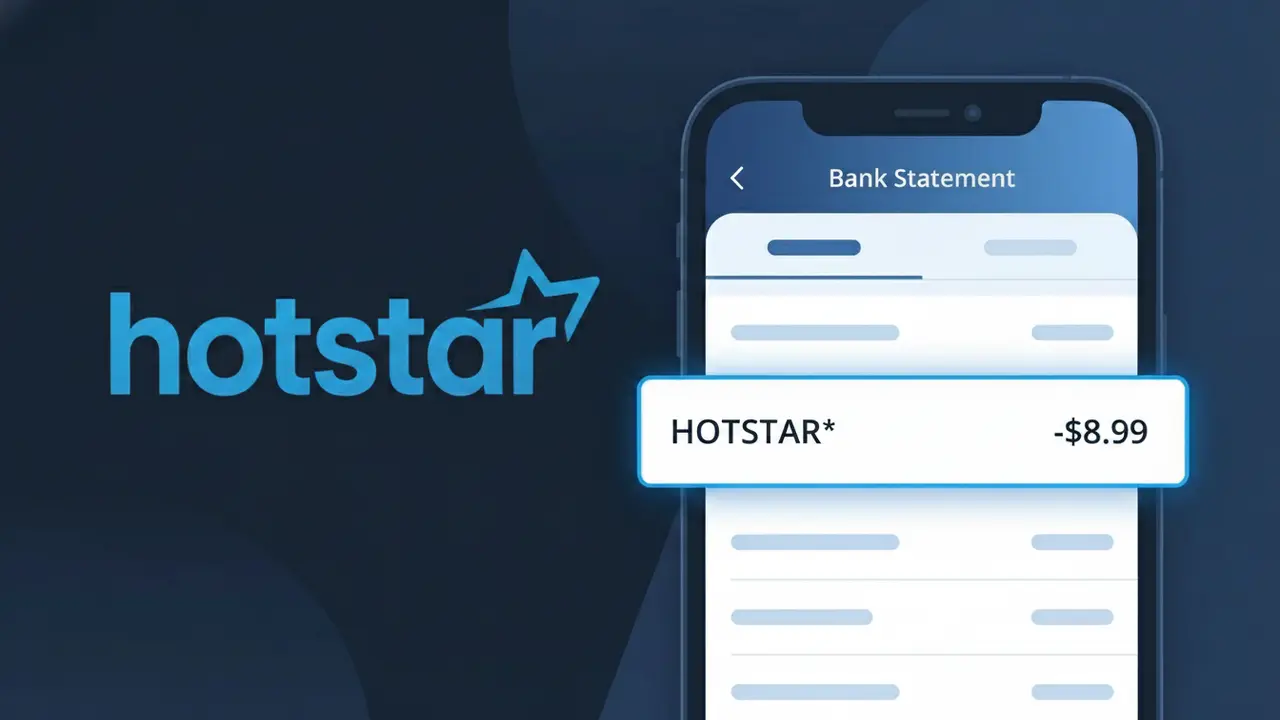
Why You're Seeing "HOTSTAR*" on Your Bank Statement
A charge labeled HOTSTAR* on your bank statement comes from Disney+ Hotstar, India's leading streaming platform offering a vast library of movies, TV shows, live sports, and Disney content. This charge typically represents a subscription payment for one of Disney+ Hotstar's premium plans, which provide access to Bollywood films, international series, IPL cricket, and exclusive Disney+ originals. The asterisk following HOTSTAR* is a common billing convention used to indicate a subscription-based or recurring charge. If you or someone with access to your account signed up for a Disney+ Hotstar plan, this is the expected charge you will see on your statement.
The descriptor HOTSTAR* appears on your bank statement because Disney+ Hotstar uses a shortened version of its platform name when processing payments through its billing system, which is common practice among large streaming services to fit within character limits imposed by payment processors. The "HOTSTAR" portion reflects the platform's original brand identity before its merger with Disney+, and the asterisk typically signals a recurring subscription transaction. Rather than displaying the full "Disney+ Hotstar" name, the payment gateway registers the truncated HOTSTAR* code, which is what your bank ultimately records and displays.
Is the HOTSTAR* Charge Legitimate or Fraud?
If you've spotted HOTSTAR* on your bank or credit card statement, this charge almost certainly comes from Disney+ Hotstar, the popular streaming service offering Disney, Marvel, Star Wars, ESPN, and local Hotstar content. Disney+ Hotstar uses the abbreviated merchant descriptor HOTSTAR* when processing subscription payments, so this is a recognized and expected billing label. Before assuming fraud, consider the following common reasons this charge appears:
- You or a family member signed up for a Disney+ Hotstar monthly or annual subscription plan
- Your free trial period ended and Disney+ Hotstar automatically converted it to a paid subscription
- You upgraded your Disney+ Hotstar plan (e.g., from Mobile to Premium tier), triggering a new billing cycle
- A household member used your payment details to subscribe to Disney+ Hotstar independently
How to Verify the HOTSTAR* Charge
- 1
Log into your Disney+ Hotstar account
Visit hotstar.com or open the Disney+ Hotstar app and navigate to Account > Subscription to see your active plan and billing date. The amount should match what you see on your statement under HOTSTAR*.
- 2
Search your email for receipts
Search your inbox for emails from Disney+ Hotstar or noreply@hotstar.com. Every HOTSTAR* billing event should have a corresponding confirmation email with the exact charge amount.
- 3
Check household members
Ask family members or roommates whether they signed up for Disney+ Hotstar using your shared payment method, since the HOTSTAR* charge may have been initiated by someone else in your home.
- 4
Review your subscriptions list
On iOS, check Settings > Apple ID > Subscriptions; on Android, check Google Play > Subscriptions to see if Disney+ Hotstar is listed as an active or recently renewed subscription billed through those platforms.
- 5
Contact your bank for details
Call the number on the back of your card and ask for the full merchant name and transaction ID associated with the HOTSTAR* charge. Your bank can confirm whether the payment was processed by Disney+ Hotstar.
How to Dispute a HOTSTAR* Charge
- 1
Act within 60 days
Most banks require you to dispute an unrecognized HOTSTAR* charge within 60 days of the statement date. Act quickly to preserve your right to a chargeback under consumer protection rules.
- 2
Contact Disney+ Hotstar support first
Reach out to Disney+ Hotstar customer support at hotstar.com/in/help or via in-app chat before disputing with your bank. Disney+ Hotstar can often resolve billing errors or issue refunds faster than a formal chargeback process.
- 3
File a chargeback with your bank
If Disney+ Hotstar support cannot resolve the issue, contact your bank or card issuer and formally dispute the HOTSTAR* charge. Provide your statement, any email correspondence with Disney+ Hotstar, and the transaction date as evidence.
- 4
Request a new card number
If you suspect your card details were used fraudulently to subscribe to Disney+ Hotstar without your consent, ask your bank to cancel the card and issue a new one to prevent future unauthorized HOTSTAR* charges.
Tips for Managing Disney+ Hotstar Charges
Set a calendar reminder before your Disney+ Hotstar renewal date so HOTSTAR* charges never surprise you.
Save your Disney+ Hotstar confirmation emails to easily match them against future HOTSTAR* statement entries.
Enable two-factor authentication on your Disney+ Hotstar account to prevent unauthorized plan upgrades.
Switch to an annual Disney+ Hotstar plan to see one HOTSTAR* charge per year instead of monthly entries.
Use a virtual card number for your Disney+ Hotstar subscription to limit exposure if your details are compromised.
Use WhatIsThisCharge.net to identify related charges that may appear alongside HOTSTAR* on your statement.
Frequently Asked Questions About the HOTSTAR* Charge
ℹ️ Note
In most cases, a HOTSTAR* charge is simply Disney+ Hotstar billing your card for an active subscription — often a plan renewal that slipped your mind or a trial that converted to paid. Verifying your Disney+ Hotstar account takes less than a minute and will usually clear up any confusion immediately.
🔍 Decode this charge instantly
Search our database for HOTSTAR* and similar charges.
Decode HOTSTAR* →Was this article helpful?