Why You're Seeing "HUNGERSTATION*" on Your Bank Statement
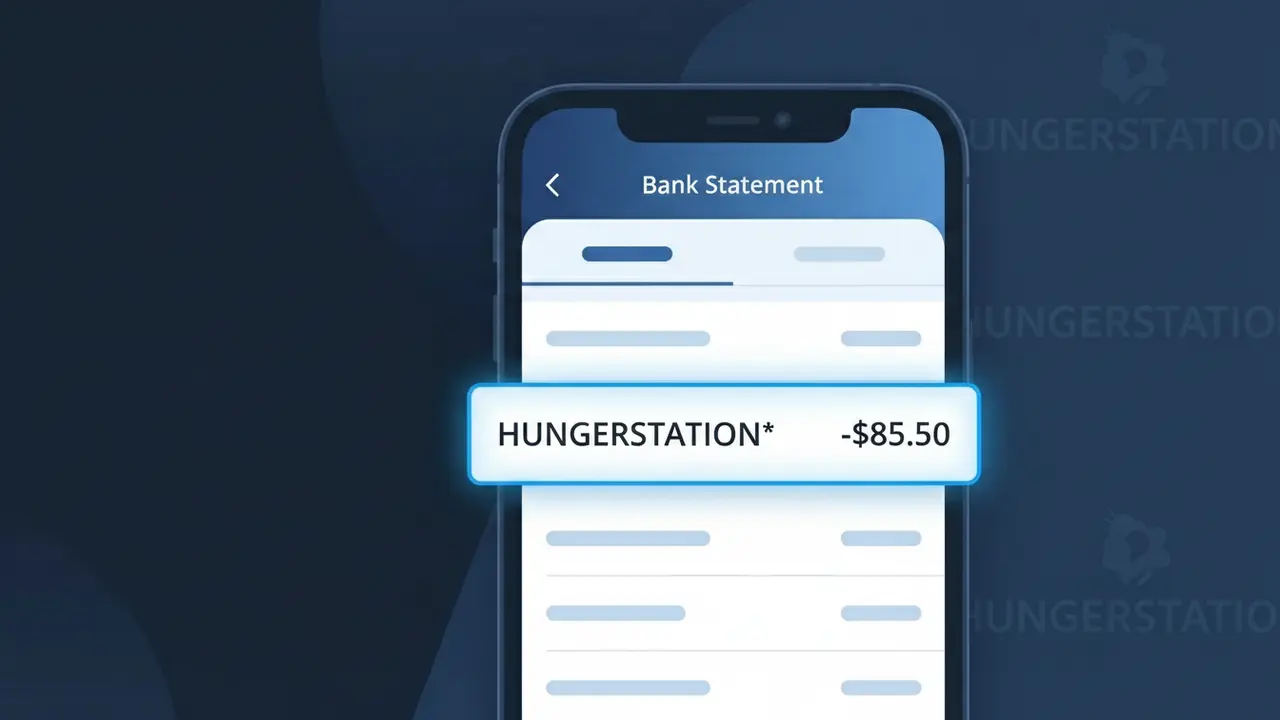
Why You're Seeing "HUNGERSTATION*" on Your Bank Statement
A charge showing HUNGERSTATION* on your bank statement comes from HungerStation, one of Saudi Arabia's leading food delivery platforms. This charge appears when you order food through the HungerStation app or website, connecting you with restaurants across the Kingdom of Saudi Arabia. The asterisk following the descriptor may be accompanied by additional characters such as an order number or partial merchant reference. If you recently ordered a meal or placed a delivery through HungerStation, this charge is simply the payment being processed for that transaction.
The HUNGERSTATION* descriptor appears on your bank statement because payment processors often use a shortened or coded version of a merchant's name rather than their full brand title. HungerStation registers this truncated identifier with card networks like Visa and Mastercard, which is then passed along to your bank exactly as submitted. This is a standard practice across online and app-based food delivery services, and the descriptor is unique enough to confirm the charge originates specifically from HungerStation in Saudi Arabia.
Is the HUNGERSTATION* Charge Legitimate or Fraud?
If you see HUNGERSTATION* on your bank or credit card statement, it is most likely a legitimate charge from HungerStation, one of the leading food delivery platforms operating in Saudi Arabia and the wider Middle East. This descriptor appears whenever you place a food order or pay for a subscription through the HungerStation app or website. However, if you don't recognize the charge, it's worth investigating before concluding it's fraud.
- You or a family member recently ordered food through the HungerStation app or website
- You have an active HungerStation Pro subscription that renews automatically each month
- A saved payment method on HungerStation was used for a scheduled or repeat order
- Someone with access to your device placed an order using your linked payment card on HungerStation
How to Verify the HUNGERSTATION* Charge
- 1
Check your HungerStation order history
Log into your HungerStation account on the app or at hungerstation.com, navigate to 'My Orders,' and match the charge amount and date to a recent food delivery order.
- 2
Search your email for HungerStation receipts
Look in your inbox for order confirmation or receipt emails from HungerStation. Search for 'HungerStation' or 'hungerstation.com' to find matching transactions.
- 3
Check household or shared device users
Ask family members or anyone with access to your phone or saved payment cards whether they placed a food order through HungerStation recently.
- 4
Review your HungerStation Pro subscription
If you signed up for HungerStation Pro, check your subscription settings in the app — recurring monthly subscription fees will also appear as HUNGERSTATION* on your statement.
- 5
Contact your bank for details
If you still cannot verify the HUNGERSTATION* charge, call your bank and ask for the exact transaction date, amount, and any additional merchant reference codes to help identify it.
How to Dispute a HUNGERSTATION* Charge
- 1
Act within 60 days of the charge
Most banks require you to dispute an unauthorized HUNGERSTATION* charge within 60 days of the statement date, so act quickly once you identify a suspicious transaction.
- 2
Contact HungerStation support first
Reach out to HungerStation's customer support through the app or their website before escalating. They can often resolve billing errors, duplicate charges, or unauthorized orders faster than a bank dispute.
- 3
File a chargeback with your bank
If HungerStation does not resolve the issue, contact your bank or card issuer to file a formal chargeback for the HUNGERSTATION* charge, providing any supporting order details or correspondence.
- 4
Request a new card number
If you suspect your card details were stolen and used on HungerStation without your knowledge, ask your bank to cancel the compromised card and issue a replacement with a new number.
Tips for Managing HungerStation Charges
Enable push notifications in the HungerStation app so you're alerted immediately every time a charge is made.
Regularly review your HungerStation order history to ensure all HUNGERSTATION* charges on your statement match actual orders.
Secure your HungerStation account with a strong, unique password and enable two-factor authentication to prevent unauthorized orders.
Note your HungerStation Pro subscription renewal date so recurring HUNGERSTATION* billing charges never come as a surprise.
Use a virtual card number for HungerStation payments to limit exposure if your card details are ever compromised.
Use WhatIsThisCharge.net to identify related charges or variations of the HUNGERSTATION* descriptor on your statement.
Frequently Asked Questions About the HUNGERSTATION* Charge
ℹ️ Note
In most cases, a HUNGERSTATION* charge is simply HungerStation processing payment for a recent food delivery order or a recurring Pro subscription — often placed by you or someone in your household. A quick check of your HungerStation order history will usually clear up the mystery in seconds.
🔍 Decode this charge instantly
Search our database for HUNGERSTATION* and similar charges.
Decode HUNGERSTATION* →Was this article helpful?