Why You're Seeing "ICLOUD" on Your Bank Statement
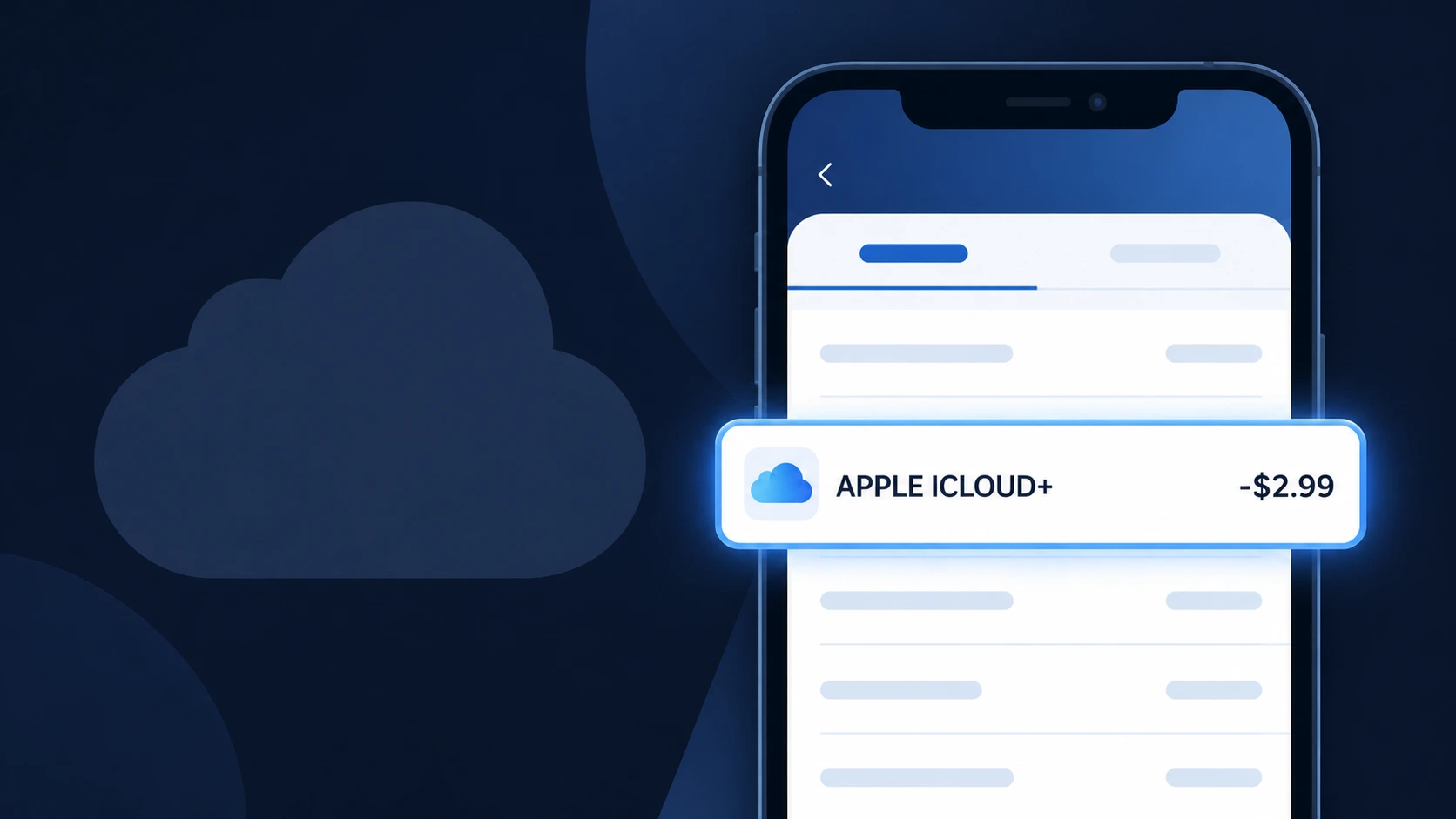
Is the ICLOUD Charge Legitimate or Fraud?
If you see a charge labeled ICLOUD on your bank or credit card statement, it is most likely a legitimate billing from Apple's iCloud cloud storage and services platform. Apple charges users monthly or annually for iCloud+ storage plans that exceed the free 5GB tier. However, unauthorized ICLOUD charges can appear if your Apple ID has been compromised or if a family member has upgraded a shared plan.
- You signed up for an iCloud+ storage plan (50GB, 200GB, or 2TB)
- A Family Sharing member upgraded or added an iCloud subscription
- Your Apple ID was used without your knowledge to purchase iCloud storage
- You recently switched Apple devices and iCloud auto-renewed your plan
How to Verify the ICLOUD Charge
- 1
Check your Apple ID account
Sign in at appleid.apple.com and navigate to 'Payment & Shipping' to review all recent ICLOUD billing activity tied to your Apple ID.
- 2
Search your email for receipts
Look in your inbox for emails from no_reply@email.apple.com — Apple always sends a receipt when an ICLOUD charge is processed.
- 3
Check Family Sharing members
Open Settings > [Your Name] > Family Sharing on your iPhone or iPad to see if another family member triggered an ICLOUD storage upgrade.
- 4
Review iCloud subscription details
On your iPhone, go to Settings > [Your Name] > iCloud > Manage Account Storage to confirm your current ICLOUD plan and billing date.
- 5
Contact your bank
If you cannot match the ICLOUD charge to any Apple account activity, call the number on the back of your card and ask for transaction details.
How to Dispute an ICLOUD Charge
- 1
Act within 60 days
Most banks require disputes to be filed within 60 days of the statement date, so act quickly if you believe the ICLOUD charge is unauthorized or erroneous.
- 2
Contact Apple/iCloud first
Visit reportaproblem.apple.com, sign in with your Apple ID, find the ICLOUD charge, and request a refund directly — Apple often resolves billing issues within 48 hours.
- 3
File a chargeback with your bank
If Apple denies your refund request, contact your bank or card issuer and formally dispute the ICLOUD charge as unauthorized, providing your Apple correspondence as evidence.
- 4
Request a new card
If you suspect your card was fraudulently used for ICLOUD charges, ask your bank to issue a new card number to prevent future unauthorized Apple billing.
Tips for Managing ICLOUD Charges
Enable purchase notifications in your Apple ID settings so you're alerted every time an ICLOUD charge is processed.
Regularly review your iCloud storage plan at appleid.apple.com to avoid surprise ICLOUD billing upgrades.
Secure your Apple ID with two-factor authentication to prevent unauthorized ICLOUD purchases on your account.
Note your iCloud renewal date — ICLOUD annual plans auto-renew and can appear as larger unexpected charges.
If sharing a Family plan, set up Ask to Buy to approve any iCloud-related purchases before they result in an ICLOUD charge.
Use WhatIsThisCharge.net to identify related charges that may appear alongside your ICLOUD billing.
Frequently Asked Questions About ICLOUD Charges
Was this article helpful?