Why You're Seeing "INDEED*" on Your Bank Statement
Why You're Seeing "INDEED*" on Your Bank Statement
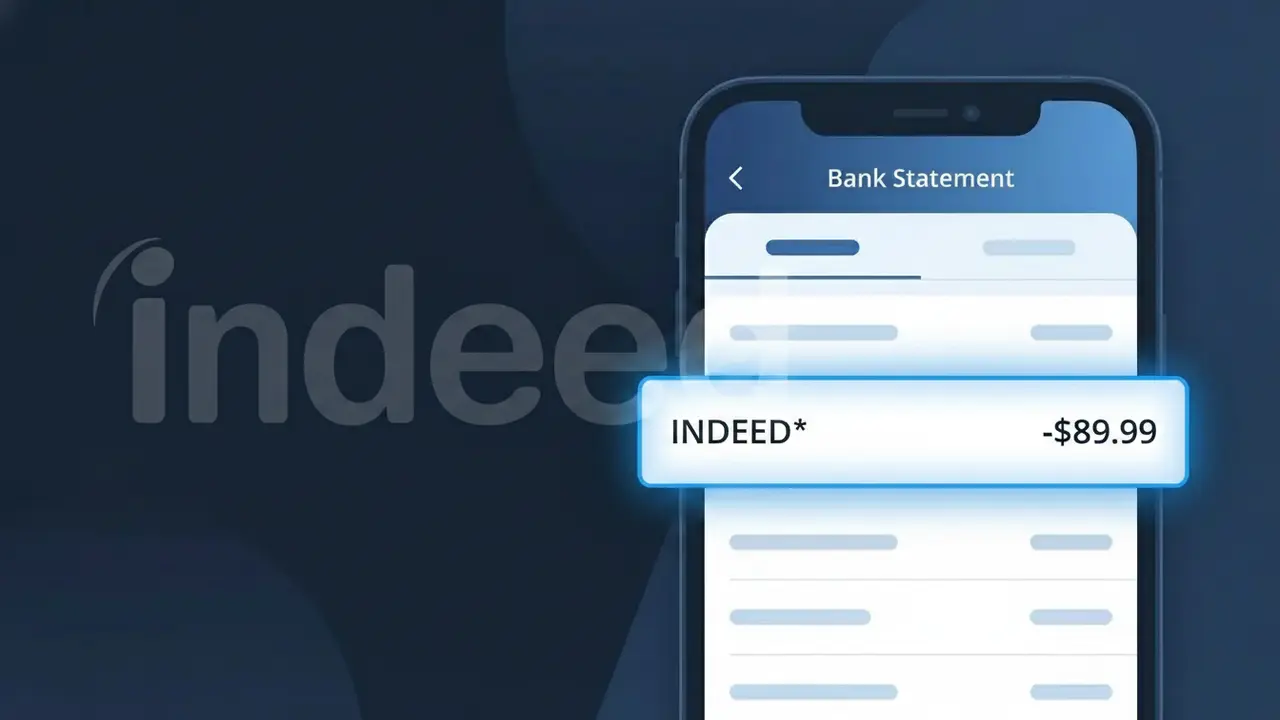
A charge labeled INDEED* on your bank statement comes from Indeed, one of the world's largest online job search and recruiting platforms. This charge typically represents a subscription to Indeed's resume database access or one of their employer recruiting tools, such as Indeed Resume or a sponsored job posting plan. Indeed uses this descriptor format when billing for their premium SaaS services aimed at employers and HR professionals looking to hire talent. If you or someone with access to your payment method manages job postings or recruits candidates through Indeed, this charge is almost certainly tied to that activity.
The INDEED* descriptor appears on your bank statement because Indeed's payment processing system uses a shortened version of their company name followed by an asterisk, which is a common formatting convention used by many subscription-based services to indicate a recurring billing relationship. The asterisk often precedes additional text that may describe the specific product or plan tier, though this detail can be truncated depending on your bank's display limits. This abbreviated format is standard practice for merchant billing descriptors registered with card payment networks like Visa and Mastercard.
Is the INDEED* Charge Legitimate or Fraud?
The INDEED* charge on your bank or credit card statement is most commonly a legitimate billing from Indeed, the world's largest job search platform. Indeed charges employers for sponsored job postings, resume access, and other recruiting tools under this descriptor. Common reasons you may see this charge include:
- You purchased a sponsored job posting on Indeed to attract candidates
- You subscribed to Indeed's Resume or Smart Sourcing plan for employer recruiting
- Your Indeed pay-per-click (PPC) sponsored job campaign reached its billing threshold
- A team member or HR colleague set up an Indeed employer account using your payment method
How to Verify the INDEED* Charge
- 1
Log into your Indeed Employer account
Visit employers.indeed.com and sign in. Navigate to 'Billing & Payments' to see if an INDEED* charge matches your recent activity or invoice.
- 2
Search your email for Indeed receipts
Search your inbox for emails from billing@indeed.com or noreply@indeed.com. Indeed sends receipts for every charge, which should match the INDEED* amount exactly.
- 3
Check with colleagues or household members
Ask coworkers in HR or recruitment if they set up an Indeed employer account linked to a shared company card, which could explain an unexpected INDEED* charge.
- 4
Review your active Indeed job postings
Log into your Indeed dashboard and check for any active sponsored postings or resume subscriptions. Pay-per-click campaigns on Indeed can trigger charges automatically when thresholds are hit.
- 5
Contact your bank for more details
If you still can't identify the INDEED* charge, ask your bank for the full merchant descriptor and transaction ID, which can help Indeed's billing support trace the charge.
How to Dispute an INDEED* Charge
- 1
Act within 60 days of the charge
Most banks require disputes to be filed within 60 days of the INDEED* charge appearing on your statement. Don't wait — gather your evidence as soon as you spot an unrecognized charge.
- 2
Contact Indeed's billing support first
Reach out to Indeed at support.indeed.com or call their employer support line. Indeed can often issue a refund or clarify the INDEED* charge faster than a bank dispute.
- 3
File a chargeback with your bank
If Indeed cannot resolve the issue, contact your bank or card issuer to dispute the INDEED* charge. Provide your email receipts, account screenshots, and any correspondence with Indeed as evidence.
- 4
Request a new card number if fraud is suspected
If the INDEED* charge appears fraudulent and you didn't create an Indeed account, ask your bank to issue a replacement card to prevent any further unauthorized charges.
Tips for Managing Indeed Charges
Set a billing alert in your Indeed employer dashboard so you're notified before an INDEED* charge is processed.
Download your Indeed invoices monthly and store them — they make it easy to match any INDEED* charge on your statement.
Use a dedicated company card for your Indeed account to keep INDEED* charges separate from personal expenses.
Note your Indeed billing cycle date so you can anticipate when INDEED* charges will appear each month.
Enable two-factor authentication on your Indeed employer account to prevent unauthorized sponsored postings and surprise INDEED* charges.
Use WhatIsThisCharge.net to identify any related or unfamiliar charges that appear alongside INDEED* on your statement.
Frequently Asked Questions About the INDEED* Charge
ℹ️ Note
In most cases, the INDEED* charge is a routine billing from Indeed for an active sponsored job posting or employer subscription — often set up during a hiring push and forgotten. A quick check of your Indeed employer dashboard will usually confirm the charge within minutes.
Was this article helpful?