Why You're Seeing "JIRA*" on Your Bank Statement
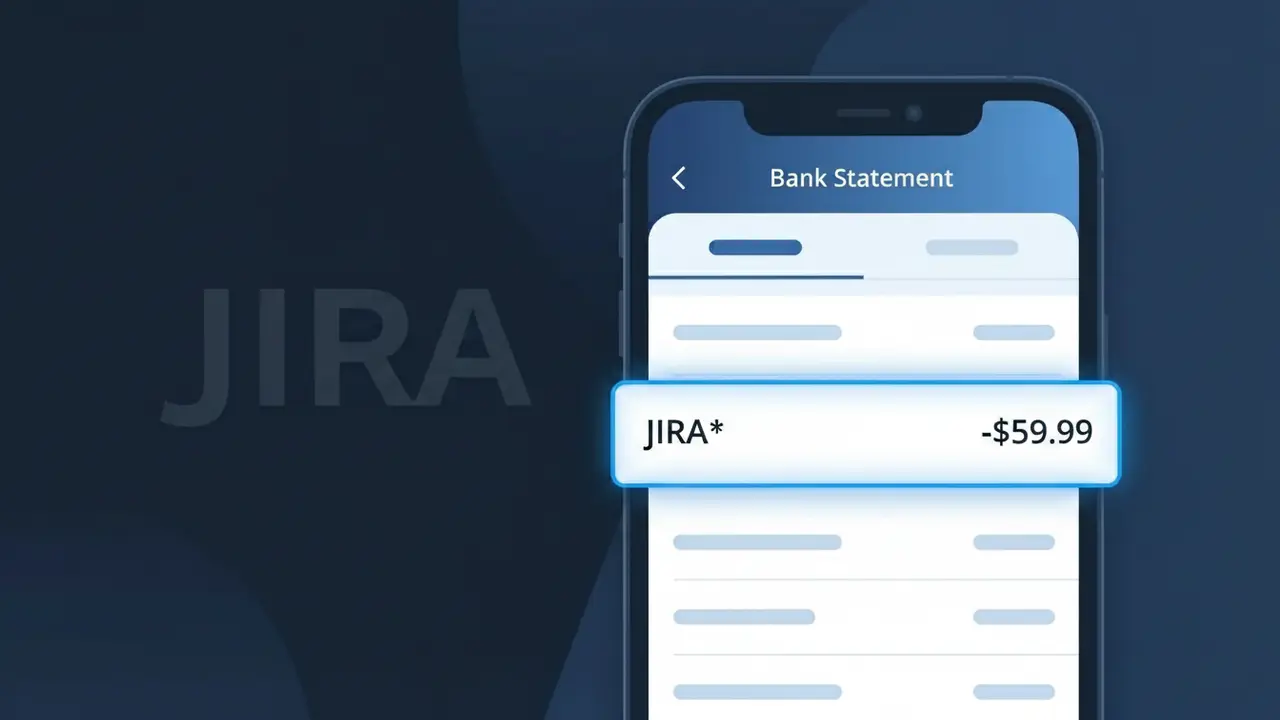
Why You're Seeing "JIRA*" on Your Bank Statement
A charge showing JIRA* on your bank statement comes from Atlassian, the software company behind the popular Jira project management platform. This charge typically represents a subscription payment for Jira Software, Jira Work Management, or Jira Service Management, which are widely used by development teams and businesses to track tasks, bugs, and projects. Atlassian bills users on a monthly or annual basis depending on the plan selected, and the JIRA* descriptor is how the transaction appears in your transaction history. If you or someone at your organization signed up for a Jira plan, this is the expected recurring charge for that service.
The JIRA* descriptor appears on your bank statement because Atlassian uses a shortened product-level billing identifier rather than their full corporate name when processing payments. Many SaaS companies like Atlassian use product-specific codes to help differentiate charges across their suite of tools, which can include Confluence, Trello, and Jira. This means the charge may not immediately be recognizable as Atlassian, even though that is the company that issued the billing.
Is the JIRA* Charge Legitimate or Fraud?
The JIRA* charge on your bank or credit card statement is almost always a legitimate billing from Jira by Atlassian, the popular project management and issue-tracking SaaS platform used by software teams worldwide. Atlassian uses the truncated descriptor JIRA* for subscription payments, which can appear unfamiliar even to active users. Common legitimate reasons you may see this charge include:
- An active Jira Software, Jira Work Management, or Jira Service Management subscription billed monthly or annually
- A plan upgrade or seat expansion triggered by adding new team members to your Atlassian organization
- A free trial that converted to a paid Jira by Atlassian subscription without a prominent renewal reminder
- A teammate or IT administrator who signed up for Jira under a shared company card on file
How to Verify the JIRA* Charge
- 1
Log into your Atlassian account
Visit id.atlassian.com and sign in to review your active Jira by Atlassian subscriptions and recent invoices under Billing settings.
- 2
Search your email for receipts
Search your inbox for emails from 'no-reply@atlassian.com' or 'billing@atlassian.com' — Jira by Atlassian sends a receipt for every JIRA* charge processed.
- 3
Check with household or team members
Ask colleagues or anyone with access to your card if they signed up for or upgraded a Jira by Atlassian plan, as team admins can trigger JIRA* charges.
- 4
Review your Atlassian subscription details
Inside your Atlassian admin portal, go to 'Billing' then 'Subscriptions' to see the exact plan, billing date, and amount that matches the JIRA* charge.
- 5
Contact your bank for transaction details
Ask your bank for the full merchant descriptor and transaction ID for the JIRA* charge, which can help Atlassian support locate the exact billing record.
How to Dispute a JIRA* Charge
- 1
Act within 60 days
Most banks require disputes to be filed within 60 days of the JIRA* charge appearing on your statement, so do not delay investigating the charge.
- 2
Contact Jira by Atlassian support first
Reach out at support.atlassian.com before filing a chargeback — Atlassian's billing team can often resolve unauthorized or duplicate JIRA* charges quickly with a refund.
- 3
File a chargeback with your bank
If Jira by Atlassian cannot resolve the issue, contact your bank or card issuer to formally dispute the JIRA* charge and provide any email receipts or account screenshots as evidence.
- 4
Request a new card number
If you suspect your card details were used fraudulently to purchase a Jira by Atlassian plan, ask your bank to issue a new card to prevent further unauthorized JIRA* charges.
Tips for Managing Jira by Atlassian Charges
Enable Atlassian billing alerts so you're notified by email before every JIRA* renewal charge hits your card.
Download your Jira by Atlassian invoices monthly from the admin portal to reconcile JIRA* charges against your budget.
Limit Atlassian admin access so only authorized personnel can change plans or add seats that trigger new JIRA* charges.
Note your Jira by Atlassian renewal date and mark your calendar 7 days before to review or cancel before the next JIRA* charge.
Use a virtual card number for your Jira by Atlassian subscription to limit fraud exposure tied to JIRA* billing.
Use WhatIsThisCharge.net to identify any other unfamiliar Atlassian-related charges alongside JIRA*.
Frequently Asked Questions About the JIRA* Charge
ℹ️ Note
The JIRA* charge is most commonly a routine, legitimate billing from Jira by Atlassian — often a forgotten subscription or a team plan renewal. A quick login to your Atlassian account will typically clear up the mystery in minutes.
Was this article helpful?