Why You're Seeing "KAYO SPORTS*" on Your Bank Statement
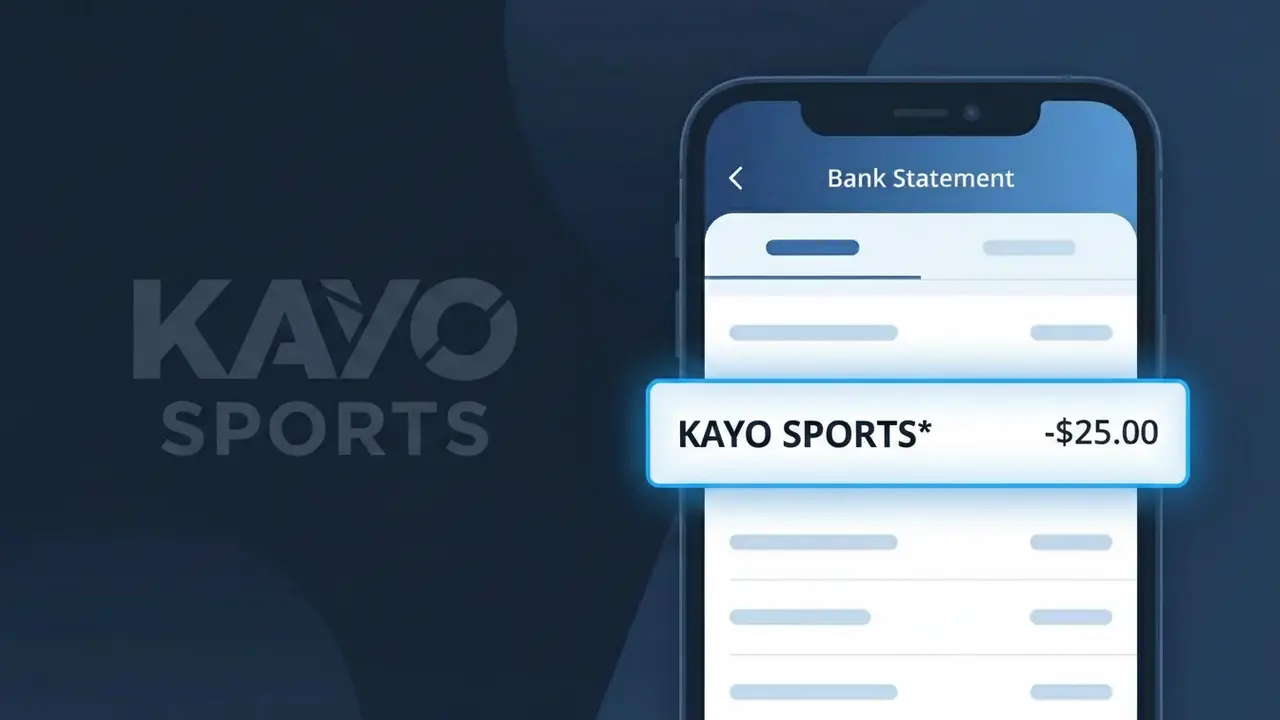
Why You're Seeing "KAYO SPORTS*" on Your Bank Statement
The KAYO SPORTS* charge on your bank statement is a subscription fee from Kayo Sports, Australia's leading sports streaming platform. This charge appears when you have an active Kayo Sports membership, giving you access to live and on-demand coverage of AFL, NRL, cricket, Formula 1, and hundreds of other sports. The asterisk following 'KAYO SPORTS*' is a common billing convention used to indicate a recurring subscription transaction. If you see this charge, it most likely corresponds to your monthly or annual Kayo Sports plan.
The descriptor KAYO SPORTS* appears on your bank statement because this is the standardised merchant billing code that Kayo Sports registers with payment processors and financial institutions. Streaming services like Kayo often use a shortened or slightly modified version of their brand name to fit within character limits imposed by banking transaction systems. The asterisk (*) typically signals that the charge is a recurring subscription, helping banks and cardholders identify it as an ongoing billing arrangement rather than a one-time purchase.
Is the KAYO SPORTS* Charge Legitimate or Fraud?
If you see KAYO SPORTS* on your bank or credit card statement, it is almost certainly a legitimate charge from Kayo Sports, Australia's leading sports streaming platform. Kayo Sports uses this billing descriptor when processing subscription payments, so seeing it does not automatically indicate fraud.
- You or a household member signed up for a Kayo Sports Basic, Essential, or Premium plan
- A free trial period on Kayo Sports has ended and billing has now commenced automatically
- Your Kayo Sports subscription has renewed on its monthly or annual billing cycle
- A plan upgrade on Kayo Sports triggered a prorated or full charge under the KAYO SPORTS* descriptor
How to Verify the KAYO SPORTS* Charge
- 1
Log into your Kayo Sports account
Visit kayosports.com.au and sign in. Navigate to 'My Account' then 'Billing' to review your subscription plan and recent payment history.
- 2
Search your email for Kayo Sports receipts
Search your inbox for emails from Kayo Sports or noreply@kayosports.com.au. Billing confirmation emails will match the KAYO SPORTS* charge date and amount.
- 3
Check household members
Ask family members or housemates if they signed up for Kayo Sports using your payment method, as shared billing is a common reason for an unexpected KAYO SPORTS* charge.
- 4
Review your active subscriptions
Check any password managers or subscription tracking apps to see if a Kayo Sports account is linked to your card, especially if you signed up during a promotional offer.
- 5
Contact your bank for details
If you still cannot place the KAYO SPORTS* charge, call your bank to get the full transaction details, including the merchant ID and transaction date, before concluding it is fraudulent.
How to Dispute a KAYO SPORTS* Charge
- 1
Act within 60 days
Most banks require you to dispute an unrecognised KAYO SPORTS* charge within 60 days of the statement date, so act quickly to preserve your chargeback rights.
- 2
Contact Kayo Sports first
Reach out to Kayo Sports support at help.kayosports.com.au. Explain the charge and request a refund — resolving it directly is faster than a bank dispute and may avoid a chargeback process.
- 3
File a chargeback with your bank
If Kayo Sports does not resolve the issue, contact your bank or credit card provider and formally dispute the KAYO SPORTS* charge as unauthorised, providing any supporting correspondence.
- 4
Request a new card number
If you believe your card details were stolen and used for a fraudulent Kayo Sports subscription, ask your bank to cancel and reissue your card to prevent further KAYO SPORTS* charges.
Tips for Managing Kayo Sports Charges
Set a calendar reminder before your Kayo Sports free trial ends to avoid an unexpected KAYO SPORTS* charge.
Save your Kayo Sports billing confirmation emails so you can quickly match any KAYO SPORTS* charge on your statement.
Use a unique email and strong password for your Kayo Sports account to prevent unauthorised access and fraudulent KAYO SPORTS* charges.
Note your Kayo Sports monthly renewal date and check your bank statement around that time each month for the KAYO SPORTS* charge.
Enable bank transaction alerts so you are notified immediately whenever a KAYO SPORTS* charge is processed to your card.
Use WhatIsThisCharge.net to identify any other unfamiliar charges that appear alongside KAYO SPORTS* on your statement.
Frequently Asked Questions About the KAYO SPORTS* Charge
ℹ️ Note
In most cases, a KAYO SPORTS* charge is simply your recurring Kayo Sports streaming subscription renewing as expected — often after a forgotten free trial or a plan signed up by a household member. A quick login to your Kayo Sports account will usually clear up any confusion within minutes.
🔍 Decode this charge instantly
Search our database for KAYO SPORTS* and similar charges.
Decode KAYO SPORTS* →Was this article helpful?