Why You're Seeing "MASTERCLASS*" on Your Bank Statement
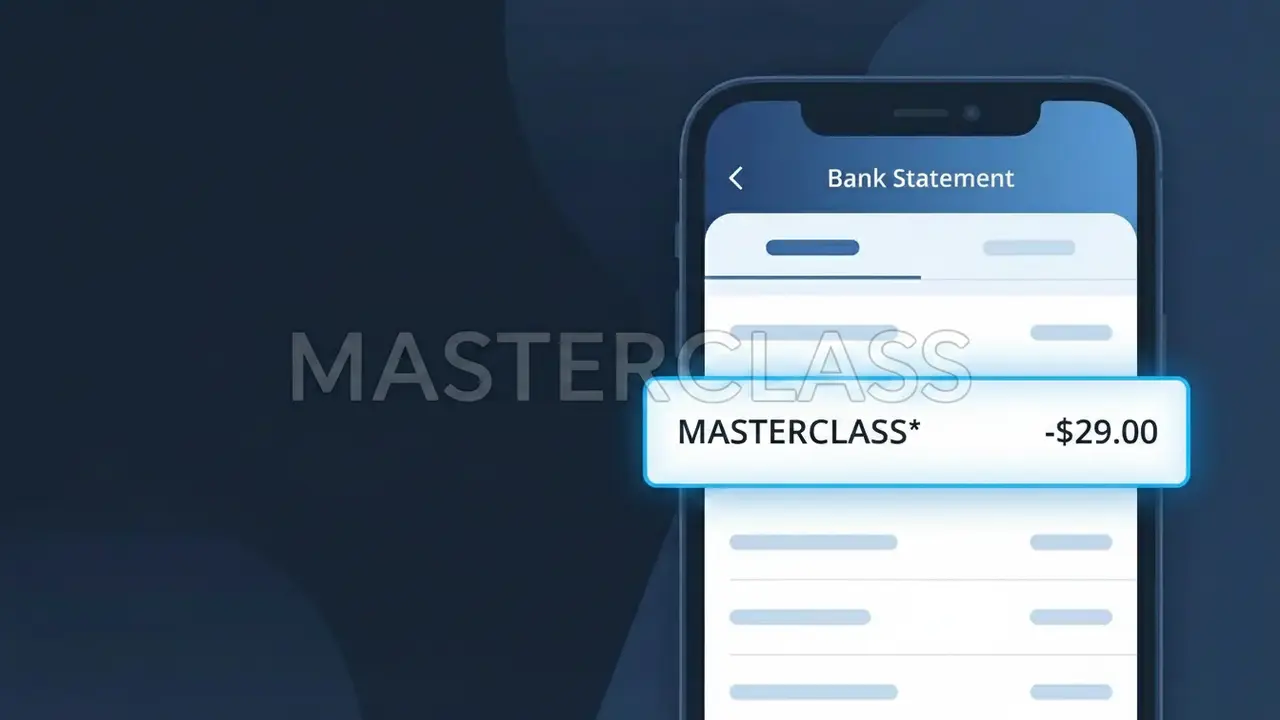
Why You're Seeing "MASTERCLASS*" on Your Bank Statement
The MASTERCLASS* charge on your bank statement comes from MasterClass, a premium online learning platform that offers video courses taught by world-renowned experts, celebrities, and industry leaders. This charge typically represents a subscription fee for access to their extensive library of classes covering topics like cooking, writing, music, business, and more. If you signed up for a MasterClass annual membership, all-access pass, or a free trial that converted to a paid plan, this is the charge you'll see reflected on your statement. It may also appear if someone in your household signed up using your payment method.
The descriptor MASTERCLASS* appears on your bank statement because this is the abbreviated merchant identifier that MasterClass uses when processing payments through their payment gateway. The asterisk following the name is commonly used by subscription-based companies to separate the brand name from additional transaction details, such as a reference number or billing period. Payment processors often truncate or format merchant names in standardized ways, which is why you may not immediately recognize it as your MasterClass subscription.
Is the MASTERCLASS* Charge Legitimate or Fraud?
If you see MASTERCLASS* on your bank or credit card statement, this charge almost certainly comes from MasterClass, the popular online education platform that offers video courses taught by world-renowned instructors. MasterClass bills subscribers using this truncated descriptor, which is standard practice for online merchants processing payments through card networks.
- You or someone in your household recently signed up for a MasterClass annual or monthly subscription
- Your MasterClass free trial period ended and automatically converted to a paid plan
- MasterClass processed your annual subscription renewal, which bills once per year
- You purchased a MasterClass gift subscription or one-time course bundle
How to Verify the MASTERCLASS* Charge
- 1
Log into your MasterClass account
Visit masterclass.com and sign in, then navigate to Settings > Billing to view your payment history and confirm whether a charge matches the MASTERCLASS* amount on your statement.
- 2
Search your email for MasterClass receipts
Search your inbox for emails from 'noreply@masterclass.com' or 'MasterClass' to find subscription confirmation or renewal receipt emails that match the charge date.
- 3
Ask household members
Check with family members or roommates — MasterClass offers household plans, and someone else may have signed up using your shared payment method without your knowledge.
- 4
Review your active subscriptions
Check your phone's App Store or Google Play subscription manager, as well as any password managers, to see if a MasterClass subscription is listed as active.
- 5
Contact your bank for details
Call the number on the back of your card and ask for the full merchant details tied to the MASTERCLASS* transaction, including the date and exact amount, to help confirm its origin.
How to Dispute a MASTERCLASS* Charge
- 1
Act within 60 days
Most banks require disputes to be filed within 60 days of the charge appearing on your statement. Don't delay if you believe the MASTERCLASS* charge is unauthorized or erroneous.
- 2
Contact MasterClass support first
Reach out to MasterClass directly at masterclass.com/help before filing a chargeback — they can often issue a refund faster, especially for accidental renewals or duplicate charges.
- 3
File a chargeback with your bank
If MasterClass support cannot resolve the issue, contact your bank or card issuer to formally dispute the MASTERCLASS* charge. Provide any email receipts or account screenshots as evidence.
- 4
Request a new card number
If the MASTERCLASS* charge appears to be fraudulent and you never had a MasterClass account, ask your bank to issue a replacement card to prevent any further unauthorized charges.
Tips for Managing MasterClass Charges
Set a calendar reminder before your MasterClass annual renewal date to avoid a surprise MASTERCLASS* charge.
Save your MasterClass billing confirmation emails so you can quickly match them to future MASTERCLASS* charges.
Use a unique, secure password for your MasterClass account to prevent unauthorized logins that could lead to unexpected charges.
MasterClass bills annually by default — note your signup date as your recurring MASTERCLASS* charge will appear once per year.
Use a virtual card number for your MasterClass subscription to limit exposure if your payment details are ever compromised.
Use WhatIsThisCharge.net to identify related charges that may appear alongside MASTERCLASS* on your statement.
Frequently Asked Questions About the MASTERCLASS* Charge
ℹ️ Note
In most cases, a MASTERCLASS* charge is simply MasterClass billing your card for an active subscription or annual renewal — logging into masterclass.com and checking your billing history takes less than a minute and will confirm the charge instantly.
🔍 Decode this charge instantly
Search our database for MASTERCLASS* and similar charges.
Decode MASTERCLASS* →Was this article helpful?