Why You're Seeing "MINT*" on Your Bank Statement
Why You're Seeing "MINT*" on Your Bank Statement
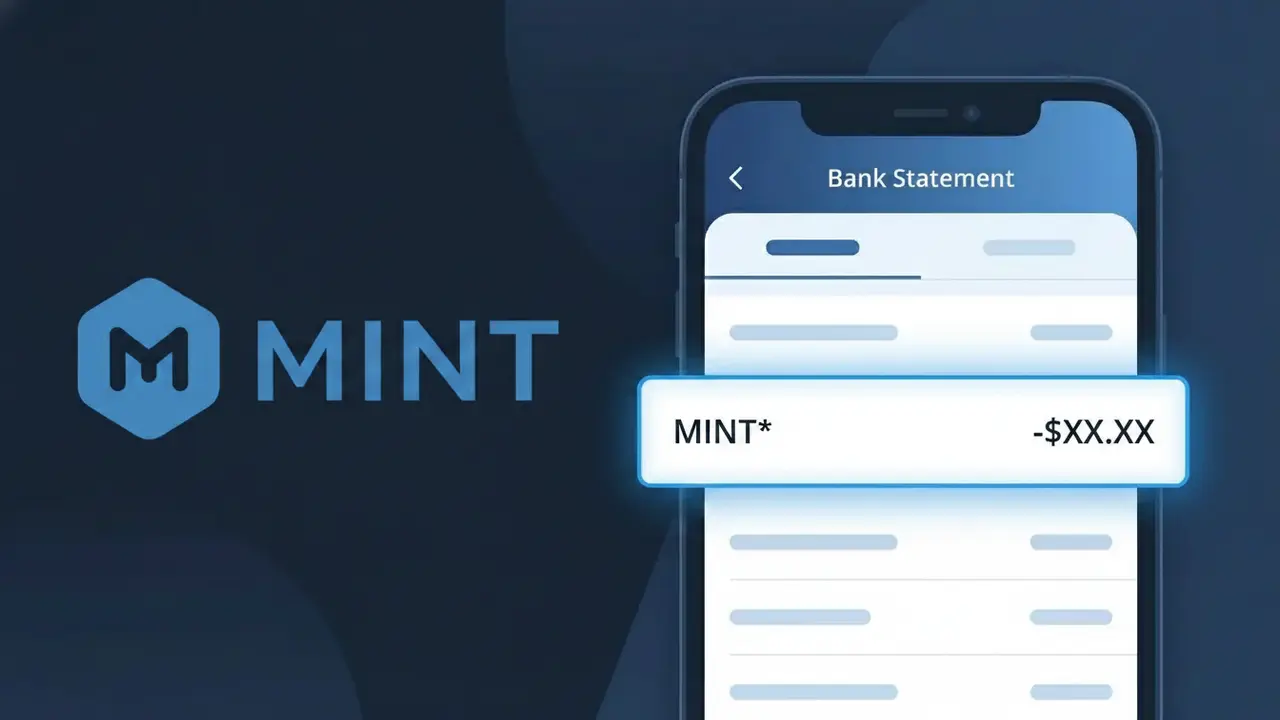
A MINT* charge on your bank statement comes from Mint by Intuit, the popular personal finance tracking application. Mint helps users manage budgets, track spending, monitor credit scores, and view all their financial accounts in one place. If you see MINT* followed by additional characters on your statement, it indicates a subscription or premium feature charge from the Mint platform. Intuit, the parent company behind TurboTax and QuickBooks, operates Mint and processes these payments under this abbreviated descriptor.
The MINT* descriptor appears on bank statements because payment processors often truncate or abbreviate merchant names to fit within the character limits imposed by banking systems. The asterisk following MINT is a common convention used by Intuit to separate the brand name from additional transaction details such as a subscription tier or billing period. This shortened format is standard practice for Intuit products, similar to how their other services like TurboTax also appear with abbreviated descriptors.
Is the MINT* Charge Legitimate or Fraud?
A MINT* charge on your bank or credit card statement is most commonly a legitimate billing from Mint by Intuit, the popular personal finance and budgeting app. If you or someone in your household has signed up for a Mint premium feature or related Intuit service, this charge is likely expected. However, it's always worth verifying if you don't recognize it — here are the most common reasons this charge appears:
- You subscribed to a Mint by Intuit premium plan or credit monitoring service
- A free trial period ended and your account converted to a paid subscription automatically
- A family member or household user signed up for Mint by Intuit using a shared payment method
- An annual Mint by Intuit renewal processed and appeared as a lump-sum MINT* charge
How to Verify the MINT* Charge
- 1
Log into your Mint by Intuit account
Visit mint.intuit.com and sign in to review your subscription status and billing history. Any active paid plan will be listed under your account settings.
- 2
Search your email for receipts
Look for emails from Mint by Intuit or Intuit Inc. with subject lines like 'Your receipt' or 'Subscription confirmation' that match the MINT* charge date and amount.
- 3
Check with household members
Ask family members or anyone with access to your payment method whether they signed up for Mint by Intuit or an Intuit-related financial service recently.
- 4
Review your subscriptions list
Check your device's app subscriptions (iOS or Android) as well as your Intuit account at accounts.intuit.com to see if a Mint by Intuit plan is active.
- 5
Contact your bank for details
If you still can't identify the MINT* charge, call the number on the back of your card. Your bank can provide the full merchant name, transaction date, and location to help confirm the source.
How to Dispute a MINT* Charge
- 1
Act within 60 days
Federal law gives you 60 days from the date the MINT* charge appears on your statement to formally dispute it. Act quickly to preserve your rights under the Fair Credit Billing Act.
- 2
Contact Mint by Intuit support first
Reach out to Mint by Intuit directly at mint.intuit.com/support before escalating. Intuit's billing team can often resolve unauthorized or duplicate MINT* charges faster than a bank dispute.
- 3
File a chargeback with your bank
If Mint by Intuit does not resolve the issue, contact your bank or card issuer to file a formal chargeback for the MINT* charge. Provide any email receipts or account screenshots as evidence.
- 4
Request a new card number
If the MINT* charge appears fraudulent and you did not authorize it, ask your bank to issue a replacement card to prevent any further unauthorized charges to your account.
Tips for Managing Mint by Intuit Charges
Set a billing alert in your bank app to flag any new MINT* charges as soon as they post.
Keep your Mint by Intuit subscription confirmation email so you can match it to future MINT* charges easily.
Log into accounts.intuit.com regularly to review all active Mint by Intuit plans and update payment details.
Note your Mint by Intuit renewal date and mark your calendar so annual MINT* charges never catch you off guard.
Enable two-factor authentication on your Mint by Intuit account to prevent unauthorized subscription changes.
Use WhatIsThisCharge.net to identify any related MINT* or Intuit charges you find on your statement.
Frequently Asked Questions About the MINT* Charge
ℹ️ Note
In most cases, a MINT* charge is a routine and expected billing from Mint by Intuit for a premium subscription or credit monitoring service you or a household member signed up for. A quick login to your Mint by Intuit account is usually all it takes to confirm the charge and put your mind at ease.
Was this article helpful?