Why You're Seeing "MONDAY*" on Your Bank Statement
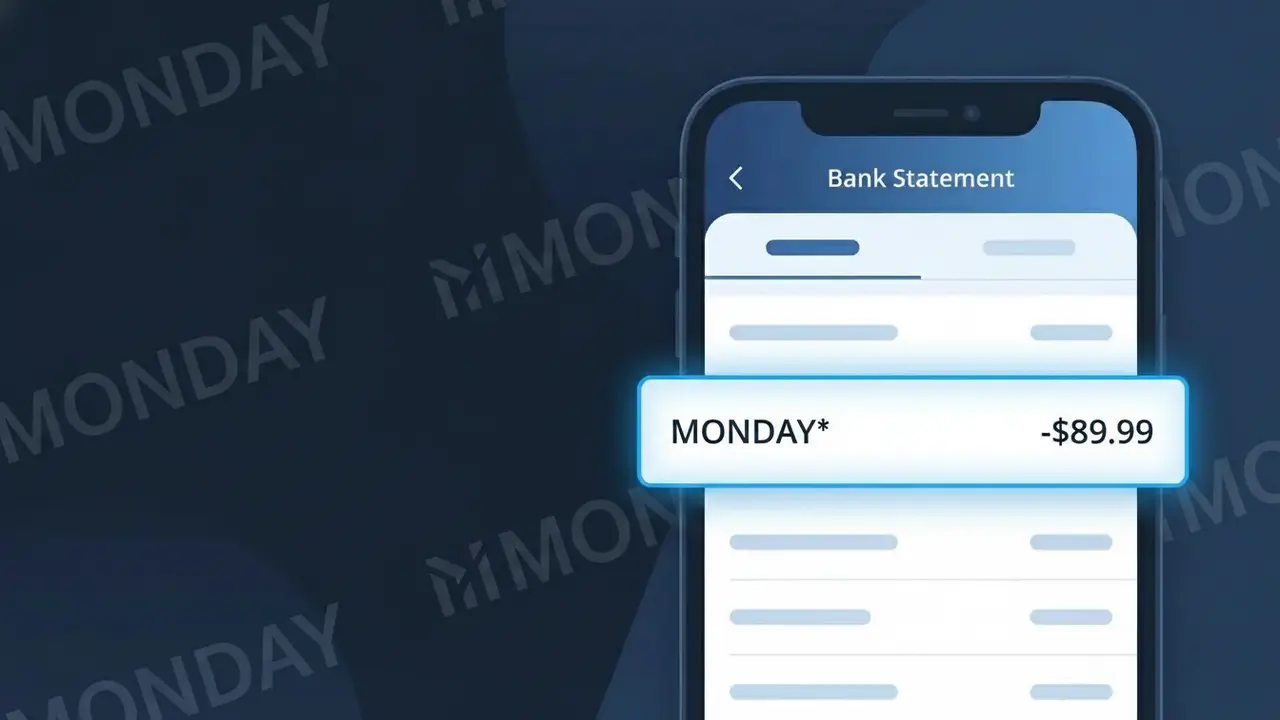
Why You're Seeing "MONDAY*" on Your Bank Statement
A charge showing MONDAY* on your bank statement comes from Monday.com, a popular cloud-based work management and project collaboration platform. This charge typically represents a recurring subscription fee for one of Monday.com's paid plans, which help teams organize tasks, track projects, and streamline workflows. The MONDAY* descriptor appears when Monday.com processes a billing cycle for your account, whether monthly or annually. If you or someone at your organization signed up for a Monday.com workspace, this charge is the expected subscription payment.
The shortened descriptor MONDAY* appears on bank statements because payment processors often truncate merchant names to fit within character limits imposed by card networks like Visa and Mastercard. Monday.com uses this abbreviated billing identifier when submitting charges through their payment gateway, which is why the full company name isn't always visible on your statement. The asterisk following MONDAY is commonly used by merchants to separate a brand identifier from additional billing details such as a plan type or account reference.
Is the MONDAY* Charge Legitimate or Fraud?
The MONDAY* charge appearing on your bank or credit card statement is almost always a legitimate billing from Monday.com, a popular cloud-based work operating system used for project management and team collaboration. Monday.com uses the truncated descriptor MONDAY* for all subscription billing, which is why it may look unfamiliar at first glance. Common reasons you might see this charge include:
- An active Monday.com subscription (Basic, Standard, Pro, or Enterprise plan)
- A free trial that automatically converted to a paid plan
- A seat or user count increase on your team's Monday.com account
- A renewal of an annual or monthly Monday.com subscription you set up previously
How to Verify the MONDAY* Charge
- 1
Log into your Monday.com account
Visit monday.com and sign in. Navigate to Admin > Billing to review your current plan, billing history, and the exact amounts charged to your card.
- 2
Search your email for Monday.com receipts
Search your inbox for emails from billing@monday.com or noreply@monday.com. Monday.com sends receipts for every MONDAY* charge processed.
- 3
Check if a household or team member signed up
Ask colleagues, family members, or team admins if they created a Monday.com workspace using your shared payment method, as MONDAY* charges can originate from any account tied to your card.
- 4
Review your subscription manager
Check Apple ID, Google Play, or PayPal subscriptions if you set up Monday.com billing through a third-party platform — the MONDAY* charge would still appear on your statement.
- 5
Contact your bank for transaction details
Ask your bank for the full merchant details behind the MONDAY* charge, including the merchant ID, to confirm it routes back to Monday.com's payment processor.
How to Dispute a MONDAY* Charge
- 1
Act within 60 days of the charge
Most banks require disputes to be filed within 60 days of the MONDAY* charge appearing on your statement. Don't delay — check your statement dates carefully.
- 2
Contact Monday.com support first
Reach out to Monday.com via support.monday.com before filing a chargeback. Monday.com's billing team can often issue refunds for accidental renewals or duplicate MONDAY* charges faster than a bank dispute.
- 3
File a chargeback with your bank
If Monday.com cannot resolve the issue, contact your bank or card issuer and formally dispute the MONDAY* charge as unauthorized. Provide any email evidence or account screenshots.
- 4
Request a new card number if fraudulent
If you have no connection to Monday.com and the MONDAY* charge is confirmed fraudulent, ask your bank to cancel your card and issue a new one to prevent further unauthorized charges.
Tips for Managing Monday.com Charges
Enable billing notifications in Monday.com to get email alerts before each MONDAY* renewal charge hits your card.
Download invoices from the Monday.com Admin > Billing panel and store them to reconcile future MONDAY* charges easily.
Only one admin should have billing access in Monday.com to avoid surprise MONDAY* charges from unauthorized plan upgrades.
Note your Monday.com renewal date — annual plans auto-renew and the MONDAY* charge can appear as a large unexpected amount.
Use a virtual card number for your Monday.com subscription so you can freeze it without affecting your primary account.
Use WhatIsThisCharge.net to identify related charges like MONDAY* COM or MONDAY*TEAM that may also link to Monday.com.
Frequently Asked Questions About the MONDAY* Charge
ℹ️ Note
In most cases, the MONDAY* charge is a legitimate and expected billing from Monday.com for your active project management subscription — if you or a team member signed up for a free trial or paid plan, this charge is simply your automatic renewal. A quick check of your Monday.com Admin > Billing page will confirm the charge in seconds.
Was this article helpful?