Why You're Seeing "NETFLIX" on Your Bank Statement
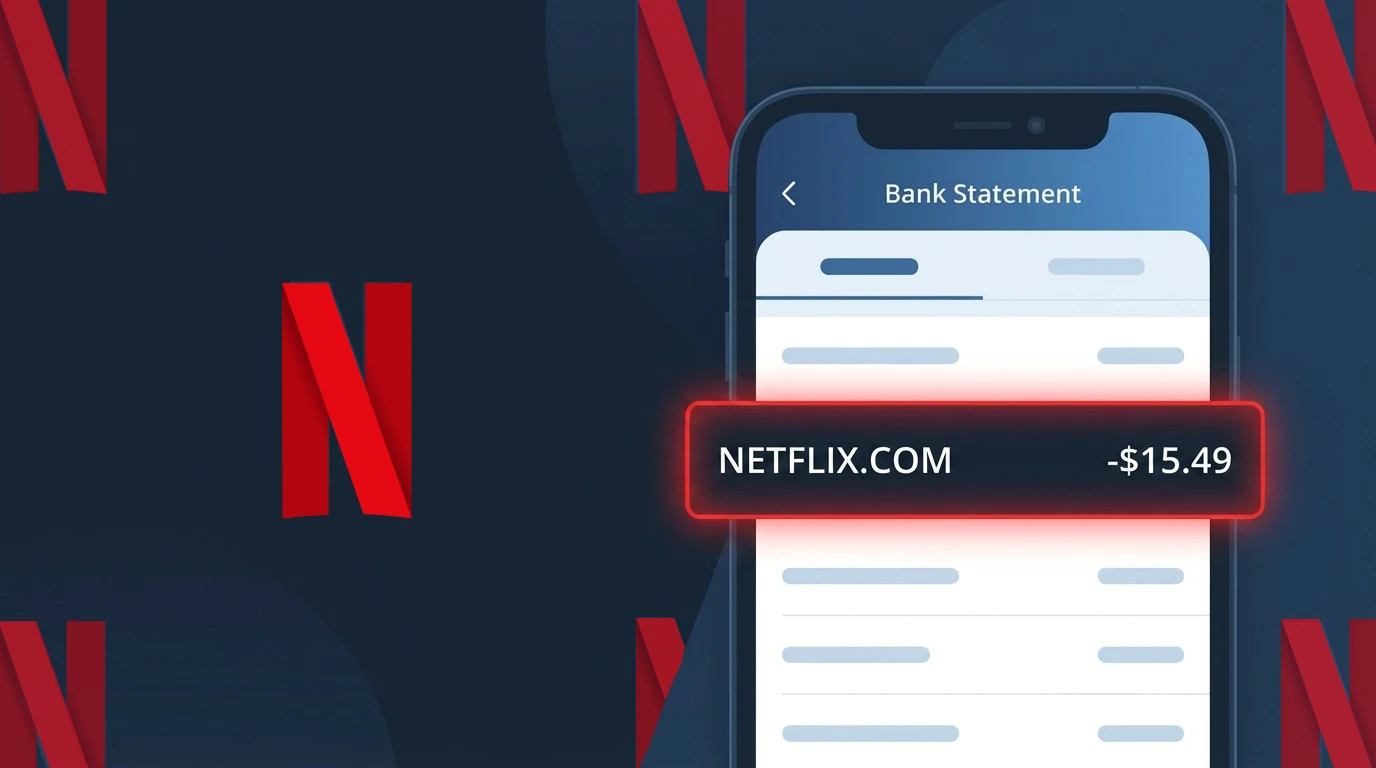
Is the NETFLIX Charge Legitimate or Fraud?
A charge labeled NETFLIX on your bank or credit card statement is almost always a legitimate billing from Netflix, the world's leading video streaming subscription service. Netflix bills subscribers monthly for access to its library of movies, TV shows, and original content. However, it's worth verifying the charge if you don't recall signing up or if the amount seems unexpected.
- Netflix charges appear as NETFLIX or NETFLIX.COM on most bank statements
- Netflix offers multiple plan tiers (Standard with Ads, Standard, and Premium) at different price points
- A free trial or promotional period ending can trigger the first NETFLIX charge unexpectedly
- A family member or someone with access to your payment details may have signed up for Netflix without your knowledge
How to Verify the NETFLIX Charge
- 1
Log into your Netflix account
Visit Netflix.com and sign in. Go to Account Settings to review your active plan, billing date, and the exact amount Netflix charges you each cycle.
- 2
Search your email for Netflix receipts
Search your inbox for emails from 'info@account.netflix.com'. Netflix sends a payment confirmation email every time a billing cycle renews.
- 3
Check household members
Ask family members or roommates if they signed up for Netflix using your payment method, especially if your card was recently shared or saved on a shared device.
- 4
Review your active subscriptions
Check your phone's App Store or Google Play subscription list to see if a Netflix subscription is active and linked to your account there instead of Netflix directly.
- 5
Contact your bank for transaction details
Call the number on the back of your card and ask for the full merchant details on the NETFLIX charge, including the transaction date and exact merchant ID.
How to Dispute a NETFLIX Charge
- 1
Act within 60 days of the charge
Most banks require disputes to be filed within 60 days of the statement date. Don't wait — locate the NETFLIX charge on your statement and act quickly.
- 2
Contact Netflix customer support first
Visit help.netflix.com or call Netflix at 1-866-579-7172. Netflix can verify account activity and may issue a refund directly, which is faster than a bank dispute.
- 3
File a chargeback with your bank
If Netflix won't resolve it, contact your bank or card issuer to file a formal chargeback. Provide the NETFLIX charge amount, date, and reason for the dispute.
- 4
Request a new card number
If you suspect unauthorized use of your card for a Netflix subscription, ask your bank to issue a new card number to prevent any further NETFLIX charges from occurring.
Tips for Managing NETFLIX Charges
Set a calendar reminder before your Netflix billing date to review your plan and avoid surprise NETFLIX charges.
Check your Netflix plan tier regularly — upgrading or downgrading changes the NETFLIX charge amount on your statement.
Use a unique password for your Netflix account to prevent unauthorized users from changing your plan or billing details.
Netflix bills on the same date each month — note your billing date in Netflix Account Settings to track charges easily.
Use a virtual card number for your Netflix subscription to isolate NETFLIX charges and protect your main account.
Use WhatIsThisCharge.net to identify related charges that may appear alongside your NETFLIX billing.
Frequently Asked Questions About the NETFLIX Charge
Was this article helpful?