Why You're Seeing "NORDVPN" on Your Bank Statement
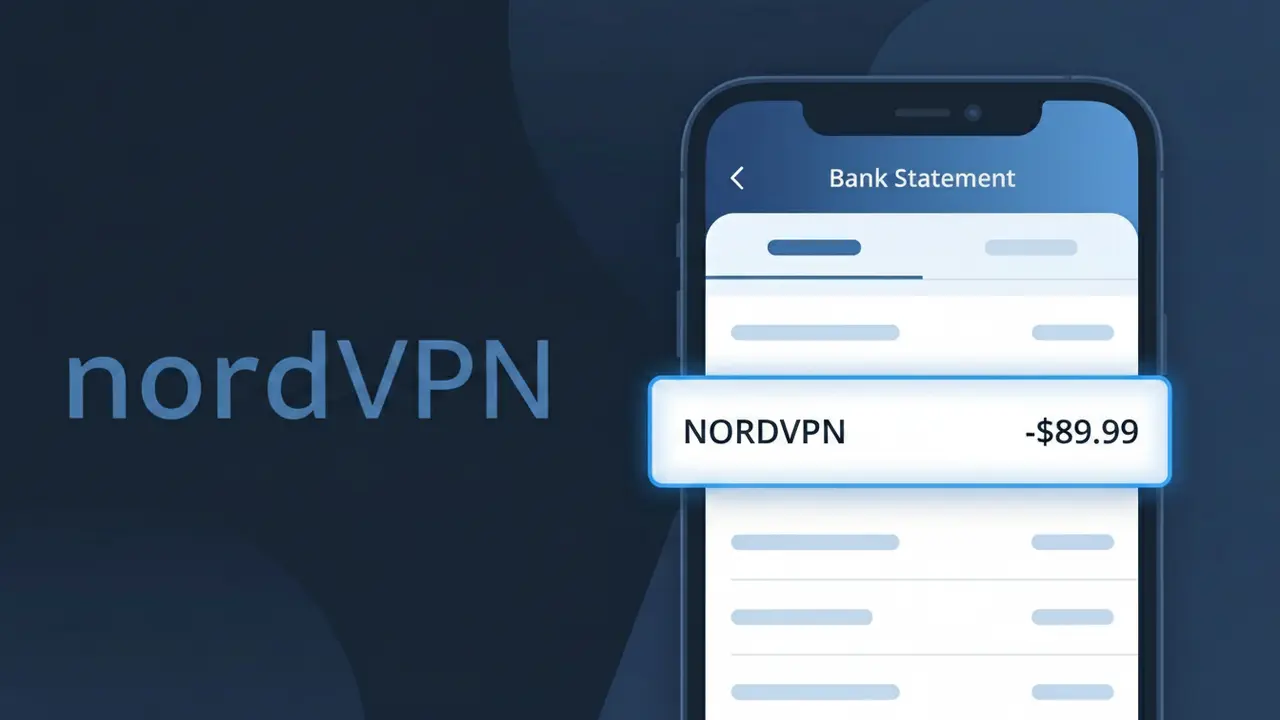
Is the NORDVPN Charge Legitimate or Fraud?
If you see a charge labeled NORDVPN on your bank or credit card statement, it is most likely a legitimate subscription charge from NordVPN, one of the world's most popular virtual private network (VPN) services. NordVPN offers monthly, yearly, and multi-year subscription plans, and the charge will appear as NORDVPN when billed through their payment processor.
Common reasons you may see this charge include:
- You signed up for a NordVPN subscription directly at nordvpn.com
- Your NordVPN free trial ended and auto-renewal kicked in
- A family member or household resident purchased a NordVPN plan using your card
- You renewed an annual or multi-year NordVPN plan you may have forgotten about
That said, if you do not recognize the charge at all, it is worth investigating — fraudsters occasionally use familiar brand names. Always verify before disputing.
How to Verify the NORDVPN Charge
- 1
Log into your NordVPN account
Visit nordvpn.com and sign in. Navigate to 'My Account' and then 'Billing' to view your active subscription and recent payment history to confirm the charge matches.
- 2
Search your email for NordVPN receipts
Search your inbox for emails from NordVPN (noreply@nordvpn.com or support@nordvpn.com). NordVPN sends a receipt or renewal reminder every time a payment is processed.
- 3
Check the charge amount against NordVPN plans
NordVPN's pricing varies by plan — monthly plans run around $12.99/month, while annual plans bill a lump sum. Cross-reference the charge amount with current NordVPN pricing at nordvpn.com.
- 4
Ask household members
NordVPN allows up to 6 simultaneous device connections, making it a popular family purchase. Check with family members or roommates to see if someone signed up using your payment method.
- 5
Contact NordVPN support
If you still cannot identify the charge, reach out to NordVPN's 24/7 live chat support at nordvpn.com/contact-us. They can look up any account associated with your email or payment details.
How to Dispute a NORDVPN Charge
- 1
Act within 60 days of the charge
Most banks require you to dispute unauthorized charges within 60 days of the statement date. If you spot an unexpected NORDVPN charge, act quickly to preserve your right to a chargeback.
- 2
Contact NordVPN directly first
NordVPN offers a 30-day money-back guarantee on new subscriptions. Contact their support at nordvpn.com/contact-us — resolving it directly is often faster than going through your bank.
- 3
File a chargeback with your bank
If NordVPN does not resolve the issue, call the number on the back of your card and report the NORDVPN charge as unauthorized. Provide the date, amount, and any communication with NordVPN support.
- 4
Request a new card number
If you believe your card details were used fraudulently to purchase NordVPN, ask your bank to issue a new card number to prevent any future unauthorized NORDVPN charges.
Tips for Managing NORDVPN Charges
Enable NordVPN renewal email alerts so you're notified before your subscription auto-renews.
Save your NordVPN receipt emails to a folder for easy reference if a charge ever looks unfamiliar.
Keep your NordVPN account login credentials saved so you can quickly verify billing details anytime.
Note your NordVPN renewal date — annual plans renew once a year and can catch you off guard.
Use a virtual card number for your NordVPN subscription to limit exposure if your details are compromised.
Use WhatIsThisCharge.net to identify related charges that may appear alongside your NORDVPN billing.
Frequently Asked Questions About the NORDVPN Charge
Was this article helpful?