Why You're Seeing "NOTION" on Your Bank Statement
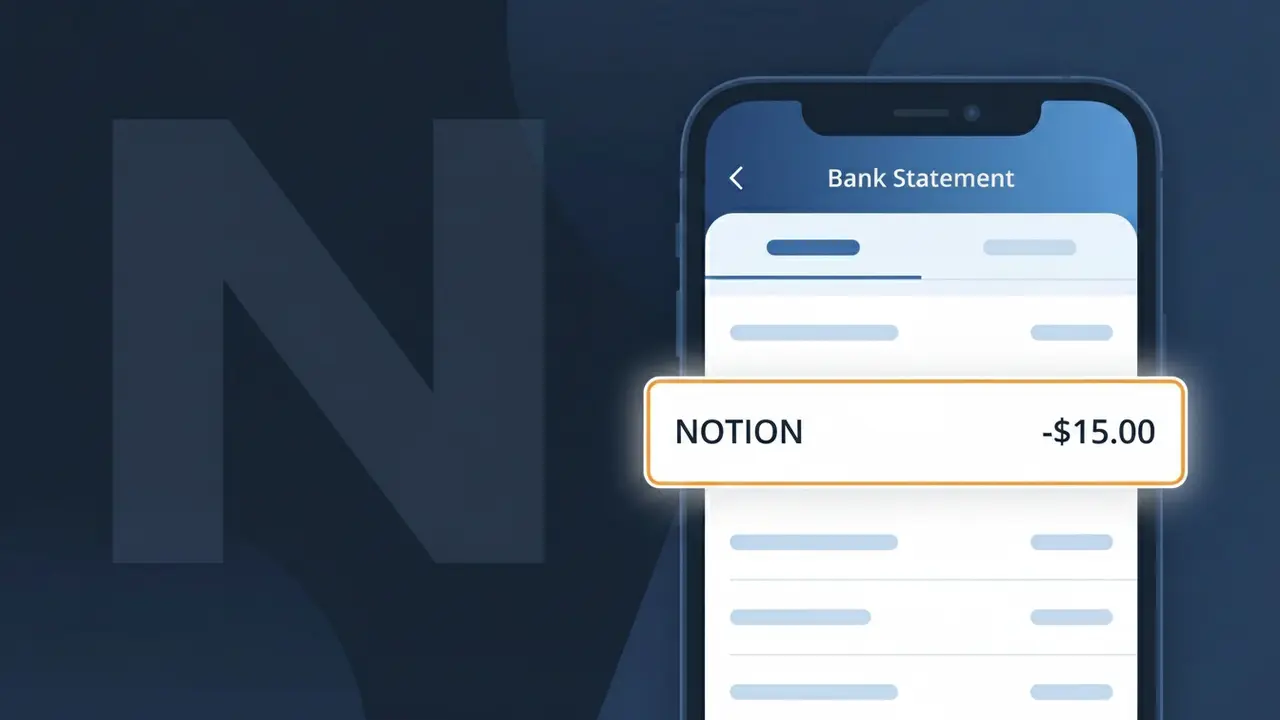
Is the NOTION Charge Legitimate or Fraud?
If you see a charge labeled NOTION on your bank or credit card statement, it is most likely a legitimate billing from Notion (notion.so), the popular all-in-one productivity and note-taking platform. Notion charges users for its Personal Pro, Team, or Business subscription plans on a monthly or annual basis.
- Notion offers a free tier, but paid plans (Plus, Business, Enterprise) trigger recurring charges
- The charge descriptor on your statement will typically appear as NOTION or NOTION.SO
- Annual plan subscribers may see a larger lump-sum charge once per year from Notion
- Workspace admins may be billed for multiple seats, resulting in higher-than-expected Notion charges
How to Verify the NOTION Charge
- 1
Log into your Notion account
Visit notion.so and sign in. Navigate to Settings & Members > Plans to confirm your current Notion subscription tier and billing amount.
- 2
Search your email for Notion receipts
Search your inbox for emails from 'billing@makenotion.com' or 'notion.so'. Notion sends a receipt email every time a charge is processed.
- 3
Check if a household member signed up
Ask family members or colleagues if they created a Notion workspace and linked it to a shared payment method you own.
- 4
Review your subscription manager
Check Apple Subscriptions or Google Play if you signed up for Notion via a mobile app, as the charge may route through those platforms instead.
- 5
Contact your bank for transaction details
Ask your bank for the full merchant descriptor and transaction ID for the NOTION charge to confirm it originates from notion.so.
How to Dispute a NOTION Charge
- 1
Act within 60 days
Credit card chargeback rights typically require you to dispute an unrecognized NOTION charge within 60 days of the statement date, so act promptly.
- 2
Contact Notion support first
Reach out to Notion directly at notion.so/contact or email support@makenotion.com. Notion may issue a refund for accidental charges or duplicate billing quickly.
- 3
File a chargeback with your bank
If Notion does not resolve the issue, call the number on the back of your card and formally dispute the NOTION charge, providing any email evidence you have.
- 4
Request a new card number
If the NOTION charge appears fraudulent and you did not authorize it, ask your bank to cancel your card and issue a new one to prevent future unauthorized charges.
Tips for Managing NOTION Charges
Enable Notion billing email alerts so you're notified before each renewal charge hits your bank account.
Check your Notion workspace member count regularly — each added member increases your monthly bill.
Secure your Notion account with a strong password and 2FA to prevent unauthorized workspace upgrades.
Note your Notion billing cycle date in your calendar to anticipate and budget for renewal charges.
Use a virtual card number for your Notion subscription to limit exposure if your payment details are compromised.
Use WhatIsThisCharge.net to identify related charges that may appear alongside your NOTION billing.
Frequently Asked Questions About the NOTION Charge
Was this article helpful?