Why You're Seeing "PADDLE" on Your Bank Statement
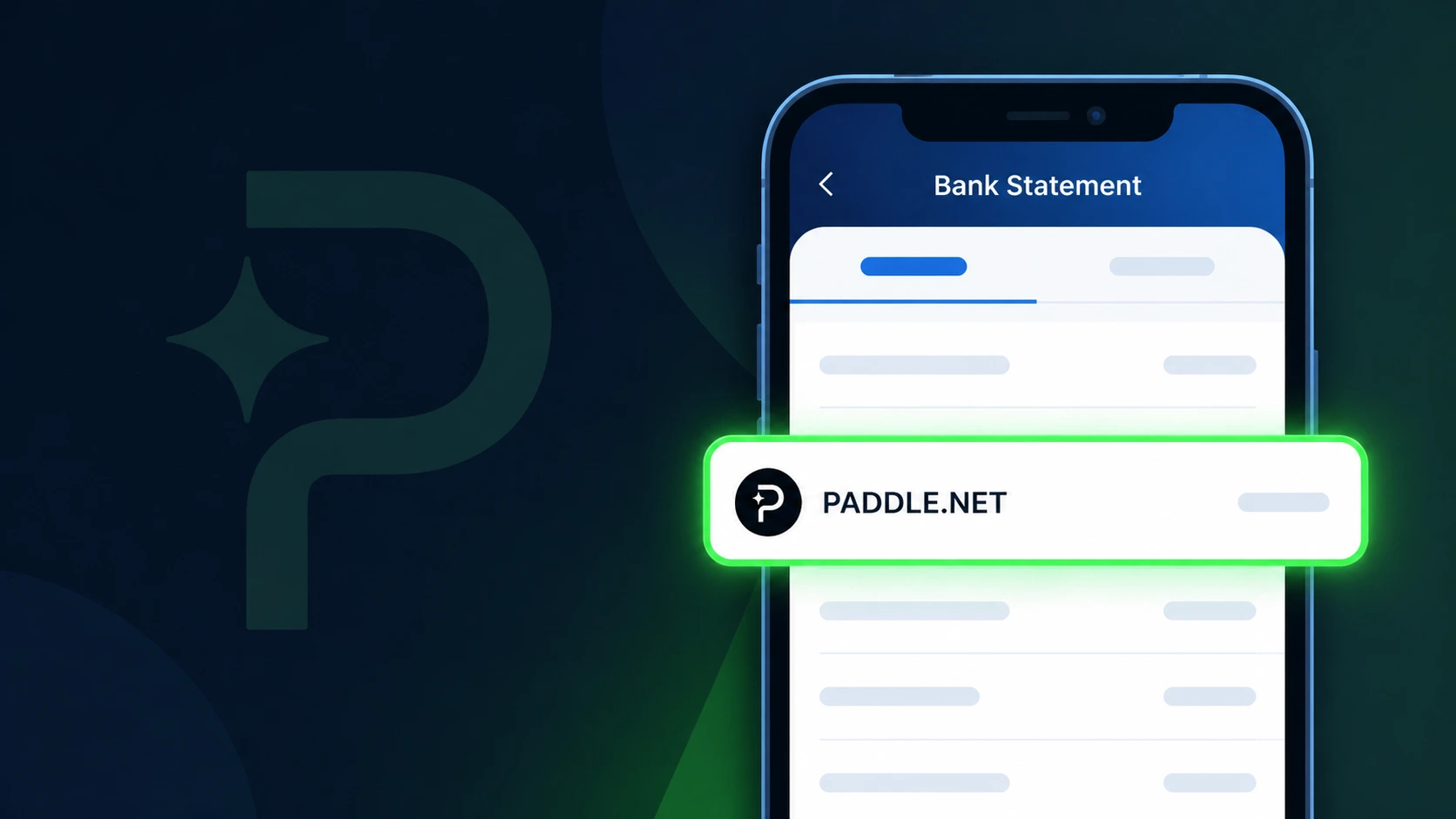
Is the PADDLE Charge Legitimate or Fraud?
A charge labeled PADDLE on your bank or credit card statement is most likely a legitimate transaction processed by Paddle.com, a well-known payment infrastructure company that handles billing on behalf of thousands of software and SaaS vendors worldwide. When you purchase or subscribe to a software product that uses Paddle as its payment processor, the charge on your statement will appear as PADDLE rather than the name of the software company itself.
Common reasons you might see a PADDLE charge include:
- A subscription to a software tool or SaaS product that uses Paddle as its merchant of record
- A one-time purchase of a digital product, license, or plugin sold through Paddle
- An annual or monthly renewal of a software plan billed via Paddle
- A free trial conversion to a paid plan where Paddle processed the upgrade charge
If you do not recognize the charge, do not immediately assume fraud — first check your email for receipts from Paddle or the underlying software vendor, as the charge descriptor may not match the app name you remember purchasing.
How to Verify the PADDLE Charge
- 1
Search your email for Paddle receipts
Search your inbox for emails from 'paddle.com' or 'order@paddle.com'. Paddle sends detailed order confirmation emails that include the product name, amount, and date matching your bank charge.
- 2
Visit Paddle's order lookup tool
Go to paddle.net/orders and enter your email address. Paddle provides a self-service order lookup that lists all purchases and subscriptions tied to your email, even if you don't have a Paddle account.
- 3
Identify the underlying software vendor
Paddle acts as a reseller for many apps. Once you find your Paddle order, it will name the software product you purchased, helping you confirm which subscription triggered the PADDLE charge.
- 4
Check with household or team members
Ask family members or colleagues whether they purchased a software product recently using a shared card, since Paddle is used by many productivity, design, and developer tools.
- 5
Contact Paddle support directly
If you still cannot identify the charge, reach out to Paddle's support at paddle.net/support with your card's last four digits and the charge date. Paddle can look up transactions by payment details.
How to Dispute a PADDLE Charge
- 1
Act within 60 days of the charge
Most banks and card networks require disputes to be filed within 60 days of the statement date. Identify the PADDLE charge date and act quickly to preserve your chargeback rights.
- 2
Contact Paddle directly first
Visit paddle.net/support and submit a refund request. Paddle's merchant-of-record model means they can issue refunds directly without involving the original software vendor, often resolving issues faster than a bank dispute.
- 3
Request a refund from the software vendor
If Paddle directs you to the software company, contact that vendor's support team. Many Paddle-powered products offer a 30-day money-back guarantee that Paddle can honor on their behalf.
- 4
File a chargeback with your bank
If Paddle and the vendor both refuse a legitimate refund, call the number on the back of your card and file a chargeback, citing the PADDLE charge as unrecognized or unauthorized.
- 5
Request a new card number
If the PADDLE charge appears fraudulent and you did not authorize any purchase, ask your bank to issue a new card number to prevent any future unauthorized charges from being processed.
Tips for Managing PADDLE Charges
Set calendar reminders before your Paddle-billed subscription renews to decide whether to keep or cancel.
Save Paddle order confirmation emails in a dedicated folder so you can match them to bank statements easily.
Use Paddle's order lookup at paddle.net/orders to see all active subscriptions tied to your email address.
Note whether your Paddle charge is monthly or annual — annual plans renew in a lump sum that can be surprising.
Use a virtual card number for Paddle purchases so you can freeze it without affecting your main card.
Use WhatIsThisCharge.net to identify related charges that may also be billed through Paddle.
Frequently Asked Questions About the PADDLE Charge
Was this article helpful?