Why You're Seeing "PAYONEER*" on Your Bank Statement
Why You're Seeing "PAYONEER*" on Your Bank Statement
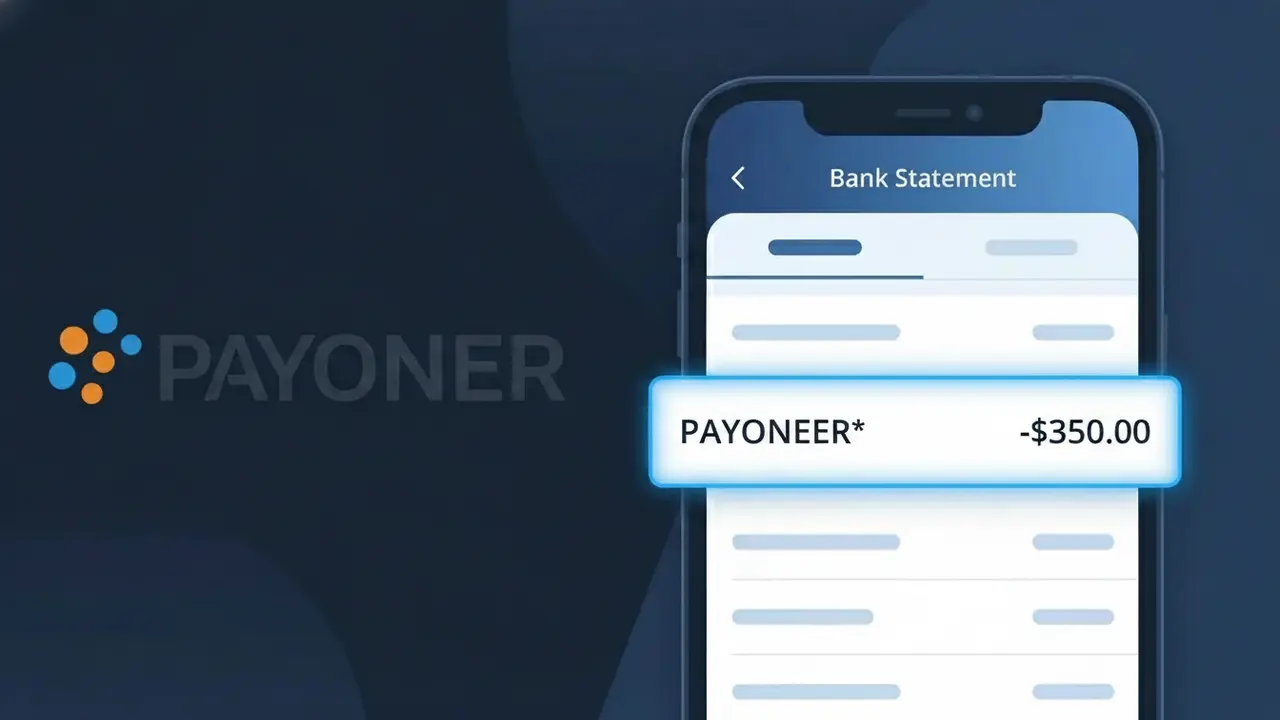
The PAYONEER* charge on your bank statement comes from Payoneer, a global payment platform widely used by freelancers, online sellers, and businesses to send and receive money across borders. This descriptor appears when Payoneer processes a payment, withdrawal, or service fee through your account. If you've signed up for Payoneer to receive client payments, withdraw earnings from a marketplace like Amazon or Upwork, or pay a service provider, this charge is likely legitimate. The asterisk following 'PAYONEER' is a common formatting convention used by payment processors to separate the company name from additional transaction details.
The PAYONEER* descriptor appears on your bank statement because Payoneer uses this shorthand identifier when submitting transactions through card networks and banking systems, which have strict character limits on merchant names. Rather than spelling out the full company name or transaction type, Payoneer registers this standardized descriptor to ensure consistent identification across all financial institutions worldwide. You may see slight variations such as 'PAYONEER INC' or additional digits after the asterisk depending on your bank's formatting, but they all originate from the same Payoneer platform.
Is the PAYONEER* Charge Legitimate or Fraud?
The PAYONEER* charge on your bank or credit card statement is most commonly a legitimate transaction processed through Payoneer, a global payment platform used by freelancers, online sellers, and businesses to send and receive money internationally. This descriptor appears when Payoneer processes a payment, annual fee, or fund transfer on your behalf. However, if you don't recall authorizing any activity through Payoneer, it's worth investigating further.
- You or a family member signed up for a Payoneer account and loaded funds or paid a fee
- You received a payment via Payoneer and a linked card was charged for a transfer or withdrawal fee
- Payoneer charges an annual account maintenance fee of $29.95 if certain activity thresholds aren't met
- A freelance platform (e.g., Fiverr, Upwork) routed your payout or payment through Payoneer
How to Verify the PAYONEER* Charge
- 1
Log into your Payoneer account
Visit payoneer.com and sign in to review your transaction history. Look for any payments, withdrawals, or fees that match the PAYONEER* charge amount and date.
- 2
Search your email for Payoneer receipts
Search your inbox for emails from 'noreply@payoneer.com' or 'Payoneer' around the date of the PAYONEER* charge to find a matching transaction confirmation.
- 3
Check if a household member uses Payoneer
Ask family members or roommates whether they have a Payoneer account linked to a shared card, as the PAYONEER* descriptor would appear the same on the statement.
- 4
Review freelance or marketplace accounts
If you use platforms like Fiverr, Upwork, or Amazon, check whether Payoneer is set as your payout or payment method, which can trigger a PAYONEER* charge.
- 5
Contact your bank for details
If you still can't place the PAYONEER* charge, call the number on the back of your card and ask your bank for the full merchant details and transaction ID associated with it.
How to Dispute a PAYONEER* Charge
- 1
Act within 60 days
Most banks require disputes to be filed within 60 days of the PAYONEER* charge appearing on your statement. Acting quickly improves your chances of a successful chargeback.
- 2
Contact Payoneer support first
Reach out to Payoneer directly at payoneer.com/contact or through their 24/7 live chat. Provide the transaction date and amount — Payoneer can often resolve unauthorized charges faster than a bank dispute.
- 3
File a chargeback with your bank
If Payoneer doesn't resolve the issue, contact your bank or card issuer to dispute the PAYONEER* charge. Provide any correspondence with Payoneer as supporting evidence for your claim.
- 4
Request a new card number
If the PAYONEER* charge appears to be fraudulent and your card details were compromised, ask your bank to cancel the card and issue a new one to prevent further unauthorized charges.
Tips for Managing Payoneer Charges
Enable Payoneer email and SMS notifications so you're alerted instantly whenever a PAYONEER* charge is processed.
Keep a record of all Payoneer transactions and fees so you can quickly match any PAYONEER* charge on your statement.
Secure your Payoneer account with two-factor authentication to prevent unauthorized transactions showing up as PAYONEER* charges.
Note that Payoneer's $29.95 annual fee typically charges once per year — mark your calendar so the PAYONEER* charge doesn't surprise you.
Regularly review which platforms have Payoneer linked as a payment method to avoid unexpected PAYONEER* charges.
Use WhatIsThisCharge.net to identify other related charges that may appear alongside PAYONEER* on your statement.
Frequently Asked Questions About the PAYONEER* Charge
ℹ️ Note
In most cases, a PAYONEER* charge is a routine and legitimate transaction from Payoneer — often a transfer fee, withdrawal, or annual account fee tied to your freelance or marketplace activity. If you recognize your Payoneer account, there's no cause for concern.
🔍 Decode this charge instantly
Search our database for PAYONEER* and similar charges.
Decode PAYONEER* →Was this article helpful?