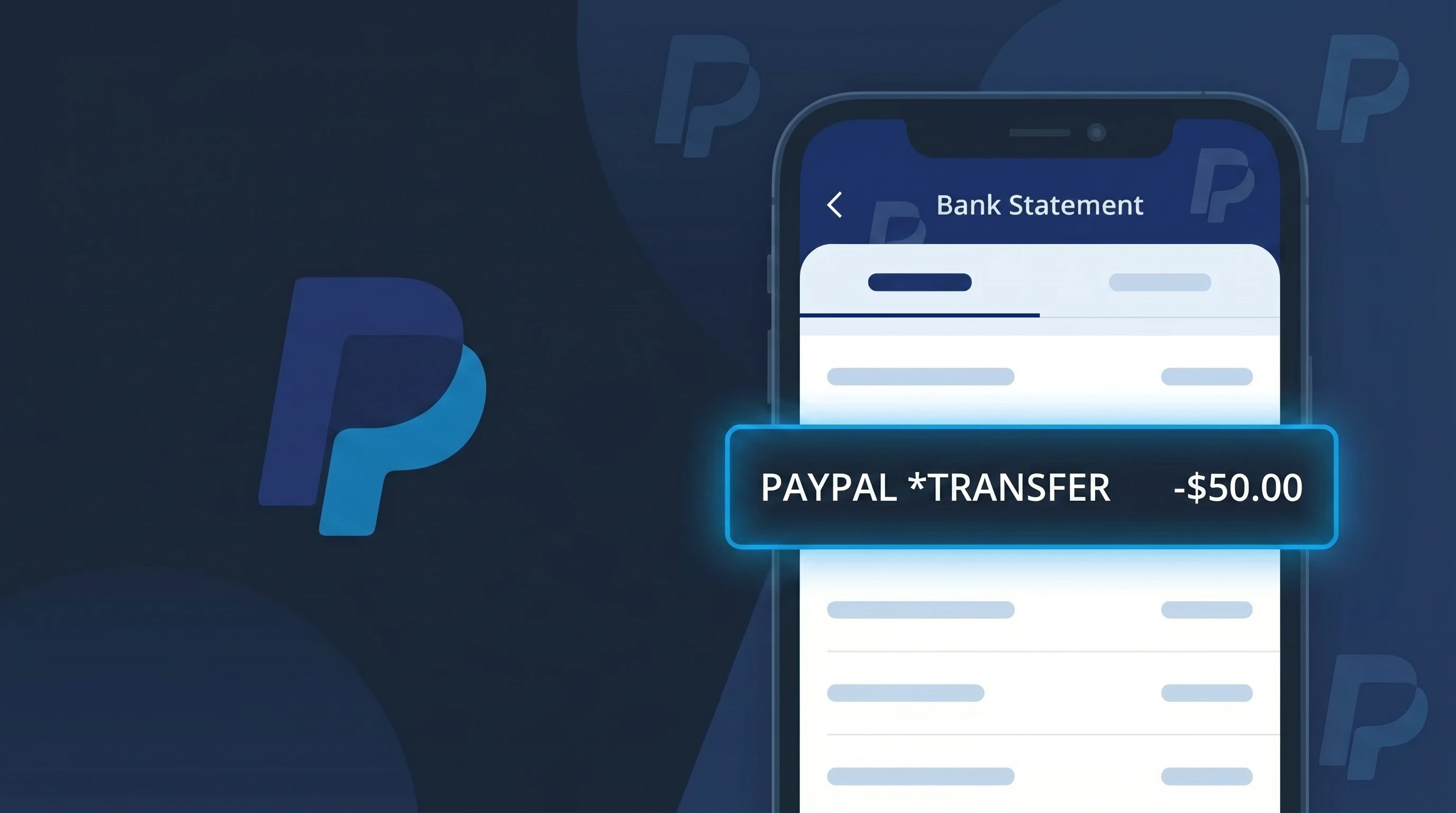
PP*PAYPAL Charge (What It Is + Is It Legit?)
✓ LegitimateThe "PP*PAYPAL" charge is from PayPal. PayPal payment charge.
PayPal
PayPal payment charge.
Category
Finance
Avg. Charge
Variable
Country
US
Billing Cycle
One-time
Cancel At
paypal.com/disputes
Support
See website
What is this charge?
When PayPal processes a payment through its own platform, the charge descriptor "PP*PAYPAL" appears on your bank statement because PayPal uses its own internal payment processing system, and "PP" is simply PayPal's self-assigned merchant prefix used to identify transactions originating from their network. The asterisk separating "PP" from "PAYPAL" is a standard formatting convention used by payment networks like Visa and Mastercard to divide a merchant's abbreviated code from its name within the limited character space available on bank statements. So if you see PP*PAYPAL on your statement, it means a payment was sent or a fee was charged directly through your PayPal account, whether for a purchase, a transfer fee, or a subscription tied to PayPal's services.
How to handle this charge
Log into Your PayPal Account
Visit paypal.com and sign into your account to review your recent transaction history. Look for a payment that matches the PP*PAYPAL charge amount and date shown on your bank statement to confirm which transaction it corresponds to.
Check Your PayPal Activity Feed
Inside your PayPal account, navigate to the Activity section to find a detailed breakdown of the charge. PayPal logs every transaction with merchant name, date, and amount, so you can match the PP*PAYPAL entry on your bank statement to a specific purchase or subscription.
Review Any Active PayPal Subscriptions
If you do not immediately recognize the PP*PAYPAL charge, go to paypal.com and check your account settings under Payments and then Manage Automatic Payments. You may have an active recurring subscription or pre-approved payment that triggered this charge.
Open a Dispute if Something Seems Off
If you have reviewed your PayPal account and still cannot account for the PP*PAYPAL charge, visit paypal.com/disputes to open a dispute through PayPal's Resolution Center. PayPal offers buyer protection and can investigate the transaction and issue a refund if the charge is found to be unauthorized.
Quick fraud check
No, this is a legitimate charge from PayPal. However, if you did not authorize this charge or cancelled your subscription, you may be eligible for a refund.
How to Verify the PAYPAL Charge
- 1
Log into your PayPal account
Visit paypal.com or open the PayPal app and check your Activity feed. Every transaction processed through PAYPAL will appear here with the merchant name and date.
- 2
Search your email for PayPal receipts
PayPal sends an email confirmation for every transaction. Search your inbox for emails from service@paypal.com and match the amount to the charge on your statement.
- 3
Check household members
Ask family members or anyone who may have access to your PayPal account or linked payment methods if they made a recent purchase through PAYPAL.
- 4
Review your PayPal-linked subscriptions
In your PayPal account, go to Settings > Payments > Manage Automatic Payments to see all active subscriptions and billing agreements tied to PAYPAL.
- 5
Contact your bank
If you still cannot identify the PAYPAL charge, call the number on the back of your card. Your bank can provide the merchant's full descriptor and transaction details.
How to Dispute a PAYPAL Charge
- 1
Act within 60 days
Most banks and PayPal itself require disputes to be filed within 60 days of the charge appearing. Don't delay — open a case with PAYPAL as soon as you spot an unrecognized transaction.
- 2
Open a dispute directly with PayPal
Log into your PayPal account, go to the Resolution Center, and click 'Report a Problem.' Select the PAYPAL transaction in question and follow the steps to open a dispute or claim.
- 3
Escalate to a PayPal Claim
If the seller doesn't respond within a few days, escalate your dispute to a formal PayPal Claim. PayPal's Purchase Protection may cover eligible unauthorized transactions.
- 4
File a chargeback with your bank
If PayPal does not resolve the issue, contact your bank or credit card issuer to file a chargeback against the PAYPAL charge. Provide all documentation from your PayPal Resolution Center.
- 5
Request a new card
If the PAYPAL charge appears to be fraudulent and your card details were compromised, ask your bank for a new card number to prevent further unauthorized charges.
Tips for Managing PAYPAL Charges
Enable PayPal instant payment notifications in your account settings to get alerted every time a PAYPAL charge is processed.
Regularly review your PayPal Activity log to reconcile every PAYPAL charge with your bank statement each month.
Secure your PayPal account with two-factor authentication (2FA) to prevent unauthorized PAYPAL charges from bad actors.
Note the billing dates of subscriptions managed through PayPal so recurring PAYPAL charges don't catch you off guard.
Use PayPal's Purchase Protection when shopping online — it covers eligible PAYPAL charges for unauthorized transactions and items not received.
Use WhatIsThisCharge.net to identify related charges that may appear alongside PAYPAL on your statement.
Frequently Asked Questions
Was this page helpful?
Community Reports (1)
1 votesHave you seen this charge? Help others by voting:
Community Comments (0)
No comments yet. Be the first to share your experience!
Share your experience
Your email is only used to verify your comment and will never be shown publicly.
Search Another Charge
Popular Charges

Amazon Marketplace
AMZN MKTP US
Netflix
NETFLIX *SUBSCRIPTION
Netflix
NETFLIX.COM *
Apple
APPLE *SUBSCRIPTION
Apple
APPLE.COM/BILL
Related Charges
Need to dispute this charge?
Generate a professional dispute letter in seconds with our AI tool.
Open Charge AssistantCommunity Verified
Real user reports
Free to Use
Always free to check
Secure & Private
Your data is safe
Help Millions
48K+ charges identified