Why You're Seeing "PLAYSTATION*" on Your Bank Statement
Why You're Seeing "PLAYSTATION*" on Your Bank Statement
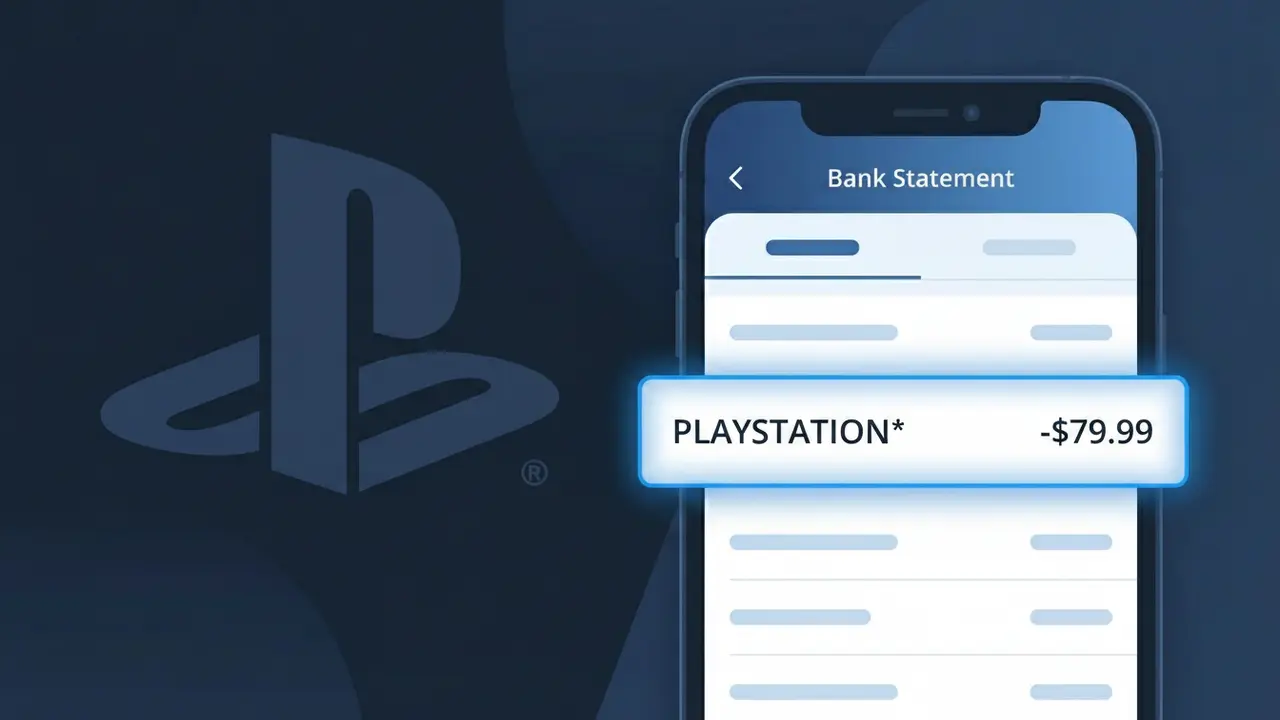
A charge labeled PLAYSTATION* on your bank statement comes from PlayStation Plus, Sony's subscription service for PlayStation console owners. This recurring charge covers access to online multiplayer gaming, free monthly games, and exclusive member discounts on the PlayStation Store. If you see this descriptor, it typically means you or someone with access to your payment method has an active PlayStation Plus membership. The asterisk following PLAYSTATION* is a common billing convention used to indicate a subscription or digital service charge.
The descriptor PLAYSTATION* appears on bank statements because Sony's payment processing system uses a shortened merchant identifier rather than the full PlayStation Plus branding. This truncated format is standard practice among large digital service providers, where billing systems assign a recognizable but abbreviated label to group all PlayStation-related transactions under one identifier. The asterisk often signals that additional details, such as the subscription tier or billing period, may follow depending on your bank's statement formatting.
Is the PLAYSTATION* Charge Legitimate or Fraud?
A PLAYSTATION* charge on your bank or credit card statement is most commonly a legitimate billing from PlayStation Plus, Sony's gaming subscription service. This charge appears when your PlayStation Plus membership renews automatically or when you purchase a new subscription tier (Essential, Extra, or Premium). Common reasons you may see this charge include:
- An automatic monthly, quarterly, or annual PlayStation Plus subscription renewal
- A new PlayStation Plus membership purchased on your PS4, PS5, or via the PlayStation website
- A family member or household user linked to your payment method who activated or renewed PlayStation Plus
- A free trial conversion to a paid PlayStation Plus plan
How to Verify the PLAYSTATION* Charge
- 1
Log into your PlayStation account
Visit account.sonyentertainmentnetwork.com and check your subscription status under 'Subscription Management' to confirm an active PlayStation Plus plan tied to your payment method.
- 2
Search your email for PlayStation receipts
Look for emails from 'no-reply@email.playstation.com' or 'PlayStation Store' that match the date and amount of the PLAYSTATION* charge on your statement.
- 3
Check household members and linked accounts
Ask family members or roommates if they used your payment method to sign up for or renew a PlayStation Plus subscription, especially if you share a console.
- 4
Review your PlayStation Store purchase history
On your PS4 or PS5, go to Settings > Account Management > Account Information > Wallet > Transaction History to see a full record of PlayStation Plus charges.
- 5
Contact your bank for transaction details
If you still cannot confirm the PLAYSTATION* charge, ask your bank for the full merchant name and transaction ID, which can help pinpoint the exact Sony service billed.
How to Dispute a PLAYSTATION* Charge
- 1
Act within 60 days of the charge
Most banks require disputes to be filed within 60 days of the PLAYSTATION* charge appearing on your statement. Acting quickly improves your chances of a successful resolution.
- 2
Contact PlayStation Plus support first
Reach out to Sony PlayStation Support at playstation.com/support before filing a chargeback. PlayStation Plus offers refunds for accidental renewals in some cases, which is faster than a bank dispute.
- 3
File a chargeback with your bank
If PlayStation Plus support cannot resolve the issue, contact your bank or credit card issuer and cite the PLAYSTATION* charge as unauthorized. Provide your email receipts or lack thereof as evidence.
- 4
Request a new card if fraud is suspected
If you believe someone fraudulently used your payment method to purchase PlayStation Plus, ask your bank to cancel the card and issue a new one to prevent further unauthorized PLAYSTATION* charges.
Tips for Managing PlayStation Plus Charges
Enable email notifications in your PlayStation account so you're alerted before every PLAYSTATION* renewal charge hits your card.
Save PlayStation Plus purchase confirmation emails to easily match them against PLAYSTATION* charges on your bank statement.
Secure your PlayStation Plus account with two-factor authentication to prevent unauthorized purchases that show as PLAYSTATION* charges.
Note your PlayStation Plus renewal date and tier (monthly/annual) so PLAYSTATION* charges on your statement are never a surprise.
Use a dedicated card for PlayStation Plus to isolate PLAYSTATION* charges and spot any unexpected billing amounts quickly.
Use WhatIsThisCharge.net to identify any related or unfamiliar charges that appear alongside PLAYSTATION* on your statement.
Frequently Asked Questions About the PLAYSTATION* Charge
ℹ️ Note
In most cases, a PLAYSTATION* charge is simply your PlayStation Plus subscription renewing automatically — it's one of the most recognized gaming charges worldwide. If the amount and timing match your plan, there's no cause for concern.
🔍 Decode this charge instantly
Search our database for PLAYSTATION* and similar charges.
Decode PLAYSTATION* →Was this article helpful?