Why You're Seeing "PLENTY OF FISH*" on Your Bank Statement
Why You're Seeing "PLENTY OF FISH*" on Your Bank Statement
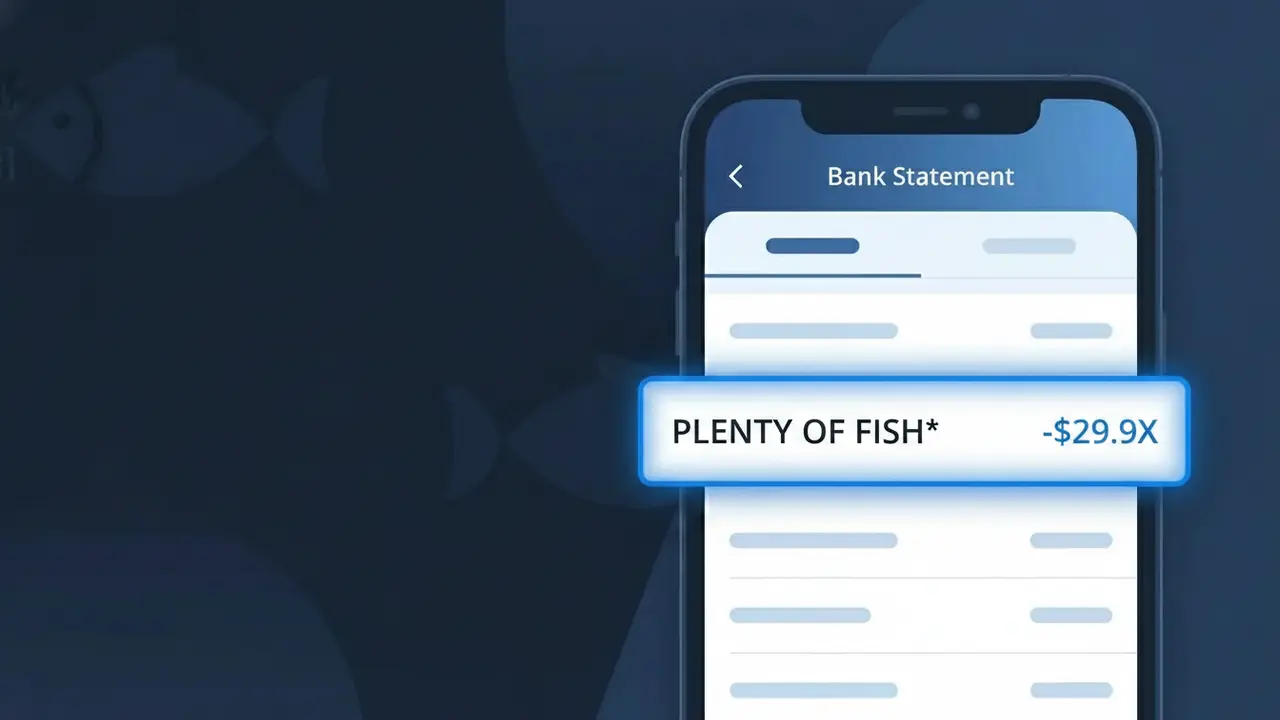
The PLENTY OF FISH* charge on your bank statement comes from Plenty of Fish (POF), one of the world's largest online dating platforms. This charge typically represents a subscription to POF's premium membership, which unlocks advanced features like seeing who read your messages, profile boosts, and an ad-free experience. The asterisk following 'PLENTY OF FISH' in the descriptor is a common billing convention used to separate the company name from additional transaction details. If you or someone with access to your payment method signed up for a POF premium plan, this is the charge you'll see reflected on your statement.
The descriptor PLENTY OF FISH* appears on your bank statement because Plenty of Fish uses an abbreviated version of their brand name when processing payments through their billing system. The asterisk is typically used by payment processors to denote a subscription-based or recurring charge, helping distinguish it from one-time purchases. This format is standard practice for app-based subscription services and is the official descriptor registered with card networks like Visa and Mastercard.
Is the PLENTY OF FISH* Charge Legitimate or Fraud?
Seeing PLENTY OF FISH* on your bank or credit card statement is most likely a legitimate charge from Plenty of Fish (POF), one of the world's largest free-to-use dating platforms that also offers paid premium upgrades. This charge typically appears when you've subscribed to POF's premium membership or purchased add-on features like profile boosts or tokens.
- You recently signed up for a Plenty of Fish Premium or Upgraded membership
- Your annual or monthly POF subscription auto-renewed without a reminder
- A family member or partner used your card to purchase Plenty of Fish features
- You purchased POF tokens or a profile boost as a one-time transaction
How to Verify the PLENTY OF FISH* Charge
- 1
Log into your Plenty of Fish account
Visit pof.com or open the POF app and navigate to Settings > Upgrade/Membership to review your active subscriptions and recent purchase history.
- 2
Search your email for receipts
Search your inbox for emails from 'Plenty of Fish' or 'noreply@pof.com' — POF sends confirmation emails for every subscription purchase or renewal.
- 3
Check with household members
Ask a partner, family member, or anyone with access to your card if they created or upgraded a Plenty of Fish account using your payment method.
- 4
Review your app store subscriptions
If you downloaded POF from the App Store or Google Play, the PLENTY OF FISH* charge may appear through Apple or Google billing — check your app subscription settings.
- 5
Contact your bank for transaction details
Ask your bank for the full merchant descriptor and transaction date for the PLENTY OF FISH* charge to help pinpoint exactly which POF product was purchased.
How to Dispute a PLENTY OF FISH* Charge
- 1
Act within 60 days
Most banks require disputes to be filed within 60 days of the PLENTY OF FISH* charge appearing on your statement, so don't delay if something looks wrong.
- 2
Contact Plenty of Fish support first
Reach out to POF customer support at pof.com/contact or through the Help Center to request a refund or clarification — resolving it directly is often faster than a bank dispute.
- 3
File a chargeback with your bank
If Plenty of Fish does not resolve the issue, contact your bank or credit card issuer to initiate a formal chargeback for the PLENTY OF FISH* charge, citing unauthorized or unrecognized billing.
- 4
Request a new card number
If you suspect your card was used fraudulently to pay for a Plenty of Fish subscription you never authorized, ask your bank to issue a replacement card to prevent future unauthorized charges.
Tips for Managing Plenty of Fish Charges
Enable billing alerts on your bank account to get notified instantly when PLENTY OF FISH* charges appear.
Save your POF subscription confirmation emails so you can match them to PLENTY OF FISH* charges on your statement.
Regularly log into your Plenty of Fish account to review active upgrades and turn off auto-renewal if you no longer use the app.
Note your POF billing renewal date to avoid surprise PLENTY OF FISH* charges on your monthly or annual cycle.
Use a virtual card number for Plenty of Fish subscriptions to limit exposure if your card details are ever compromised.
Use WhatIsThisCharge.net to identify PLENTY OF FISH* and other related or unfamiliar charges on your statement.
Frequently Asked Questions About the PLENTY OF FISH* Charge
ℹ️ Note
In most cases, the PLENTY OF FISH* charge is a routine billing notification from Plenty of Fish for a premium subscription or in-app purchase — often an auto-renewal that's easy to overlook. A quick check of your POF account settings will usually clear up any confusion in minutes.
🔍 Decode this charge instantly
Search our database for PLENTY OF FISH* and similar charges.
Decode PLENTY OF FISH* →Was this article helpful?