Why You're Seeing "RECURLY*NETFLIX" on Your Bank Statement
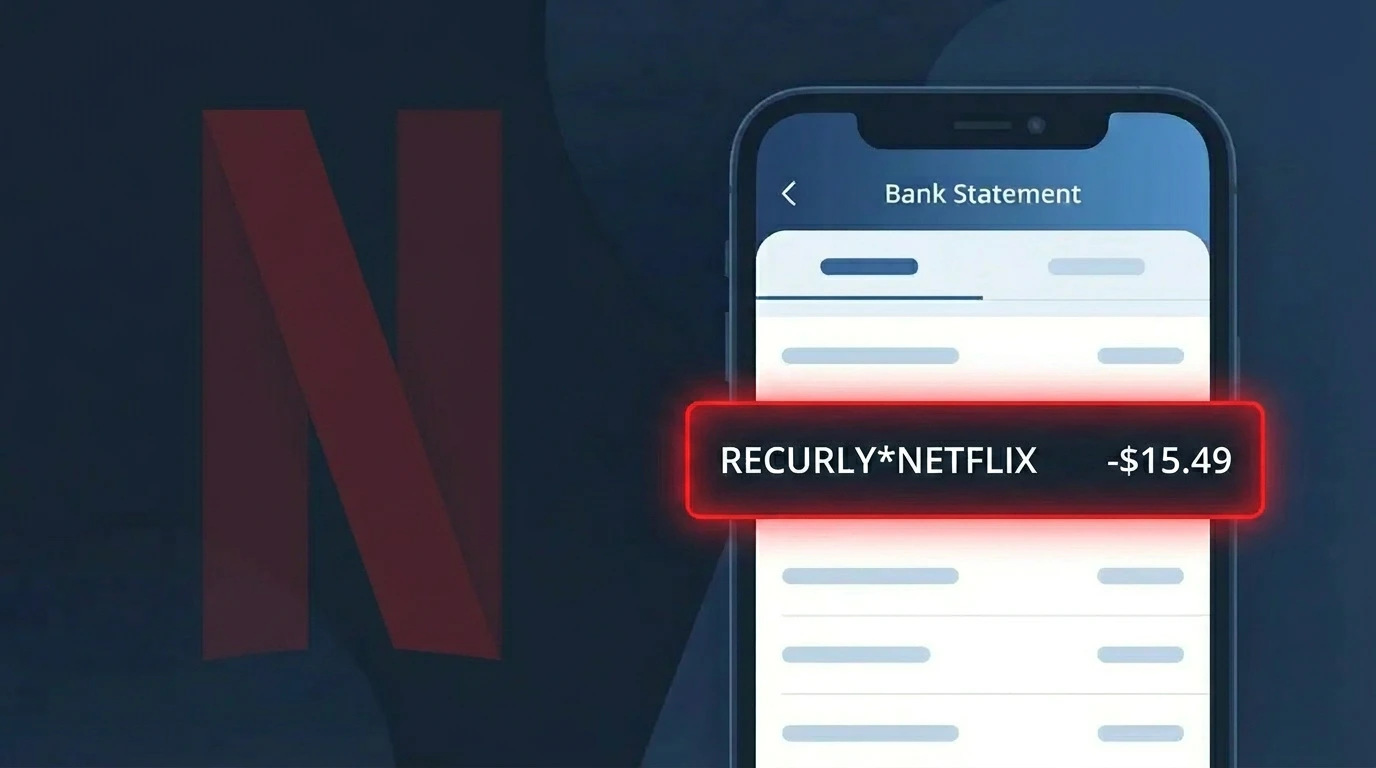
Is RECURLY*NETFLIX Legitimate or Fraud?
If you see RECURLY*NETFLIX on your bank or credit card statement, this is almost certainly a legitimate charge. RECURLY is a subscription billing platform used by Netflix to process recurring payments, which is why the charge appears with RECURLY's name rather than Netflix alone.
This charge is legitimate if any of the following apply to you:
- You have an active Netflix streaming subscription billed through RECURLY
- A family member or household user signed up for Netflix using your payment method
- You recently reactivated a paused or cancelled Netflix account
- You upgraded your Netflix plan, triggering a prorated billing adjustment via RECURLY
However, if you do not recognize the charge and have never subscribed to Netflix, the RECURLY*NETFLIX charge could indicate unauthorized use of your payment details and should be investigated immediately.
How to Verify the RECURLY*NETFLIX Charge
- 1
Log into your Netflix account
Visit netflix.com and sign in. Navigate to Account > Billing Details to confirm the charge amount and billing date match the RECURLY*NETFLIX entry on your statement.
- 2
Search your email for RECURLY receipts
Search your inbox for emails from 'netflix.com' or 'recurly.com'. RECURLY sends billing confirmation emails on behalf of Netflix each billing cycle.
- 3
Check all household members
Ask family members or anyone who has access to your payment method whether they signed up for or renewed a Netflix subscription recently.
- 4
Review your active subscriptions
Check your bank or credit card's subscription tracker, or use your device's app store to see if a Netflix subscription is listed as active and billing through RECURLY.
- 5
Contact your bank if still unsure
If you cannot match the RECURLY*NETFLIX charge to any known Netflix account, call the number on the back of your card and ask your bank to provide transaction details.
How to Dispute a RECURLY*NETFLIX Charge
- 1
Act within 60 days
Most banks require disputes to be filed within 60 days of the statement date. Identify the RECURLY*NETFLIX charge date and act quickly to preserve your right to a chargeback.
- 2
Contact Netflix and RECURLY first
Reach out to Netflix support at help.netflix.com to request a refund. For billing-specific issues processed by RECURLY, you can also contact RECURLY support at recurly.com/support.
- 3
File a chargeback with your bank
If Netflix or RECURLY does not resolve the issue, call your bank or credit card issuer and formally dispute the RECURLY*NETFLIX charge, providing any supporting email correspondence.
- 4
Request a new card number
If the RECURLY*NETFLIX charge appears fraudulent and you never had a Netflix account, request a replacement card from your bank to prevent further unauthorized RECURLY charges.
Tips for Managing RECURLY*NETFLIX Charges
Set a billing alert for your Netflix renewal date so RECURLY*NETFLIX charges never catch you off guard.
Keep a record of your Netflix plan tier and price so you can quickly spot if RECURLY*NETFLIX bills an incorrect amount.
Use a unique, strong password for your Netflix account to prevent unauthorized access that could trigger unexpected RECURLY charges.
Note your exact Netflix billing cycle date; RECURLY processes the charge on the same day each month unless you change your plan.
Use a virtual card number for your Netflix subscription to limit exposure if your payment details are ever compromised via RECURLY.
Use WhatIsThisCharge.net to identify related charges from RECURLY that may appear for other subscription services on your statement.
Frequently Asked Questions About RECURLY*NETFLIX
🔍 Decode this charge instantly
Search our database for RECURLY*NETFLIX and similar charges.
Decode RECURLY*NETFLIX →Was this article helpful?