Why You're Seeing "ROVER*" on Your Bank Statement
Why You're Seeing "ROVER*" on Your Bank Statement
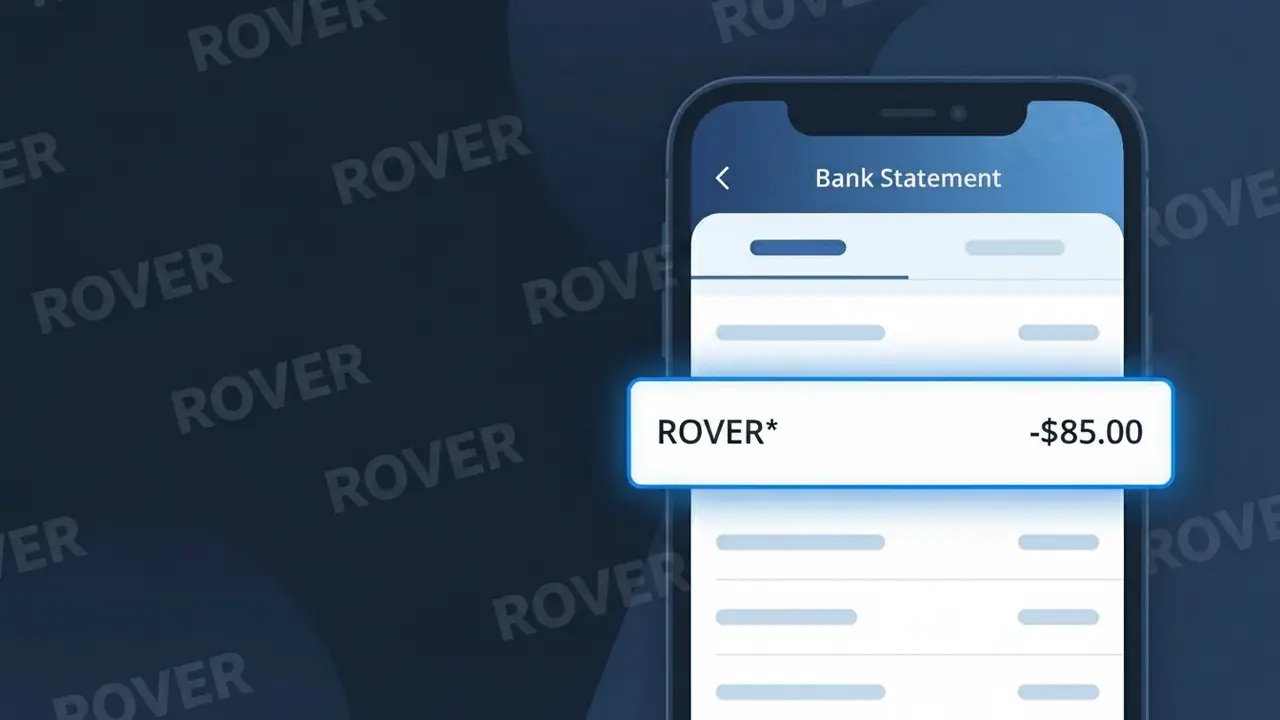
A charge showing ROVER* on your bank statement comes from Rover, the popular online marketplace connecting pet owners with local pet sitters, dog walkers, and other pet care providers. This charge typically appears after booking a service through the Rover app or website, such as dog walking, overnight pet sitting, doggy daycare, or drop-in visits. The asterisk following 'ROVER' is a common billing convention used to separate the company name from additional booking or transaction details. If you or someone in your household has a pet and recently used an on-demand pet care service, this charge is almost certainly from Rover.
The ROVER* descriptor appears on your bank statement because Rover processes payments directly through their own payment system, using a shortened version of their brand name followed by an asterisk to denote additional transaction information such as a booking ID or service type. Payment processors often truncate or stylize merchant names to fit within the character limits imposed by banking systems, which is why you may not see the full company name spelled out. This billing format is standard practice for app-based service platforms and is how Rover identifies itself across all major banks and credit card networks.
Is the ROVER* Charge Legitimate or Fraud?
The ROVER* charge on your bank or credit card statement is most commonly a legitimate transaction from Rover, the popular online marketplace connecting pet owners with dog walkers, pet sitters, and boarders. This charge typically appears after booking a pet care service through Rover's website or mobile app. Here are the most common reasons you might see a ROVER* charge:
- You booked a dog walking, pet sitting, or boarding service through Rover
- A recurring booking or repeat service was automatically charged by Rover
- A household member or partner used your card to pay for a Rover service
- Rover charged a service fee on top of your sitter's rate as part of the booking
How to Verify the ROVER* Charge
- 1
Log into your Rover account
Visit rover.com or open the Rover app and check your booking history. Any completed or upcoming service will show a matching charge date and amount.
- 2
Search your email for Rover receipts
Look for emails from Rover (noreply@rover.com or support@rover.com) with booking confirmations or payment receipts that match the ROVER* charge amount.
- 3
Ask other household members
Check if a family member or partner booked a dog walker or pet sitter through Rover using your shared payment method without mentioning it.
- 4
Review Rover service fees
Rover charges an owner service fee (typically 5–7% of the booking) in addition to the sitter's rate, which may appear as a separate ROVER* line item on your statement.
- 5
Contact your bank
If you still can't identify the ROVER* charge, call the number on the back of your card. Your bank can provide the exact merchant details and transaction timestamp.
How to Dispute a ROVER* Charge
- 1
Act within 60 days
Most banks require you to dispute an unrecognized ROVER* charge within 60 days of the statement date. Don't wait — gather your Rover booking history and card statement as evidence.
- 2
Contact Rover support first
Reach out to Rover's customer support at support.rover.com or via the app. Rover may be able to reverse an erroneous charge faster than a bank dispute, especially for duplicate bookings.
- 3
File a chargeback with your bank
If Rover cannot resolve the issue, contact your bank or card issuer to formally dispute the ROVER* charge. Provide any communication with Rover and your booking records as supporting documentation.
- 4
Request a new card if fraud is suspected
If the ROVER* charge appears fraudulent and you never used Rover, ask your bank to cancel your current card and issue a new one to prevent further unauthorized charges.
Tips for Managing Rover Charges
Enable Rover app notifications so you're alerted immediately when a ROVER* charge is processed for any booking.
Always review your Rover booking summary before confirming — service fees are added at checkout and will appear on your statement.
Secure your Rover account with a strong, unique password and enable two-factor authentication to prevent unauthorized bookings.
If you use Rover regularly, note your sitter's scheduled service dates so you can anticipate when ROVER* charges will appear.
Use a credit card for Rover bookings — credit cards offer stronger fraud protection than debit cards for disputing ROVER* charges.
Use WhatIsThisCharge.net to identify any related or unfamiliar charges that appear alongside ROVER* on your statement.
Frequently Asked Questions About the ROVER* Charge
ℹ️ Note
In most cases, a ROVER* charge is a completely normal and expected transaction from Rover — the pet care platform — reflecting a dog walking, boarding, or sitting service you or a household member recently booked. If the charge amount matches your Rover booking total including the service fee, there is nothing to worry about.
Was this article helpful?