Why You're Seeing "SHAW*" on Your Bank Statement
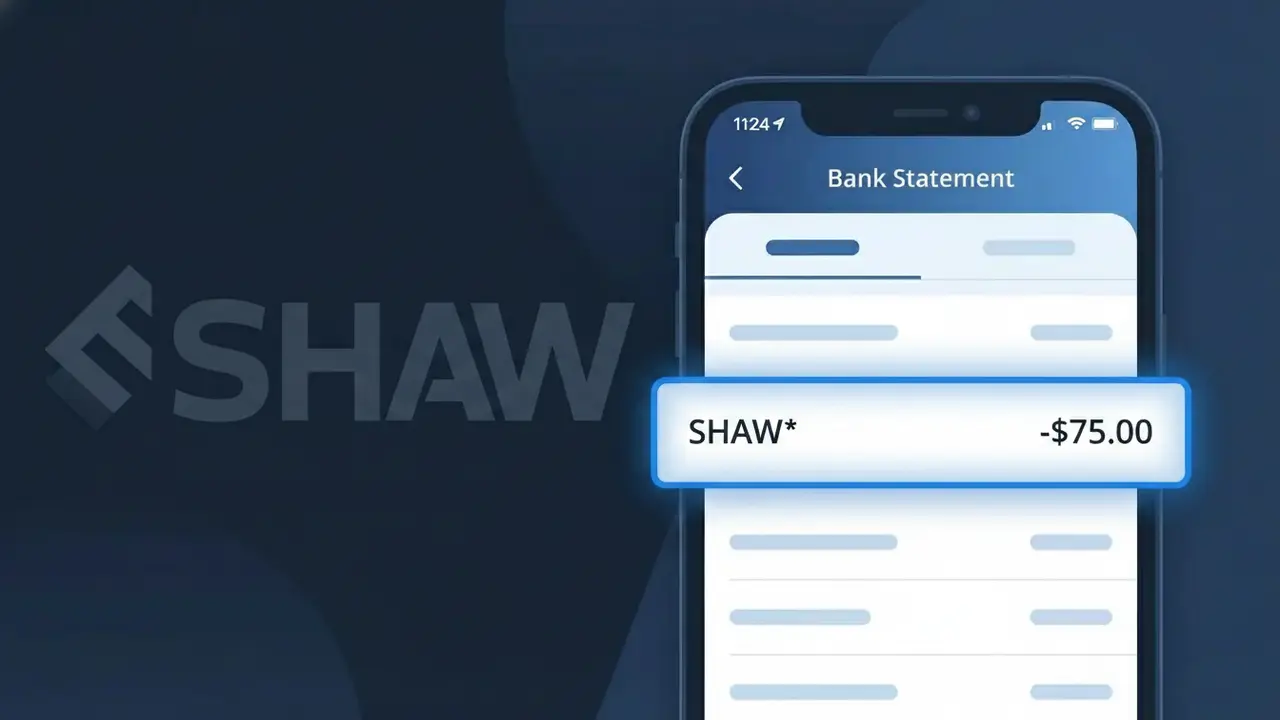
Why You're Seeing "SHAW*" on Your Bank Statement
A charge showing SHAW* on your bank statement comes from Shaw Communications, one of Canada's largest telecommunications providers. This charge typically represents a monthly bill for Shaw internet, cable TV, or home phone services. Shaw processes payments under the abbreviated descriptor SHAW* followed by additional billing details, which is why it may appear unfamiliar at first glance. If you're a Shaw customer in Canada, this charge is almost certainly your regular service subscription.
Shaw Communications uses the shortened billing descriptor SHAW* because payment processors often truncate company names to fit within the character limits imposed by banks and card networks. The asterisk following SHAW is a common convention used by billing systems to separate the merchant name from additional transaction details such as account numbers or service codes. This is standard practice for large telecom providers and does not indicate any issue with the charge.
Is the SHAW* Charge Legitimate or Fraud?
The SHAW* charge on your bank or credit card statement is almost always a legitimate billing from Shaw Communications, one of Canada's largest telecommunications and cable providers. This descriptor appears when Shaw bills you for internet, cable TV, home phone, or Shaw Mobile services. Common reasons you may see a SHAW* charge include:
- Monthly recurring billing for Shaw internet or cable TV service
- Shaw Mobile phone plan or data add-on charges
- One-time equipment fees, installation charges, or service upgrades
- Auto-renewal of a Shaw seasonal or promotional package
How to Verify the SHAW* Charge
- 1
Log into your Shaw Communications account
Visit shaw.ca and sign in to My Shaw. Navigate to 'Billing & Payments' to view your current and past invoices and confirm the SHAW* charge matches your bill amount.
- 2
Search your email for Shaw receipts
Search your inbox for emails from Shaw Communications (noreply@shaw.ca or billing@shaw.ca). Shaw sends monthly billing notifications that will match the SHAW* charge date and amount.
- 3
Check with household members
Ask family members or roommates if they added a Shaw Mobile line, upgraded the cable package, or requested a service call that could have triggered a new SHAW* charge.
- 4
Review your active Shaw subscriptions
In My Shaw, check 'My Services' to see all active Shaw products on your account, including any Shaw Flex, BlueSky TV, or Shaw Mobile plans that generate recurring SHAW* charges.
- 5
Contact your bank for transaction details
If the SHAW* charge amount looks unfamiliar, ask your bank for the full merchant descriptor and transaction ID. This can help you pinpoint exactly which Shaw Communications service was billed.
How to Dispute a SHAW* Charge
- 1
Act within 60 days of the charge
Most banks require you to dispute a SHAW* charge within 60 days of your statement date. Act quickly — gather your Shaw Communications billing history as evidence before contacting anyone.
- 2
Contact Shaw Communications directly first
Call Shaw customer support at 1-888-472-2222 or use the My Shaw app chat. Shaw can reverse billing errors, explain unexpected SHAW* charges, and issue credits faster than a bank dispute.
- 3
File a chargeback with your bank
If Shaw Communications cannot resolve the issue, contact your bank or credit card issuer and request a chargeback for the SHAW* charge. Provide your Shaw account number, the charge date, and any correspondence with Shaw as supporting evidence.
- 4
Request a new card if fraud is suspected
If you have no Shaw Communications account and see a SHAW* charge, your card details may be compromised. Ask your bank to cancel your card and issue a new one to prevent further unauthorized SHAW* charges.
Tips for Managing Shaw Communications Charges
Enable billing alerts in My Shaw so you're notified immediately when a new SHAW* charge is processed.
Download your Shaw Communications invoice each month and compare it to the SHAW* amount on your statement.
Keep your My Shaw login credentials secure — unauthorized account access can lead to unexpected SHAW* service upgrades.
Note your Shaw billing cycle date so you always know when to expect the monthly SHAW* charge on your statement.
Set a credit card spending alert just above your normal SHAW* amount to catch any unusual overcharges quickly.
Use WhatIsThisCharge.net to identify related charges that may appear alongside your SHAW* transactions.
Frequently Asked Questions About the SHAW* Charge
ℹ️ Note
In most cases, a SHAW* charge is a routine monthly billing from Shaw Communications for your internet, TV, or phone service — not fraud. If the amount matches your usual Shaw bill, you can feel confident the charge is legitimate.
Was this article helpful?