Why You're Seeing "SHOPIFY" on Your Bank Statement
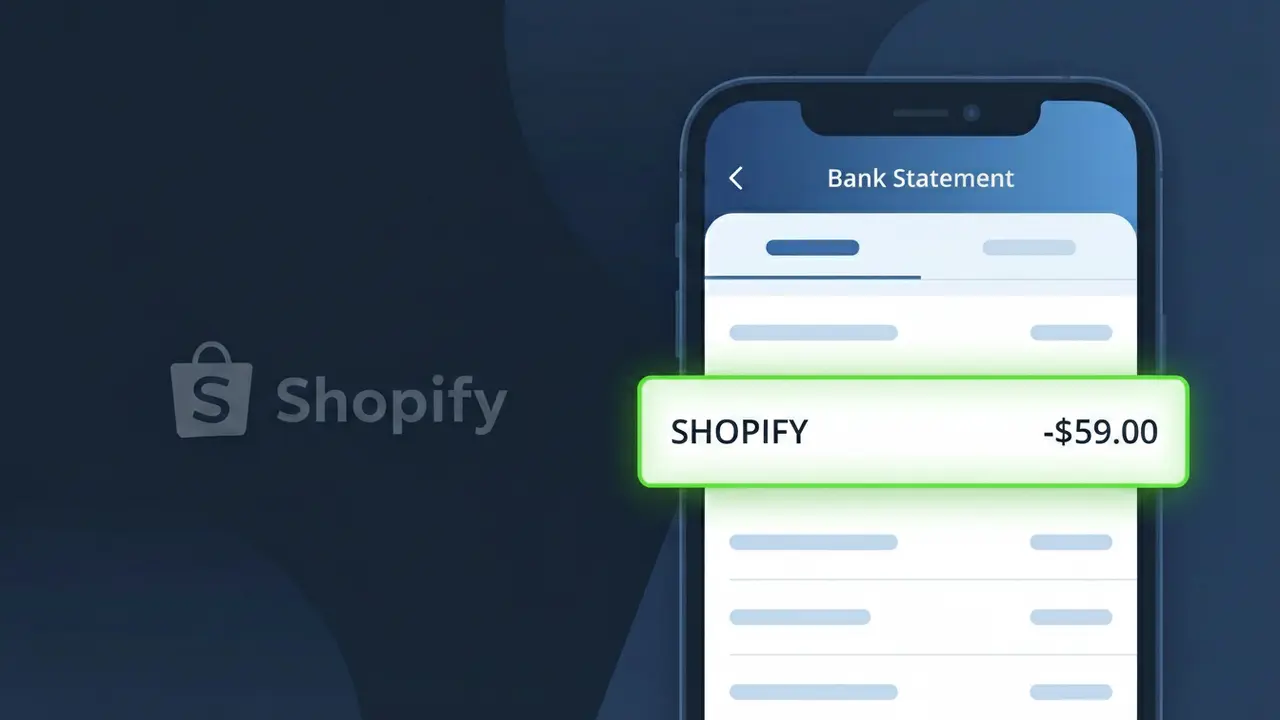
Is the SHOPIFY Charge Legitimate or Fraud?
If you see a charge labeled SHOPIFY on your bank or credit card statement, it is most likely a legitimate billing from Shopify Inc., the popular e-commerce platform used by millions of online store owners worldwide. Shopify charges merchants for their monthly or annual subscription plans, transaction fees, app subscriptions, and domain registrations.
- You or someone in your household signed up for a Shopify store plan (Basic, Shopify, Advanced, or Plus)
- A free trial period ended and Shopify began billing your saved payment method automatically
- You installed a paid app from the Shopify App Store that bills through Shopify
- You purchased a custom domain or email hosting through Shopify
However, if you have no recollection of opening a Shopify account or authorizing any store-related subscription, treat the charge as potentially fraudulent and investigate immediately.
How to Verify the SHOPIFY Charge
- 1
Log into your Shopify account
Visit shopify.com and sign in. Navigate to Settings > Billing to review your invoice history and confirm the charge matches your subscription plan.
- 2
Search your email for Shopify receipts
Search your inbox for emails from 'billing@shopify.com' or 'no-reply@shopify.com'. Shopify sends an email receipt for every billing event, including plan renewals and app charges.
- 3
Check if a household member owns a Shopify store
A family member or partner may have started a Shopify store using your shared payment method without informing you. Ask them before escalating the dispute.
- 4
Review Shopify app subscriptions
Inside your Shopify admin panel, go to Settings > Billing > App charges to see all third-party Shopify app fees billed to your account alongside your main plan.
- 5
Contact your bank for transaction details
Ask your bank for the full merchant descriptor and transaction ID for the SHOPIFY charge. This can help you match it to a specific Shopify billing event or store account.
How to Dispute a SHOPIFY Charge
- 1
Act within 60 days of the charge
Most banks require disputes to be filed within 60 days of the statement date. Don't wait — contact Shopify or your bank as soon as you spot an unrecognized SHOPIFY charge.
- 2
Contact Shopify support first
Reach Shopify's billing support at shopify.com/support or through the Help Center chat. Shopify can verify charge details, issue refunds for billing errors, and close unauthorized accounts quickly.
- 3
File a chargeback with your bank
If Shopify is unresponsive or denies your refund request, contact your bank or credit card issuer to file a formal chargeback. Provide your Shopify case number and any email correspondence as evidence.
- 4
Request a new card number
If the SHOPIFY charge appears fraudulent — meaning you never created a Shopify account — ask your bank to cancel your card and issue a new one to prevent further unauthorized charges.
Tips for Managing SHOPIFY Charges
Enable Shopify billing email alerts so you're notified every time Shopify processes a charge to your account.
Review your Shopify invoice history monthly under Settings > Billing to catch unexpected plan upgrades or app fees early.
Use a strong, unique password for your Shopify account and enable two-factor authentication to prevent unauthorized access.
Note your Shopify billing cycle date — plans renew monthly or annually — so you can anticipate the SHOPIFY charge on your statement.
Pause your Shopify store instead of leaving it idle to avoid full plan charges when you're not actively selling.
Use WhatIsThisCharge.net to identify related charges that may appear alongside your SHOPIFY billing.
Frequently Asked Questions About the SHOPIFY Charge
Was this article helpful?