Why You're Seeing "SPECTRUM*" on Your Bank Statement
Why You're Seeing "SPECTRUM*" on Your Bank Statement
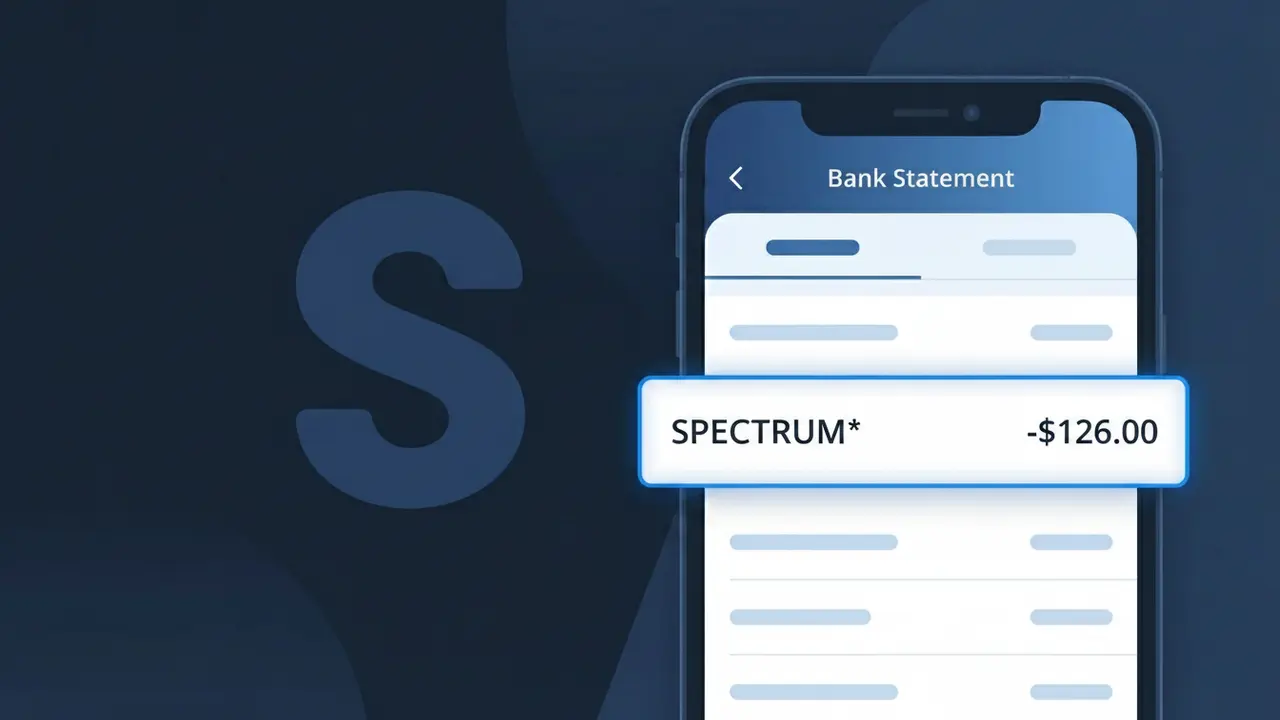
A charge labeled SPECTRUM* on your bank statement comes from Spectrum, one of the largest telecommunications providers in the United States. This charge typically represents your monthly bill for Spectrum internet, cable TV, or phone services. The asterisk following the descriptor is commonly used by payment processors to indicate a recurring subscription or service charge. If you have an active Spectrum account, this charge is almost certainly your regular monthly service payment.
The SPECTRUM* descriptor appears on your bank statement because Spectrum uses a shortened billing identifier when processing payments through their payment systems. Many large telecom companies use abbreviated or truncated versions of their brand name to fit within the character limits imposed by banking and credit card networks. The asterisk following SPECTRUM often signals that this is a recurring charge, helping distinguish it as an ongoing subscription rather than a one-time purchase.
Is the SPECTRUM* Charge Legitimate or Fraud?
The SPECTRUM* charge on your bank or credit card statement is almost always a legitimate billing from Spectrum, one of the largest cable, internet, and phone service providers in the United States. Spectrum uses the abbreviated descriptor SPECTRUM* — sometimes followed by a service type or account number — when processing monthly service fees, equipment rentals, or one-time charges. If you see this charge and are a Spectrum customer, it is very likely tied to your active account.
- Spectrum bills monthly for internet, cable TV, and home phone services under the SPECTRUM* descriptor
- Equipment rental fees for modems or cable boxes may appear as a separate SPECTRUM* line item
- One-time installation, service call, or activation fees from Spectrum can also show as SPECTRUM*
- Spectrum TV streaming app subscriptions or Spectrum Mobile plans may trigger a SPECTRUM* charge
How to Verify the SPECTRUM* Charge
- 1
Log into your Spectrum account
Visit spectrum.net and sign in to review your billing history. The amount and date of the SPECTRUM* charge should match an invoice listed under 'Billing & Payments.'
- 2
Search your email for Spectrum receipts
Search your inbox for emails from Spectrum (billing@spectrum.net or noreply@spectrum.com). Spectrum sends monthly billing notices and payment confirmations that should match the SPECTRUM* charge amount.
- 3
Check if a household member signed up
Ask family members or roommates if they recently activated a Spectrum service, added a cable box, or upgraded an existing Spectrum plan, as this could explain an unexpected SPECTRUM* charge.
- 4
Review your Spectrum services and add-ons
Log into your Spectrum account and check 'My Services' to see if any new channels, Spectrum TV Select packages, or Spectrum Mobile lines were recently added that could account for the charge.
- 5
Contact your bank for transaction details
Ask your bank for the full merchant descriptor and transaction ID associated with the SPECTRUM* charge. This can help you pinpoint exactly which Spectrum service or account the payment was applied to.
How to Dispute a SPECTRUM* Charge
- 1
Act within 60 days of the charge
Most banks require you to dispute an unauthorized SPECTRUM* charge within 60 days of the statement date. Acting quickly protects your right to a full chargeback if the charge turns out to be fraudulent.
- 2
Contact Spectrum customer service first
Call Spectrum at 1-833-267-6094 or use the chat feature at spectrum.net to report the unrecognized SPECTRUM* charge. Spectrum can often resolve billing errors or unauthorized charges faster than a bank dispute.
- 3
File a chargeback with your bank
If Spectrum cannot resolve the issue, contact your bank or credit card issuer to dispute the SPECTRUM* charge. Provide your Spectrum account details, the charge amount, and any communication you had with Spectrum support.
- 4
Request a new card number
If you believe your payment details were used fraudulently to create a Spectrum account, ask your bank to issue a new card. This will prevent any future unauthorized SPECTRUM* charges from being processed.
Tips for Managing Spectrum Charges
Enable Spectrum billing alerts via the My Spectrum app so you're notified before each SPECTRUM* charge hits your account.
Download your Spectrum monthly statement and compare the total to the SPECTRUM* charge amount on your bank statement every billing cycle.
Secure your Spectrum account with a strong, unique password to prevent unauthorized changes that could lead to unexpected SPECTRUM* charges.
Note your Spectrum billing date (found in your account portal) so you can anticipate when the SPECTRUM* charge will appear each month.
Use a dedicated credit card for your Spectrum subscription to make SPECTRUM* charges easy to spot and dispute if needed.
Use WhatIsThisCharge.net to identify related charges that may appear alongside SPECTRUM* on your statement.
Frequently Asked Questions About the SPECTRUM* Charge
ℹ️ Note
In most cases, the SPECTRUM* charge is a routine monthly billing from Spectrum for your internet, cable, or phone services — not fraud. A quick login to your Spectrum account at spectrum.net will typically confirm the charge within seconds.
🔍 Decode this charge instantly
Search our database for SPECTRUM* and similar charges.
Decode SPECTRUM* →Was this article helpful?