Why You're Seeing "SQ *" on Your Bank Statement
Is the SQ * Charge Legitimate or Fraud?
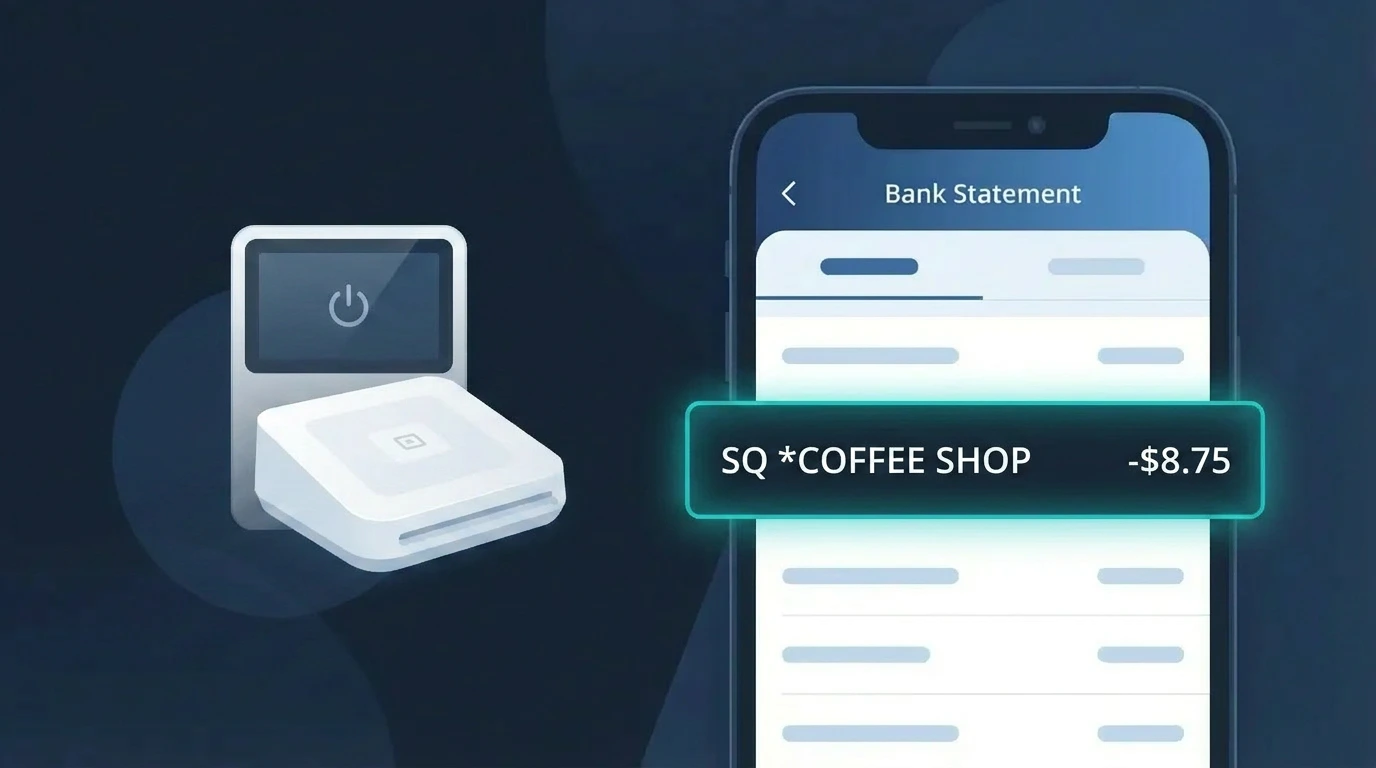
If you see a charge beginning with SQ * on your bank or credit card statement, it almost certainly comes from Square (SQ), the popular payment processing platform used by millions of small businesses, cafes, food trucks, salons, and independent retailers. The 'SQ *' prefix is Square's standard billing descriptor, followed by the name of the merchant who processed your payment through Square's point-of-sale system.
This charge is typically legitimate if you recently visited or purchased from a small business. Common reasons you might see an SQ * charge include:
- A purchase at a local coffee shop, restaurant, or food truck using Square's card reader
- A service payment to a freelancer, contractor, or personal trainer who invoices via Square
- An online order from a small retailer whose website is powered by Square Online
- A subscription or recurring payment set up through a Square-based business
However, if you do not recognize the merchant name following SQ * or have no memory of making a purchase, it is worth investigating further, as unauthorized charges can occasionally occur.
How to Verify the SQ * Charge
- 1
Read the full descriptor carefully
The SQ * charge on your statement is followed by a merchant name, such as 'SQ *JOES COFFEE'. Search that business name online to see if you recognize it and whether you visited recently.
- 2
Check your email for a Square receipt
Square automatically sends email or SMS receipts for transactions. Search your inbox for emails from 'receipts@messaging.squareup.com' matching the charge date and amount.
- 3
Log into your Square account
If you have a Square account as a buyer, visit squareup.com and review your transaction history to confirm whether the SQ * charge appears in your purchase records.
- 4
Ask household or family members
Check whether a family member or someone with access to your card made a purchase from a Square-enabled business, which would result in an SQ * charge on your statement.
- 5
Contact the merchant directly
Use the merchant name in the SQ * descriptor to find and contact that business. They can look up the transaction in their Square dashboard and confirm the purchase details.
How to Dispute a SQ * Charge
- 1
Act within 60 days of the statement
Credit card dispute rights under the Fair Credit Billing Act require you to act within 60 days of the statement on which the SQ * charge appeared. Don't delay if something seems wrong.
- 2
Contact the Square merchant first
Reach out to the business listed in the SQ * descriptor. Square merchants can issue refunds directly through their Square dashboard, often resolving the issue faster than a bank dispute.
- 3
Contact Square support
If you cannot reach the merchant, contact Square directly at squareup.com/help. Square's support team can investigate the SQ * transaction and coordinate a resolution with the seller.
- 4
File a chargeback with your bank
If the merchant and Square are unresponsive, call the number on the back of your card and formally dispute the SQ * charge. Provide the transaction date, amount, and any evidence you have gathered.
- 5
Request a new card if fraud is confirmed
If your bank determines the SQ * charge is fraudulent, ask them to cancel your current card and issue a new one to prevent additional unauthorized charges from appearing.
Tips for Managing SQ * Charges
Enable real-time bank alerts so you're notified immediately when any SQ * charge posts to your account.
Always save your Square receipt email — it contains the exact merchant name matching your SQ * statement entry.
Create a free Square account to access a buyer transaction history, making it easy to verify any SQ * charge.
Review your statement monthly and match each SQ * entry to a specific visit or purchase before your dispute window closes.
Use a credit card rather than a debit card for Square purchases — credit cards offer stronger fraud protection on SQ * disputes.
Use WhatIsThisCharge.net to identify related charges and get more context about unfamiliar SQ * billing descriptors.
Frequently Asked Questions About the SQ * Charge
Was this article helpful?