Why You're Seeing "STAN*" on Your Bank Statement
Why You're Seeing "STAN*" on Your Bank Statement
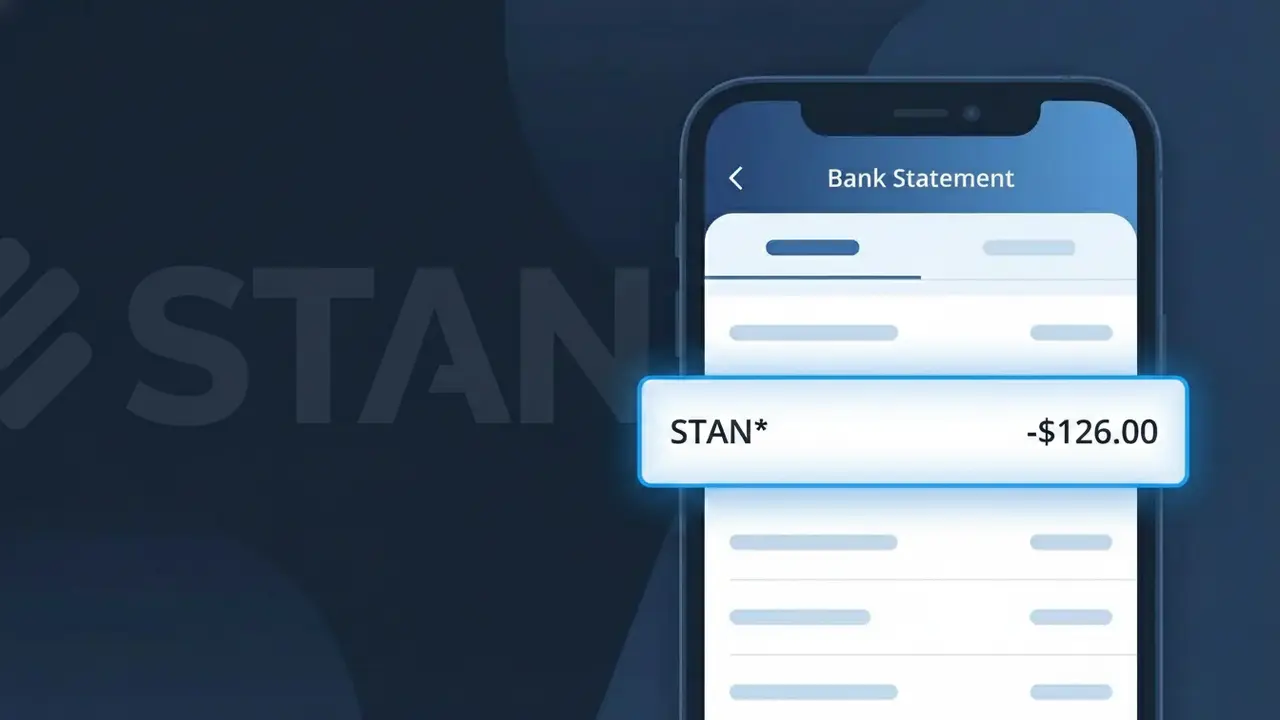
A charge showing STAN* on your bank statement is from Stan, Australia's popular video streaming service that offers movies, TV shows, and original content. This subscription-based platform competes with other streaming giants and is widely used across Australia for on-demand entertainment. The STAN* descriptor appears when Stan processes your monthly or annual subscription payment through their billing system. If you see this charge and have a Stan account, it is almost certainly your regular streaming subscription fee.
The STAN* descriptor appears on your bank statement because Stan's payment processing system uses a shortened version of the company name when submitting charges to financial institutions. Banks and card networks have strict character limits for transaction descriptors, which means full brand names are often truncated or abbreviated. This is completely normal practice for subscription services, and the asterisk following STAN is commonly used by payment processors to separate the merchant name from additional billing reference information.
Is the STAN* Charge Legitimate or Fraud?
If you see STAN* on your bank or credit card statement, it almost certainly comes from Stan Streaming, Australia's popular on-demand video streaming service. Stan uses the abbreviated billing descriptor STAN* followed by a transaction reference, which is why it may look unfamiliar at first glance. Before assuming fraud, consider these common legitimate reasons the charge appears:
- An active Stan Streaming monthly or annual subscription renewal
- A Stan Premium or Stan Sport add-on plan billed separately
- A free trial that converted to a paid Stan Streaming subscription
- A household member who signed up for Stan using your payment method
How to Verify the STAN* Charge
- 1
Log into your Stan Streaming account
Visit stan.com.au and sign in. Navigate to Account > Subscription to confirm your current plan, billing amount, and last payment date — these should match the STAN* charge on your statement.
- 2
Search your email for Stan receipts
Search your inbox for emails from Stan Streaming (no-reply@stan.com.au or billing@stan.com.au). Stan sends a receipt each billing cycle that will match the STAN* charge amount and date.
- 3
Check household members
Ask family members or housemates whether they signed up for Stan Streaming using your payment details. Stan allows multiple profiles under one account, so a shared signup is a common explanation.
- 4
Review your active subscriptions
Check whether you subscribed to a Stan Sport add-on or a Stan Premium tier, as these appear as separate STAN* charges and can catch subscribers off guard if added during a promotional period.
- 5
Contact your bank for transaction details
If you still cannot verify the STAN* charge, call your bank and ask for the full merchant details attached to the transaction. This will confirm whether it originated from Stan Streaming's payment processor.
How to Dispute a STAN* Charge
- 1
Act within 60 days of the charge
Most banks require you to dispute an unrecognized STAN* charge within 60 days of the statement date. Act promptly — waiting too long can forfeit your right to a chargeback on the Stan Streaming charge.
- 2
Contact Stan Streaming support first
Reach out to Stan's customer support at help.stan.com.au or via live chat. Explain the unexpected STAN* charge — Stan's team can issue refunds for accidental renewals or unauthorized charges faster than a bank dispute.
- 3
File a chargeback with your bank
If Stan Streaming does not resolve the issue, contact your bank or card provider and formally dispute the STAN* charge. Provide your Stan account details, the charge date, and any communication with Stan support as evidence.
- 4
Request a new card number
If you believe your card was used fraudulently to subscribe to Stan Streaming without your knowledge, ask your bank to cancel the card and issue a new one to prevent further unauthorized STAN* charges.
Tips for Managing Stan Streaming Charges
Enable email billing alerts in your Stan account so you're notified before each STAN* charge is processed.
Review your Stan Streaming billing history monthly at stan.com.au/account to catch any unexpected plan changes.
Secure your Stan Streaming account with a strong, unique password to prevent unauthorized logins that could trigger unknown STAN* charges.
Note your Stan billing date — STAN* charges recur on the same day each month, so mark your calendar to avoid surprise renewals.
Use a virtual card number for your Stan Streaming subscription to isolate STAN* charges and simplify cancellation if needed.
Use WhatIsThisCharge.net to identify other unfamiliar charges alongside STAN* on your statement.
Frequently Asked Questions About the STAN* Charge
ℹ️ Note
In most cases, a STAN* charge is simply your Stan Streaming subscription renewing automatically — a routine billing event that is easy to overlook if you signed up during a free trial. A quick login to your Stan account at stan.com.au will usually confirm the charge within seconds.
Was this article helpful?