Why You're Seeing "TELSTRA BILL" on Your Bank Statement
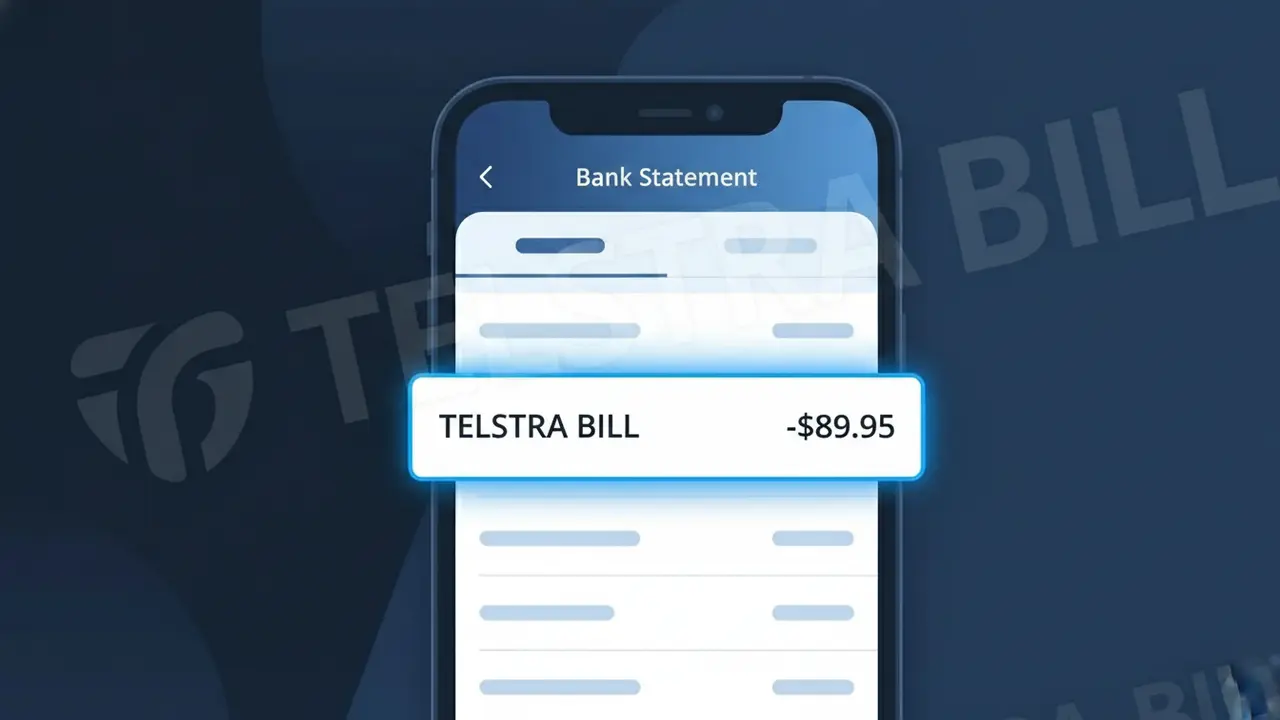
Why You're Seeing "TELSTRA BILL" on Your Bank Statement
A TELSTRA BILL charge on your bank statement is a payment to Telstra Australia, the country's largest telecommunications provider. This descriptor appears when Telstra automatically debits your account for your monthly mobile phone plan, home broadband, or bundle service. Whether you're on a postpaid mobile contract, an NBN plan, or a combined home and mobile bundle, Telstra processes these recurring payments under the TELSTRA BILL label. If you recognise having a Telstra service, this charge is almost certainly your routine monthly bill.
Telstra uses the short descriptor TELSTRA BILL to identify automated billing transactions processed through their payment systems, keeping it concise enough to fit within standard bank statement character limits. This label is applied uniformly across all of Telstra's billing services, meaning mobile, broadband, and bundled accounts all appear under the same descriptor regardless of the specific plan. Because it is a direct debit or card-on-file charge initiated by Telstra's billing platform, your bank displays their submitted descriptor rather than a more detailed description.
Is the TELSTRA BILL Charge Legitimate or Fraud?
A TELSTRA BILL charge on your bank statement is almost always a legitimate billing from Telstra Australia, one of Australia's largest telecommunications providers. This charge typically appears when Telstra processes a monthly payment for mobile, internet, home phone, or bundled services on your account.
- Telstra Australia bills customers monthly for mobile phone plans, including prepaid and postpaid services
- The TELSTRA BILL descriptor is used for broadband and NBN internet plan payments
- Bundled home phone and entertainment packages from Telstra Australia appear under this label
- Automatic direct debit payments set up through My Telstra app or online account generate this charge
How to Verify the TELSTRA BILL Charge
- 1
Log into your Telstra account
Visit my.telstra.com or open the My Telstra app and check your billing history. The charge amount should match your most recent TELSTRA BILL on your bank statement.
- 2
Search your email for Telstra receipts
Search your inbox for emails from 'Telstra Australia' or noreply@telstra.com. Telstra sends digital invoices that will confirm the billing date and amount matching the TELSTRA BILL charge.
- 3
Check with household members
Ask family members or housemates whether they set up a Telstra Australia service using your shared payment method. Multiple Telstra accounts can be linked to the same card.
- 4
Review your active Telstra subscriptions
Log into My Telstra and navigate to 'My Services' to see all active plans billed to your account, including any add-ons or Telstra Plus extras that contribute to the TELSTRA BILL total.
- 5
Contact your bank for transaction details
Ask your bank for the full merchant details behind the TELSTRA BILL charge, including the merchant ID. This can help confirm it originated from Telstra Australia's billing system.
How to Dispute a TELSTRA BILL Charge
- 1
Act within 60 days of the charge
Most banks allow chargebacks on unauthorised TELSTRA BILL charges within 60 days of the statement date. Act quickly to preserve your right to dispute the charge with your financial institution.
- 2
Contact Telstra Australia directly first
Call Telstra Australia on 132 200 or use the My Telstra app chat to query the TELSTRA BILL charge. Telstra can clarify billing errors, apply credits, or cancel unauthorised services faster than a bank dispute.
- 3
File a chargeback with your bank
If Telstra Australia cannot resolve the issue, contact your bank and request a formal chargeback for the TELSTRA BILL charge. Provide your Telstra correspondence as supporting evidence for the dispute.
- 4
Request a new card if fraud is suspected
If you believe your card details were used fraudulently to set up a Telstra Australia account, ask your bank to cancel your card immediately and issue a replacement to prevent further TELSTRA BILL charges.
Tips for Managing Telstra Australia Charges
Enable TELSTRA BILL payment alerts in My Telstra app so you're notified before each charge hits your account.
Download your Telstra Australia monthly invoice as a PDF and match it to your bank statement each billing cycle.
Keep your My Telstra account login secure with a strong password and two-factor authentication to prevent unauthorised plan changes.
Note your Telstra Australia billing cycle date so you can anticipate when the TELSTRA BILL charge will appear each month.
Register with Telstra Australia's fraud team if you spot a TELSTRA BILL charge for a service you never signed up for.
Use WhatIsThisCharge.net to identify related charges that may appear alongside your TELSTRA BILL on your statement.
Frequently Asked Questions About the TELSTRA BILL Charge
ℹ️ Note
In most cases, a TELSTRA BILL charge is simply Telstra Australia's routine monthly debit for your mobile, internet, or home phone plan — if the amount matches your plan cost, there's nothing to worry about. If the charge looks unfamiliar, logging into My Telstra takes just a minute and will usually explain it immediately.
🔍 Decode this charge instantly
Search our database for TELSTRA BILL and similar charges.
Decode TELSTRA BILL →Was this article helpful?