Why You're Seeing "TINDER*" on Your Bank Statement
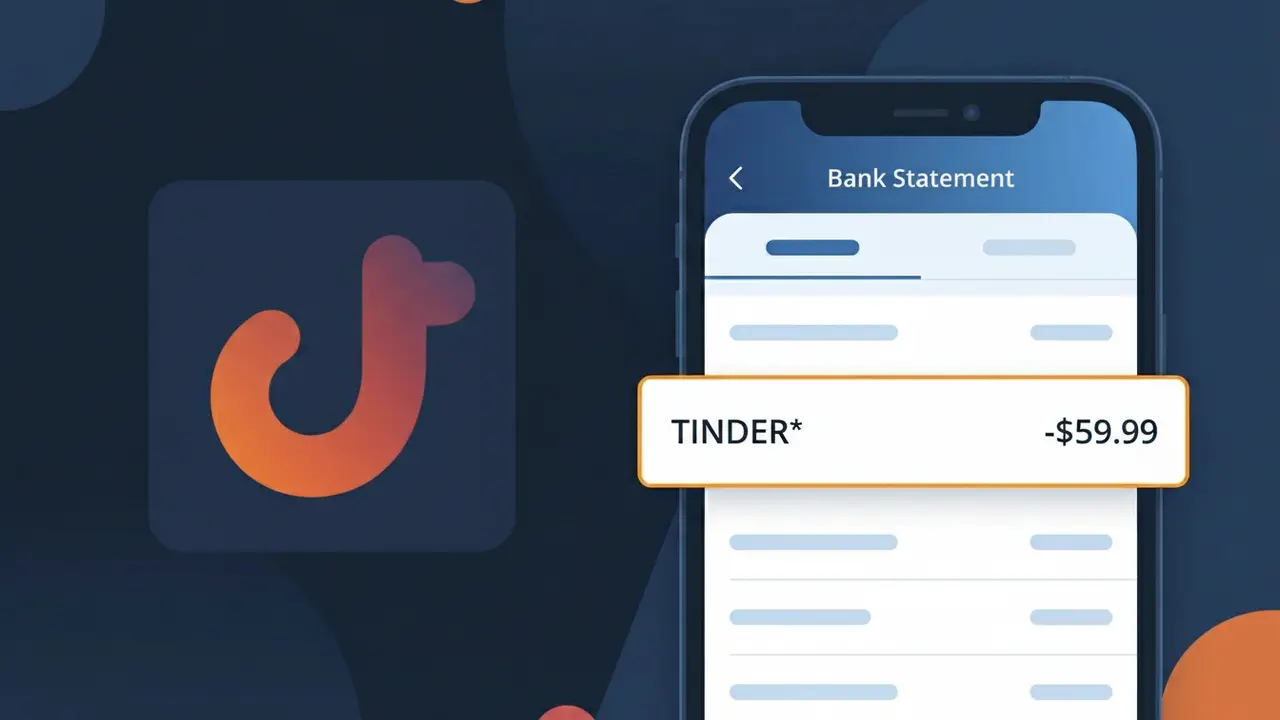
Why You're Seeing "TINDER*" on Your Bank Statement
The TINDER* charge on your bank statement comes from Tinder, the popular dating app. This charge typically represents a payment for one of Tinder's premium subscription tiers, such as Tinder Gold, Tinder Platinum, or Tinder Plus. These paid plans unlock features like unlimited likes, the ability to see who liked you, Passport mode, and Boosts. If you or someone with access to your payment method has been using the Tinder app, this charge is almost certainly related to an active or recently activated premium subscription.
The TINDER* descriptor appears on your bank statement because Tinder uses a truncated version of its brand name followed by an asterisk, which is a common billing practice among subscription-based apps. The asterisk typically signals that additional identifying information, such as a subscription type or transaction ID, may follow depending on your bank's display formatting. Tinder processes payments through its parent company Match Group, but the charge is presented under the recognizable TINDER* label to help users identify it.
Is the TINDER* Charge Legitimate or Fraud?
A TINDER* charge on your bank or credit card statement is most commonly a legitimate billing from Tinder, the popular dating app. This descriptor appears when you purchase Tinder Gold, Tinder Plus, Tinder Platinum, or individual à-la-carte features like Boosts or Super Likes. However, if you don't recognize the charge, it's worth investigating — especially if someone else has access to your payment details.
- You or a household member subscribed to Tinder Gold, Plus, or Platinum
- An auto-renewal triggered on your existing Tinder subscription
- You purchased a Boost or Super Likes pack inside the Tinder app
- Someone used your saved payment method to sign up for Tinder without your knowledge
How to Verify the TINDER* Charge
- 1
Log into your Tinder account
Open the Tinder app or visit tinder.com and navigate to Settings > Manage Payment Account to review your active subscription and recent purchase history.
- 2
Search your email for Tinder receipts
Search your inbox for emails from 'noreply@gotinder.com' or 'Tinder' — Tinder sends a receipt for every TINDER* charge processed to your card.
- 3
Check household members
Ask family members or anyone who shares your device or payment method whether they signed up for Tinder or purchased a feature like a Boost or Super Likes pack.
- 4
Review your app store subscriptions
If Tinder was downloaded via Apple App Store or Google Play, check your subscriptions there — the TINDER* charge may originate from Apple or Google billing on Tinder's behalf.
- 5
Contact your bank for details
Call the number on the back of your card and ask for the full merchant details attached to the TINDER* transaction, including the date and exact amount billed.
How to Dispute a TINDER* Charge
- 1
Act within 60 days
Most banks require disputes to be filed within 60 days of the TINDER* charge appearing on your statement — act quickly to preserve your right to a chargeback.
- 2
Contact Tinder support first
Visit Tinder's Help Center at help.tinder.com and submit a support request about the unauthorized TINDER* charge — Tinder may issue a refund directly, which is faster than a bank dispute.
- 3
File a chargeback with your bank
If Tinder does not resolve the issue, call your bank or card issuer and formally dispute the TINDER* charge as unauthorized. Provide any evidence such as screenshots or email records.
- 4
Request a new card number
If you suspect fraud, ask your bank to cancel your current card and issue a new one to prevent further unauthorized TINDER* charges from recurring.
Tips for Managing Tinder Charges
Enable bank transaction alerts so you're notified instantly when any TINDER* charge hits your account.
Save your Tinder purchase confirmation emails as proof in case you need to dispute a TINDER* charge later.
Secure your Tinder account with a strong password and two-factor authentication to prevent unauthorized purchases.
Note your Tinder subscription renewal date — TINDER* charges auto-renew monthly or annually without a separate reminder.
Use a virtual card number for Tinder subscriptions to limit exposure if your payment details are ever compromised.
Use WhatIsThisCharge.net to identify related charges that may appear alongside TINDER* on your statement.
Frequently Asked Questions About the TINDER* Charge
ℹ️ Note
In most cases, a TINDER* charge simply reflects an active Tinder subscription or an in-app purchase you may have forgotten about — logging into your Tinder account takes less than a minute and will quickly confirm whether the charge is yours.
Was this article helpful?