Why You're Seeing "UBER" on Your Bank Statement
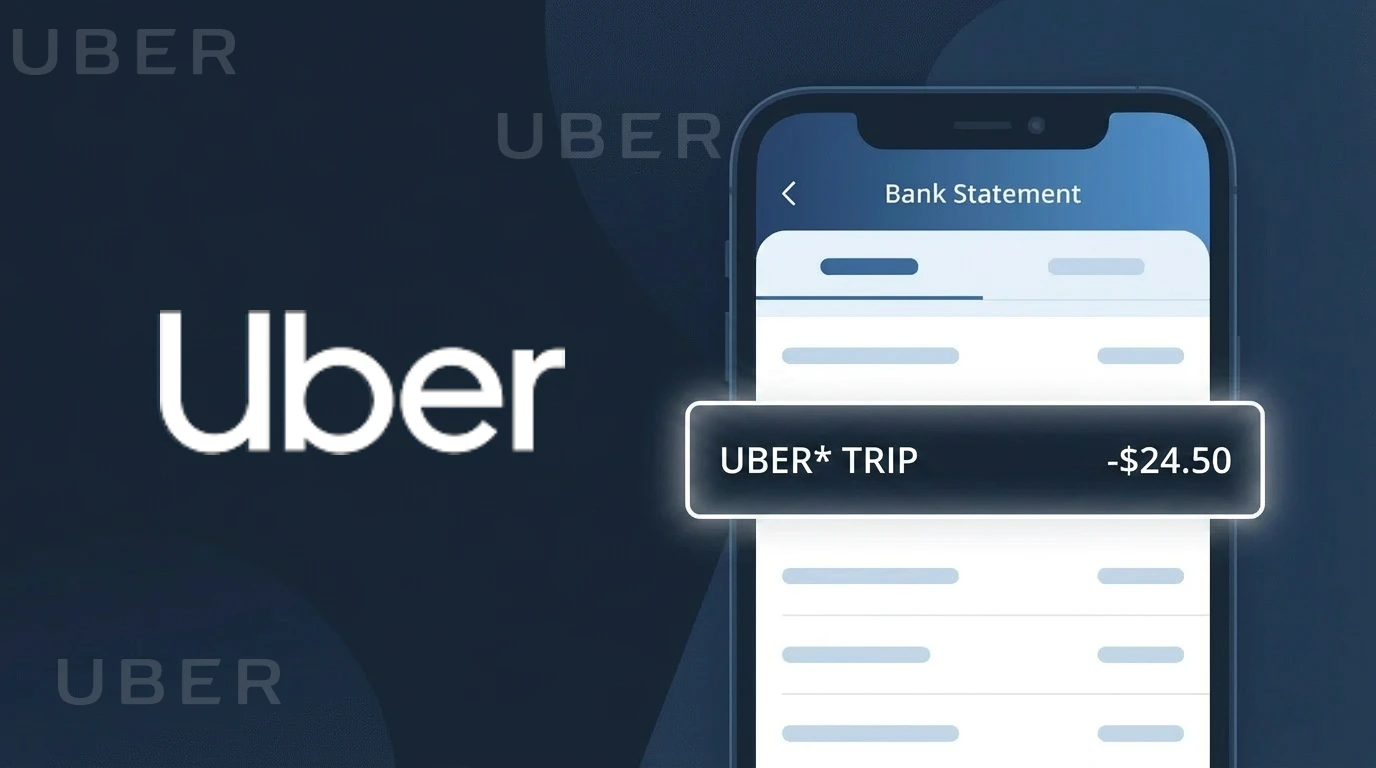
Is the UBER Charge Legitimate or Fraud?
If you see a charge labeled UBER on your bank or credit card statement, it is most likely a legitimate charge from Uber Technologies, Inc., the popular ride-hailing and delivery platform. Uber charges appear after you take a ride, order food through Uber Eats, or subscribe to Uber One membership. However, unauthorized UBER charges can also appear if your account credentials have been compromised or your card details were stolen.
- Ride fares billed immediately after an Uber trip is completed
- Uber Eats food delivery orders charged upon delivery confirmation
- Uber One monthly or annual membership subscription fees
- Surge pricing charges that may be higher than expected from a recent ride
How to Verify the UBER Charge
- 1
Check your Uber account
Log into the Uber app or visit uber.com and navigate to 'Your Trips' or 'Activity' to see a full list of recent rides, Uber Eats orders, and any subscription charges linked to your account.
- 2
Search your email for Uber receipts
Uber automatically sends email receipts for every completed trip or order. Search your inbox for emails from no-reply@uber.com that match the charge date and amount on your statement.
- 3
Check other household members
If you share payment methods, ask family members or roommates whether they used your card for an Uber ride or Uber Eats order, as Uber allows multiple profiles under one payment method.
- 4
Review Uber One subscription
Check if you or someone in your household signed up for Uber One, Uber's membership program, which bills monthly or annually and may appear as a recurring UBER charge on your statement.
- 5
Contact your bank
If you cannot match the UBER charge to any activity in your Uber account, contact your bank or card issuer to get the exact merchant details, including the transaction ID, to help identify the source.
How to Dispute a UBER Charge
- 1
Act within 60 days
Most banks require you to dispute unauthorized charges within 60 days of the statement date. Act quickly if you spot an unrecognized UBER charge to preserve your right to a full chargeback.
- 2
Contact Uber first
Visit help.uber.com or use the Uber app's Help section to report an issue with a charge. Select the specific trip or order and request a review — Uber often resolves billing disputes faster than going through your bank.
- 3
File a chargeback with your bank
If Uber does not resolve the issue, contact your bank or credit card issuer to initiate a formal chargeback. Provide your Uber account activity screenshots and email receipts as evidence that the charge was unauthorized.
- 4
Request a new card
If you believe your card details were stolen and used fraudulently for Uber charges, ask your bank to cancel your current card and issue a new one with a different number to prevent further unauthorized UBER charges.
Tips for Managing UBER Charges
Enable Uber app notifications so you get instant alerts after every ride or Uber Eats order is charged.
Review your Uber activity history monthly to reconcile all UBER charges on your bank statement.
Use a strong, unique password for your Uber account and enable two-factor authentication to prevent unauthorized use.
Note your Uber One billing date to anticipate recurring UBER subscription charges each month or year.
Use a virtual card number for Uber payments to limit fraud exposure if your card details are ever compromised.
Use WhatIsThisCharge.net to identify related charges that may appear alongside UBER on your statement.
Frequently Asked Questions About the UBER Charge
Was this article helpful?