Why You're Seeing "VERCEL*" on Your Bank Statement
Why You're Seeing "VERCEL*" on Your Bank Statement
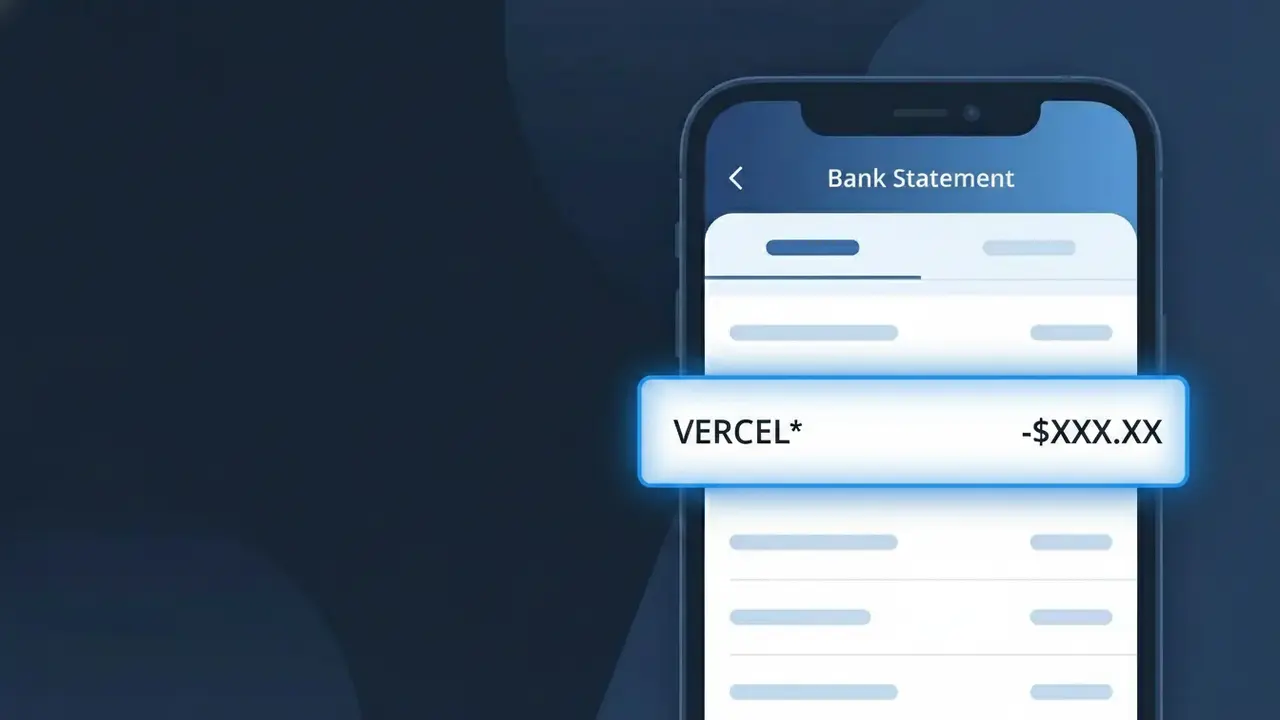
A charge labeled VERCEL* on your bank statement comes from Vercel, a cloud platform used by developers and businesses to deploy and host web applications. Vercel offers subscription plans that cover hosting, serverless functions, and frontend deployment services. This charge typically appears when you or someone with access to your payment method has an active Vercel subscription or has been billed for usage-based services. If you don't recognize it, it's worth checking whether a developer or team member set up a Vercel account using your card.
The VERCEL* descriptor appears on bank statements because payment processors often truncate or format company names with a shorthand version followed by an asterisk, which is a common practice among SaaS platforms to identify billing transactions. Vercel bills customers directly through its own payment infrastructure, so the charge reflects your subscription tier or metered usage rather than a third-party marketplace. The asterisk typically indicates that additional characters follow, which may include a plan name or account identifier depending on your bank's display format.
Is the VERCEL* Charge Legitimate or Fraud?
A VERCEL* charge on your bank or credit card statement is almost certainly a legitimate billing from Vercel, a popular cloud platform used by developers and teams to deploy and host web applications. This charge appears when you or someone with access to your payment method has an active Vercel subscription or has consumed usage beyond a free-tier limit. Common reasons you may see a VERCEL* charge include:
- An active Vercel Pro or Enterprise plan subscription billed monthly or annually
- Usage-based charges for bandwidth, serverless function invocations, or build minutes that exceeded your plan limits
- A team member or collaborator added your card to their Vercel team account
- A free trial on Vercel that converted to a paid plan without a cancellation
How to Verify the VERCEL* Charge
- 1
Log into your Vercel account
Visit vercel.com and sign in. Navigate to Settings > Billing to review your current plan, invoices, and recent VERCEL* charges broken down by usage or subscription.
- 2
Search your email for Vercel receipts
Search your inbox for emails from 'billing@vercel.com' or 'noreply@vercel.com'. Vercel sends invoice receipts that will match the VERCEL* amount on your statement.
- 3
Check if a household member or colleague set up Vercel
Ask developers or teammates if they used your card to sign up for a Vercel Pro plan or create a Vercel team, as VERCEL* charges can appear on the card tied to any team account.
- 4
Review your active Vercel teams and projects
In your Vercel dashboard, check all teams you belong to under your profile menu. You may be the billing owner of a team running multiple projects generating usage-based VERCEL* charges.
- 5
Contact your bank for transaction details
Ask your bank for the full merchant descriptor and transaction ID for the VERCEL* charge. This can help you pinpoint the exact Vercel account or team associated with the billing.
How to Dispute a VERCEL* Charge
- 1
Act within 60 days of the charge
Most banks require disputes to be filed within 60 days of the VERCEL* charge appearing on your statement. Act quickly to preserve your right to a chargeback if needed.
- 2
Contact Vercel support first
Reach out to Vercel at vercel.com/help or via email at billing@vercel.com. Explain the unexpected VERCEL* charge — Vercel's billing team can often issue a refund faster than a bank dispute.
- 3
File a chargeback with your bank
If Vercel does not resolve the issue, contact your bank or credit card issuer to dispute the VERCEL* charge as unauthorized. Provide any email correspondence with Vercel as supporting evidence.
- 4
Request a new card number
If you believe your card was used fraudulently for a VERCEL* charge you never authorized, ask your bank to issue a replacement card to prevent any further unauthorized Vercel billing.
Tips for Managing Vercel Charges
Enable Vercel billing alerts in Settings > Notifications to get emailed before a VERCEL* charge is processed.
Download monthly invoices from Vercel's billing dashboard to reconcile every VERCEL* line item on your statement.
Audit which Vercel teams have your payment method saved and remove it from any inactive or unused Vercel team accounts.
Note that Vercel bills on the same date each month — mark your calendar so VERCEL* charges never catch you off guard.
Set Vercel spending limits in your team settings to cap usage-based VERCEL* charges before they exceed your budget.
Use WhatIsThisCharge.net to identify related charges that may appear alongside VERCEL* on your statement.
Frequently Asked Questions About the VERCEL* Charge
ℹ️ Note
In most cases, a VERCEL* charge is a routine and expected billing from Vercel for a Pro plan subscription or usage-based fees on a deployed web project — if you or a developer on your team uses Vercel to host websites or APIs, this charge is very likely legitimate and traceable directly to your Vercel billing dashboard.
Was this article helpful?