Why You're Seeing "VZWRLSS*APCS" on Your Bank Statement
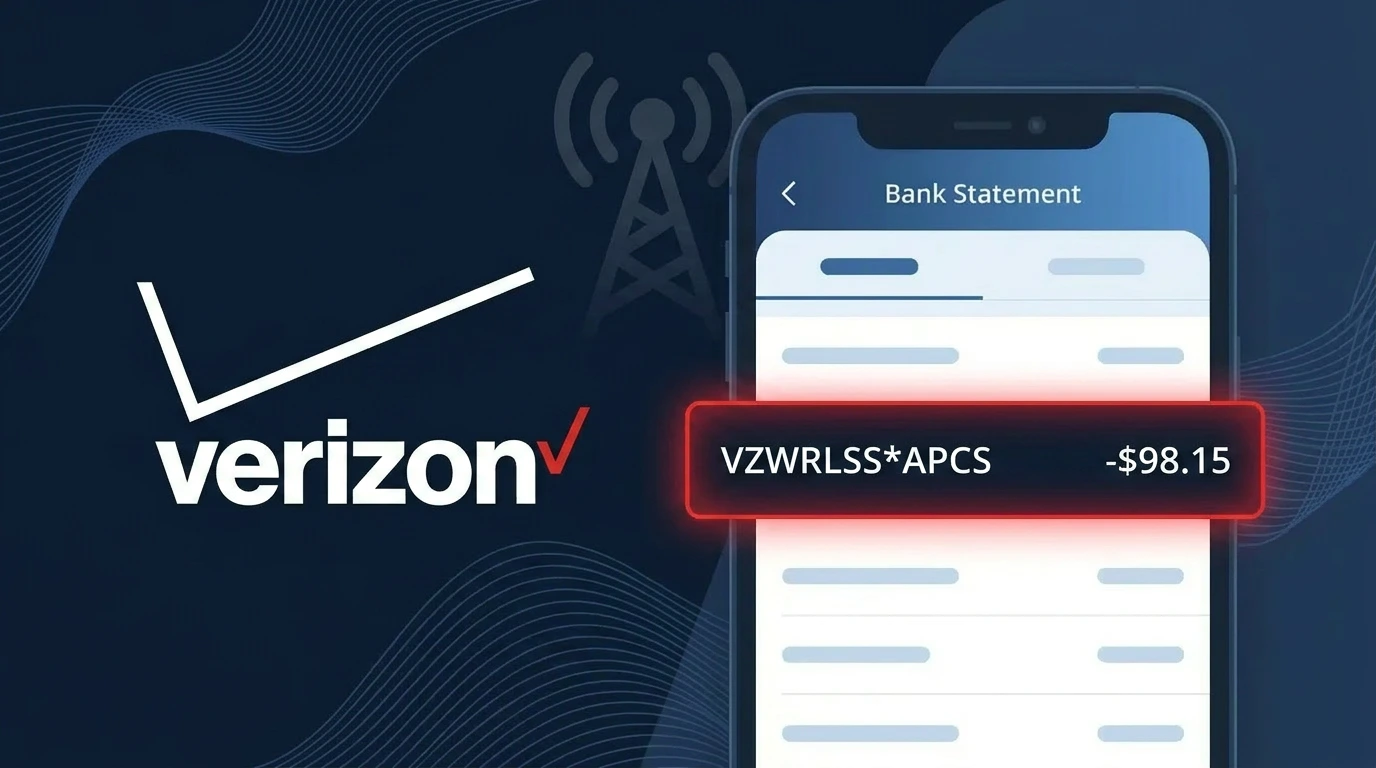
Is VZWRLSS*APCS a Legitimate Charge?
The charge VZWRLSS*APCS on your bank or credit card statement is a legitimate billing descriptor used by Verizon Wireless (VZWRLSS). This charge typically represents an Automatic Payment / Account Charge Summary from Verizon Wireless for your monthly wireless service, device payment, or add-on features billed to your account.
- VZWRLSS is the abbreviated billing name Verizon Wireless uses across all major banks and card networks
- VZWRLSS*APCS specifically refers to an auto-pay or account payment charge summary on your Verizon plan
- The charge may appear for monthly service plans, device installment payments, or hotspot/data add-ons
- It is common for family or shared plans to show VZWRLSS*APCS when a consolidated bill is auto-paid
If you do not recognize the amount, it is worth verifying through your Verizon account before assuming fraud, as plan changes or prorated charges can cause unexpected amounts.
How to Verify the VZWRLSS*APCS Charge
- 1
Log into your Verizon account
Visit verizon.com or open the My Verizon app and review your billing history. Look for a payment matching the VZWRLSS*APCS amount and date on your statement.
- 2
Search your email for VZWRLSS receipts
Search your inbox for emails from Verizon Wireless containing keywords like 'VZWRLSS', 'payment confirmation', or 'auto pay'. Verizon typically sends a receipt when VZWRLSS*APCS auto-payments process.
- 3
Check household or shared plan members
If you share a Verizon plan, ask other members whether they made account changes. VZWRLSS*APCS charges can reflect shared-line additions, upgrades, or overages on a family account.
- 4
Review your Verizon subscription and add-ons
Inside My Verizon, navigate to 'Plan Details' and check for any active add-ons, device protection plans, or recently activated features that could account for the VZWRLSS*APCS charge.
- 5
Contact your bank for transaction details
Ask your bank for the full merchant descriptor tied to the VZWRLSS*APCS charge. Banks can often provide a merchant contact number or additional transaction metadata to help confirm the charge origin.
How to Dispute a VZWRLSS*APCS Charge
- 1
Act within 60 days of the charge
Most banks require disputes to be filed within 60 days of the VZWRLSS*APCS charge appearing on your statement. Acting quickly protects your right to a full chargeback if the charge is unauthorized.
- 2
Contact Verizon Wireless (VZWRLSS) first
Call Verizon Wireless customer support at 1-800-922-0204 or chat at verizon.com. Reference the VZWRLSS*APCS charge with its date and amount — Verizon can often issue a credit faster than a bank dispute.
- 3
File a chargeback with your bank
If Verizon does not resolve the issue, contact your bank or card issuer and formally dispute the VZWRLSS*APCS transaction. Provide your statement, any Verizon correspondence, and your account details as supporting evidence.
- 4
Request a new card number
If you suspect the VZWRLSS*APCS charge is fraudulent and tied to unauthorized use of your card, ask your bank to issue a replacement card. Update your payment method on any legitimate Verizon accounts afterward.
Tips for Managing VZWRLSS*APCS Charges
Enable Verizon billing alerts so you're notified before each VZWRLSS*APCS auto-payment processes.
Download your Verizon monthly bill PDF to reconcile each VZWRLSS*APCS charge line by line.
Keep your My Verizon (VZWRLSS) account login secure and review payment methods quarterly.
Note your Verizon billing cycle date so VZWRLSS*APCS charges never catch you off guard each month.
Use a dedicated card for VZWRLSS charges to make fraudulent VZWRLSS*APCS entries easier to spot.
Use WhatIsThisCharge.net to identify related charges that appear alongside VZWRLSS*APCS on your statement.
Frequently Asked Questions About VZWRLSS*APCS
🔍 Decode this charge instantly
Search our database for VZWRLSS*APCS and similar charges.
Decode VZWRLSS*APCS →Was this article helpful?