Why You're Seeing "WSJ*" on Your Bank Statement
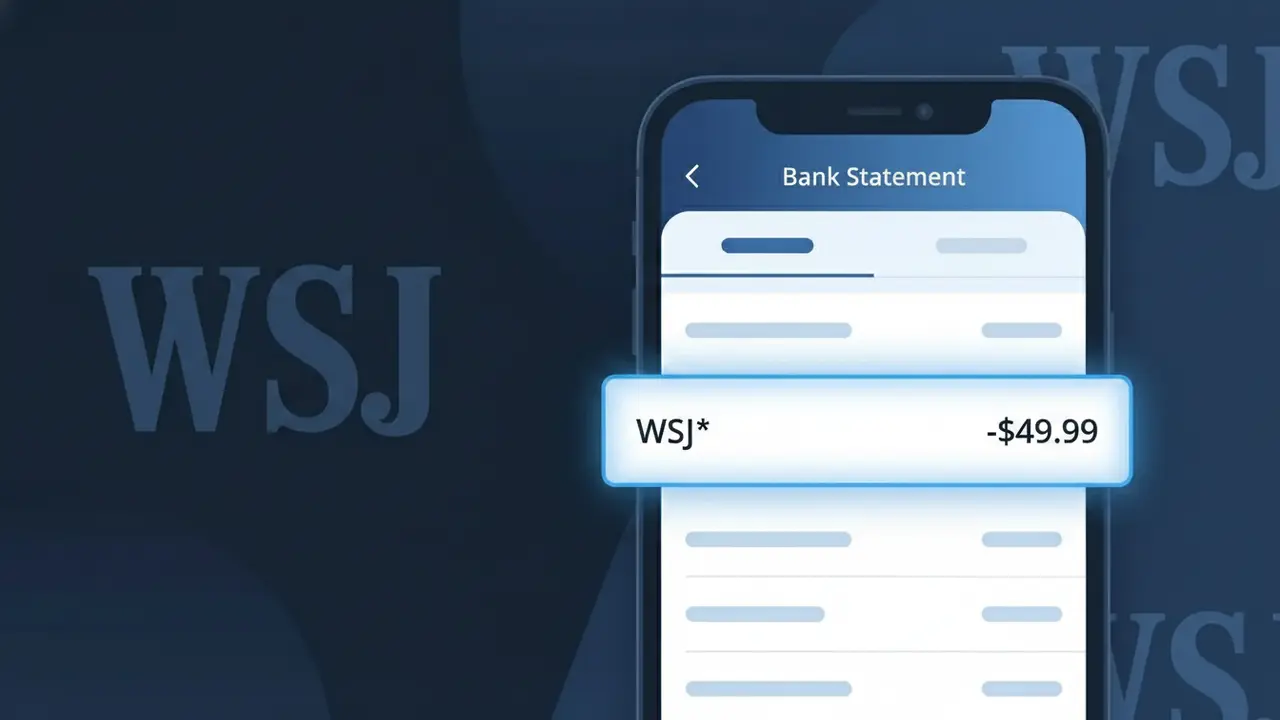
Why You're Seeing "WSJ*" on Your Bank Statement
A charge showing WSJ* on your bank or credit card statement comes from the Wall Street Journal, one of the world's leading financial and business news publications. This charge typically represents a digital subscription to WSJ.com, granting you access to premium news articles, market data, and exclusive content. The WSJ* descriptor is used by Dow Jones & Company, the publisher behind the Wall Street Journal, to identify recurring subscription billing. If you see this charge and don't recognize it, it's worth checking whether a household member signed up for a trial or full subscription.
The WSJ* descriptor appears on your bank statement as a shortened billing code used by Dow Jones & Company's payment processing system to identify Wall Street Journal subscription charges. Payment processors and merchant accounts often use abbreviated codes rather than full brand names due to character limits imposed by banking transaction systems. You may sometimes see variations such as WSJ* DIGITAL or WSJ*SUBSCRIPTION depending on your bank's formatting.
Is the WSJ* Charge Legitimate or Fraud?
A WSJ* charge on your bank or credit card statement is almost always a legitimate billing from Wall Street Journal, one of the world's most widely read financial and news publications. The truncated prefix "WSJ*" is how Wall Street Journal's payment processor identifies the transaction on your statement. Common reasons you may see this charge include:
- An active digital or print subscription to the Wall Street Journal
- A promotional trial period that has converted to a paid WSJ* subscription
- A student, corporate, or bundled news subscription linked to your card
- An annual WSJ* renewal charge that you may have forgotten about
How to Verify the WSJ* Charge
- 1
Log into your Wall Street Journal account
Visit wsj.com and sign in to check your active subscriptions and billing history. Your account dashboard will show any recurring WSJ* charges tied to your payment method.
- 2
Search your email for WSJ receipts
Search your inbox for emails from 'noreply@wsj.com' or 'Wall Street Journal' to find subscription confirmations or renewal receipts that match the WSJ* charge date and amount.
- 3
Check with household members
Ask family members or roommates whether they signed up for a Wall Street Journal subscription using your shared card, as WSJ* offers family or shared access plans.
- 4
Review linked subscription services
Check if you subscribed to WSJ* through a bundle, employer benefit, or a third-party service like Apple One or a university portal that bills under the WSJ* descriptor.
- 5
Contact your bank for details
If you still cannot place the WSJ* charge, call the number on the back of your card. Your bank can provide the exact merchant details and transaction date to help confirm its origin.
How to Dispute a WSJ* Charge
- 1
Act within 60 days
Credit card dispute rights are strongest within 60 days of the WSJ* charge appearing on your statement. Gather your billing records and document the unauthorized or incorrect charge before contacting anyone.
- 2
Contact Wall Street Journal directly first
Reach Wall Street Journal customer service at 1-800-JOURNAL (1-800-568-7625) or via wsj.com/customer-center. Resolving the WSJ* charge directly with them is often faster than a bank dispute.
- 3
File a chargeback with your bank
If Wall Street Journal does not resolve the issue, contact your bank or card issuer and formally dispute the WSJ* charge. Provide any email receipts, cancellation confirmations, or communication with WSJ as evidence.
- 4
Request a new card number
If you believe the WSJ* charge is the result of fraud or unauthorized card use, ask your bank to issue a replacement card to prevent any further unauthorized charges from appearing.
Tips for Managing Wall Street Journal Charges
Enable billing alerts for WSJ* charges so you're notified the moment your Wall Street Journal subscription renews.
Save your Wall Street Journal confirmation emails so you can easily match them to future WSJ* charges on your statement.
Log into your Wall Street Journal account at wsj.com regularly to review your subscription plan and update your payment details.
Note your WSJ* billing cycle date — Wall Street Journal typically bills monthly or annually — so unexpected charges don't catch you off guard.
Use a virtual card number for your WSJ* subscription to limit exposure if your payment info is ever compromised.
Use WhatIsThisCharge.net to identify related charges that may appear alongside WSJ* on your statement.
Frequently Asked Questions About the WSJ* Charge
ℹ️ Note
In most cases, a WSJ* charge is simply your Wall Street Journal digital or print subscription renewing automatically — a routine transaction that's easy to confirm by logging into wsj.com. If the charge amount and date match your subscription plan, there's no need to worry.
Was this article helpful?