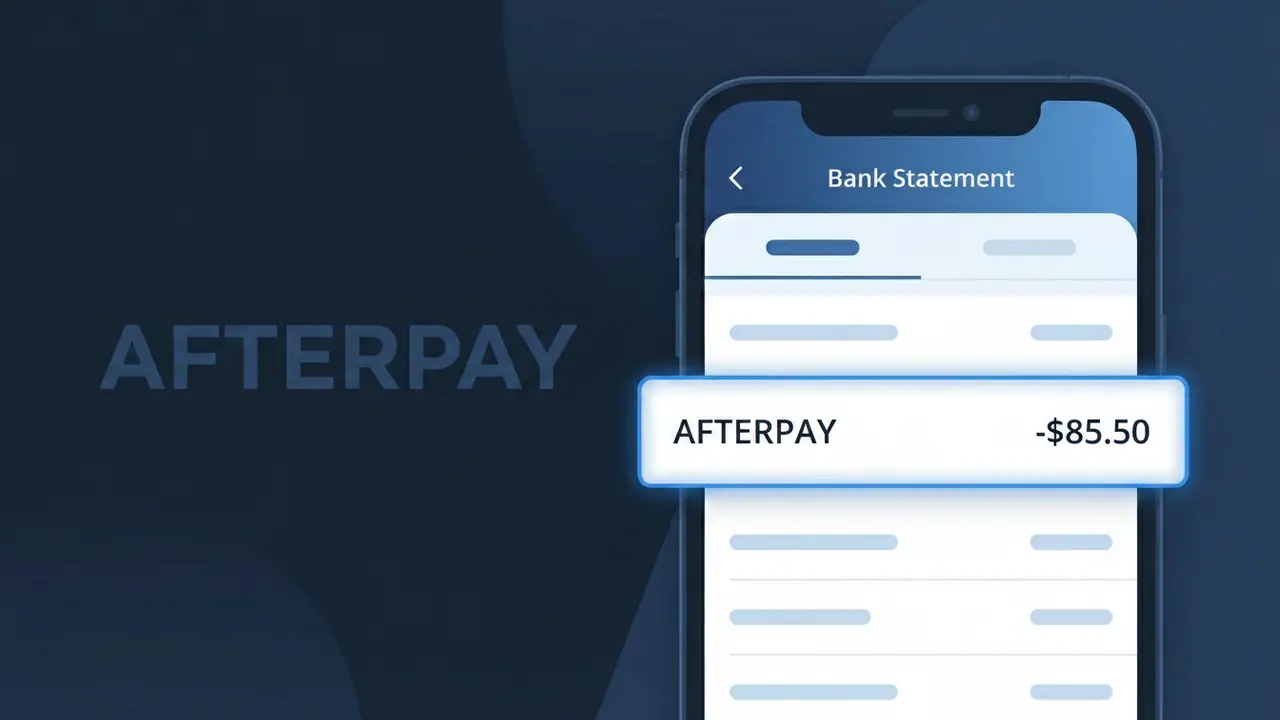
AFTERPAY Charge (What It Is + Is It Legit?)
✓ LegitimateThe "AFTERPAY" charge is from Afterpay. Afterpay buy-now-pay-later instalment payment.
Afterpay
Afterpay buy-now-pay-later instalment payment.
Category
Finance
Avg. Charge
Variable
Country
AU
Billing Cycle
Monthly
Cancel At
afterpay.com
Support
See website
What is this charge?
When Afterpay processes its buy-now-pay-later instalment payments, the descriptor sent to your bank is simply "AFTERPAY" because banking systems truncate and standardise merchant names to uppercase characters, stripping away any additional branding or legal entity details. Afterpay, the Australian-founded financial technology company, bills each scheduled instalment directly through its own payment infrastructure, so the descriptor reflects the platform name rather than a third-party processor. If you see AFTERPAY on your statement, it corresponds to one of your regular split payments for a purchase you made through a retailer that offers Afterpay at checkout.
How to handle this charge
Log into your Afterpay account
Visit afterpay.com and sign in to your account to review your active orders and payment schedules. The AFTERPAY charge on your statement corresponds to an instalment payment for a purchase you made using the buy-now-pay-later service.
Match the charge to a specific order
Inside your Afterpay dashboard, navigate to your order history and check the instalment due dates and amounts. Match the AFTERPAY charge amount on your bank statement to the specific order and payment number, such as payment 1 of 4, to confirm exactly which purchase triggered it.
Check your Afterpay payment schedule
Afterpay splits purchases into four fortnightly instalments, so if you see recurring AFTERPAY charges, review your upcoming payment schedule at afterpay.com to understand when future payments will be deducted and budget accordingly.
Manage or cancel your Afterpay orders
If you no longer want to continue with an Afterpay order or wish to make changes, visit afterpay.com to manage your orders, update your linked payment method, or contact Afterpay support directly through the site to resolve any billing concerns.
How to cancel Afterpay
Afterpay bills you Monthly. To stop future charges, cancel from your account directly.
Cancel at Afterpayℹ️ International processing
This charge is processed in AU. You may see a foreign transaction fee from your bank (typically 1-3%).
Quick fraud check
No, this is a legitimate charge from Afterpay. However, if you did not authorize this charge or cancelled your subscription, you may be eligible for a refund.
ℹ️ Note
In most cases, seeing "AFTERPAY" on your statement is completely normal. Before assuming fraud, check your recent purchases — most mystery charges have a simple explanation.
Is the AFTERPAY Charge Legitimate or Fraud?
If you see a charge labeled AFTERPAY on your bank or credit card statement, it is most likely a legitimate installment payment processed by Afterpay, the popular buy-now-pay-later (BNPL) service. Afterpay splits your purchases into four equal fortnightly payments, so you may see multiple AFTERPAY charges appearing over several weeks from a single shopping transaction.
Common reasons you may see an AFTERPAY charge include:
- You used Afterpay at checkout with an online or in-store retailer
- An installment payment from a previous Afterpay order is now due
- A family member or household user linked their Afterpay account to your card
- Afterpay charged a late fee because a scheduled payment was missed
However, if you do not recall using Afterpay or authorizing anyone else to do so, the charge could be fraudulent and should be investigated immediately.
How to Verify the AFTERPAY Charge
- 1
Log into your Afterpay account
Visit afterpay.com or open the Afterpay app and check your order history. Each active installment plan will show the merchant name, purchase date, and upcoming payment schedule.
- 2
Search your email for Afterpay receipts
Look for emails from no-reply@afterpay.com confirming a purchase or payment. The email will include the retailer name and the exact amount that matches the charge on your statement.
- 3
Check if a household member used Afterpay
Ask family members whether they used Afterpay with a card linked to your account, as Afterpay allows users to add multiple payment methods that may belong to others.
- 4
Review the charge date against your Afterpay schedule
Afterpay debits payments every two weeks. Cross-reference the charge date on your bank statement with the installment due dates shown in your Afterpay account dashboard.
- 5
Contact your bank for more details
If you still cannot identify the AFTERPAY charge, call the number on the back of your card and ask your bank for the full merchant descriptor and transaction details to aid your investigation.
How to Dispute an AFTERPAY Charge
- 1
Act within 60 days of the charge
Most banks require disputes to be filed within 60 days of the statement date. Do not wait — contact Afterpay or your bank as soon as you identify an unauthorized or incorrect AFTERPAY charge.
- 2
Contact Afterpay support first
Reach out to Afterpay directly via their in-app chat or at afterpay.com/contact. Afterpay can investigate the charge, reverse errors, and escalate fraud cases faster than a standard bank dispute.
- 3
File a chargeback with your bank
If Afterpay does not resolve the issue, contact your bank or card issuer and request a formal chargeback for the unauthorized AFTERPAY transaction, citing it as an unrecognized or fraudulent charge.
- 4
Request a new card number
If you suspect your card details were stolen and used to create an Afterpay account, ask your bank to cancel your current card and issue a new one to prevent further unauthorized AFTERPAY charges.
Tips for Managing AFTERPAY Charges
Enable Afterpay payment reminders in the app so you are never surprised by an automatic AFTERPAY debit.
Keep a list of all active Afterpay installment plans to reconcile each AFTERPAY charge on your statement easily.
Use a strong, unique password for your Afterpay account and enable two-factor authentication to prevent unauthorized use.
Note that Afterpay charges installments every 14 days — calendar these dates to ensure sufficient funds are available.
Regularly audit the payment cards saved in your Afterpay account and remove any cards you no longer use.
Use WhatIsThisCharge.net to identify related charges that may appear alongside AFTERPAY on your statement.
Frequently Asked Questions
Was this page helpful?
Community Reports (0)
0 votesNo votes yet — be the first to report on this charge!
Have you seen this charge? Help others by voting:
Community Comments (0)
No comments yet. Be the first to share your experience!
Share your experience
Your email is only used to verify your comment and will never be shown publicly.
Search Another Charge
Popular Charges
Canva Pro
CANVA PRO*
Woolworths Australia
WOOLWORTHS AU*
Uber Australia
UBER AU*
Coles Supermarkets
COLES*
Telstra Australia
TELSTRA BILL
Need to dispute this charge?
Generate a professional dispute letter in seconds with our AI tool.
Open Charge AssistantCommunity Verified
Real user reports
Free to Use
Always free to check
Secure & Private
Your data is safe
Help Millions
48K+ charges identified