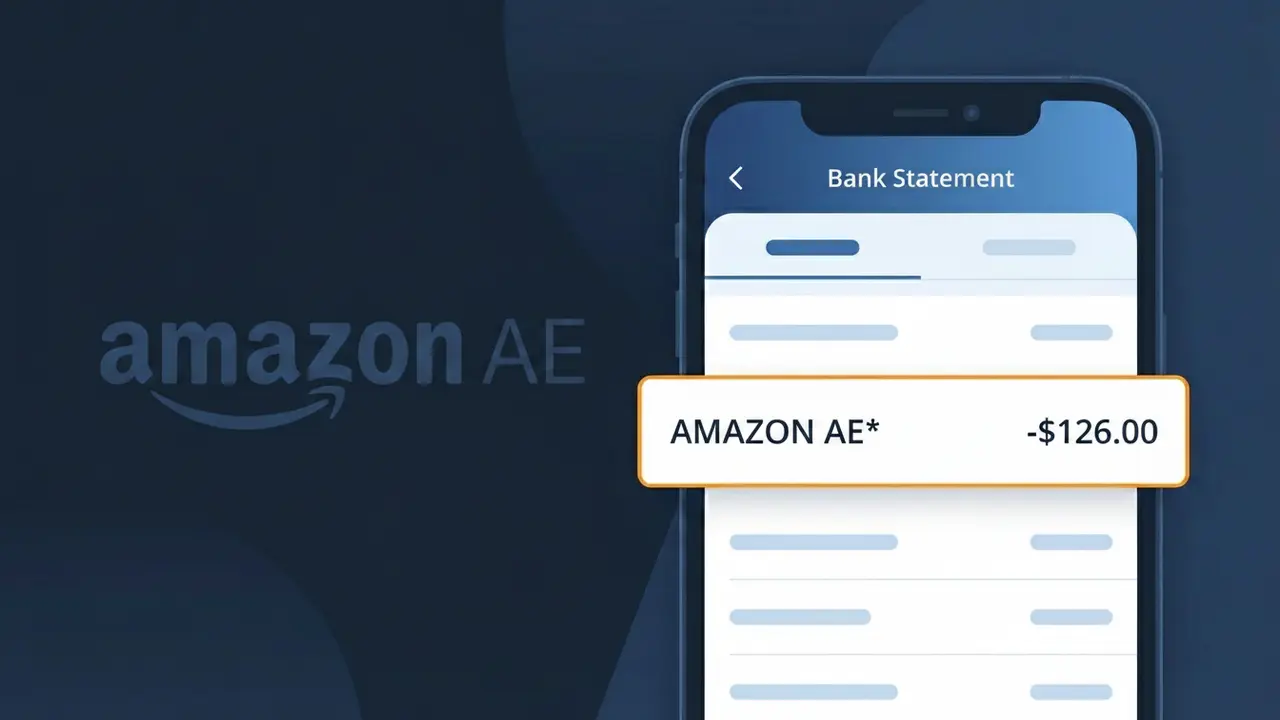
AMAZON AE* Charge (What It Is + Is It Legit?)
✓ LegitimateThe "AMAZON AE*" charge is from Amazon UAE. Amazon.ae online purchase UAE.

Amazon UAE
Amazon.ae online purchase UAE.
Category
Shopping
Avg. Charge
150 AED
Country
AE
Billing Cycle
One-time
Cancel At
amazon.ae/orders
Support
See website
Understanding this descriptor
When Amazon processes purchases made through its UAE marketplace at Amazon.ae, the billing system identifies the transaction using a regional country code shorthand, resulting in "AMAZON AE*" appearing on your bank statement rather than the full "Amazon UAE" name. The "AE" portion refers to the ISO country code for the United Arab Emirates, which Amazon's payment infrastructure appends to distinguish transactions originating from its Middle Eastern platform from other regional Amazon storefronts. This abbreviated descriptor format is standard practice across Amazon's global network, where country codes replace full regional names to keep charge descriptions concise within the character limits imposed by banking systems.
Recommended actions
Check Your Amazon UAE Order History
Log in to your Amazon UAE account at amazon.ae and navigate to your order history at amazon.ae/orders. Match the charge amount from the AMAZON AE* entry on your bank statement to a recent purchase made on the UAE Amazon platform.
Verify the Purchase Date and Amount
Compare the date and exact amount of the AMAZON AE* charge on your bank statement with the corresponding order on amazon.ae/orders. Keep in mind that Amazon UAE may charge in AED, so confirm any currency conversion applied by your bank is consistent with the order total.
Review Any Active Amazon UAE Subscriptions
If you cannot immediately match the AMAZON AE* charge to a specific order, check whether you have any active subscriptions through Amazon UAE, such as Prime UAE membership, which may appear as a recurring AMAZON AE* billing on your statement.
Cancel or Manage Orders on Amazon UAE if Needed
If the AMAZON AE* charge is for an order you no longer want or did not intend to place, visit amazon.ae/orders to request a cancellation or return. Amazon UAE's return policy will guide you through getting a refund, which should reflect on your bank statement within a few business days.
ℹ️ International processing
This charge is processed in AE. You may see a foreign transaction fee from your bank (typically 1-3%).
Is this charge fraudulent?
No, this is a legitimate charge from Amazon UAE. However, if you did not authorize this charge or cancelled your subscription, you may be eligible for a refund.
ℹ️ Note
In most cases, seeing "AMAZON AE*" on your statement is completely normal. Before assuming fraud, check your recent purchases — most mystery charges have a simple explanation.
Is the AMAZON AE* Charge Legitimate or Fraud?
The AMAZON AE* charge on your bank or credit card statement comes from AMAZON AE, which is Amazon's storefront serving the United Arab Emirates (UAE) at amazon.ae. This charge is typically legitimate and appears when you make a purchase, subscribe to a service, or renew a membership through Amazon's UAE platform.
Common legitimate reasons you may see an AMAZON AE* charge include:
- A product purchase made on the Amazon.ae marketplace
- An Amazon Prime membership subscription billed through AMAZON AE
- A digital purchase such as a Kindle book, app, or Amazon Video content via the UAE store
- A recurring subscription to an Amazon service tied to your AMAZON AE account
- A purchase made by a family member or authorized user on your shared AMAZON AE account
However, if you do not recognize the AMAZON AE* charge and have no connection to the UAE Amazon platform, it could indicate unauthorized use of your payment details and should be investigated promptly.
How to Verify the AMAZON AE* Charge
- 1
Log into your AMAZON AE account
Visit amazon.ae and sign in. Navigate to 'Returns & Orders' to review your recent order history and match the charge amount and date to the AMAZON AE* transaction on your statement.
- 2
Search your email for AMAZON AE receipts
Search your inbox for emails from amazon.ae or no-reply@amazon.ae. AMAZON AE sends order confirmation and payment receipt emails that will match the AMAZON AE* charge details.
- 3
Check your Amazon subscriptions
In your AMAZON AE account, go to 'Account & Lists' > 'Memberships & Subscriptions' to see if an Amazon Prime UAE or other recurring service is generating the AMAZON AE* charge.
- 4
Check with household members
Ask family members or anyone who shares your payment method if they made a purchase on amazon.ae, as their order would also appear as an AMAZON AE* charge on your statement.
- 5
Contact your bank for charge details
If you still cannot identify the AMAZON AE* charge, call your bank and request the full merchant details, transaction ID, and exact timestamp to help pinpoint the source of the charge.
How to Dispute an AMAZON AE* Charge
- 1
Act within 60 days of the charge
Most banks require you to dispute an unrecognized AMAZON AE* charge within 60 days of your statement date. Acting quickly improves your chances of a full refund and prevents further unauthorized charges.
- 2
Contact AMAZON AE customer service first
Reach out to Amazon.ae customer support via chat or phone and reference the specific AMAZON AE* charge amount and date. Amazon can often resolve billing errors or unauthorized charges faster than a bank dispute.
- 3
File a chargeback with your bank
If AMAZON AE cannot resolve the issue, contact your bank or card issuer to file a formal chargeback. Provide your statement showing the AMAZON AE* charge, any correspondence with Amazon, and your reason for dispute.
- 4
Request a new card number
If the AMAZON AE* charge appears fraudulent and you did not authorize it, ask your bank to cancel your current card and issue a new one to prevent any further unauthorized charges from AMAZON AE or other merchants.
Tips for Managing AMAZON AE Charges
Enable purchase notifications on your AMAZON AE account so you receive instant alerts whenever an AMAZON AE* charge is processed.
Regularly review your amazon.ae order history monthly to reconcile every AMAZON AE* charge against your bank statement.
Secure your AMAZON AE account with a strong, unique password and enable two-factor authentication to prevent unauthorized purchases.
Note your Amazon Prime UAE renewal date so the annual or monthly AMAZON AE* billing charge never catches you off guard.
Use a dedicated card for AMAZON AE purchases to isolate and easily track all AMAZON AE* charges in one place.
Use WhatIsThisCharge.net to identify related charges that may appear alongside AMAZON AE* on your statement.
Common questions
Was this page helpful?
Community Reports (0)
0 votesNo votes yet — be the first to report on this charge!
Have you seen this charge? Help others by voting:
Community Comments (0)
No comments yet. Be the first to share your experience!
Share your experience
Your email is only used to verify your comment and will never be shown publicly.
Search Another Charge
Popular Charges
Talabat
TALABAT*
Etisalat (e&) UAE
ETISALAT*
Deliveroo UAE
DELIVEROO AE*
du Telecom UAE
DU TELECOM*
Noon.com UAE
NOON ORDER AE
Related Charges
Need to dispute this charge?
Generate a professional dispute letter in seconds with our AI tool.
Open Charge AssistantCommunity Verified
Real user reports
Free to Use
Always free to check
Secure & Private
Your data is safe
Help Millions
48K+ charges identified