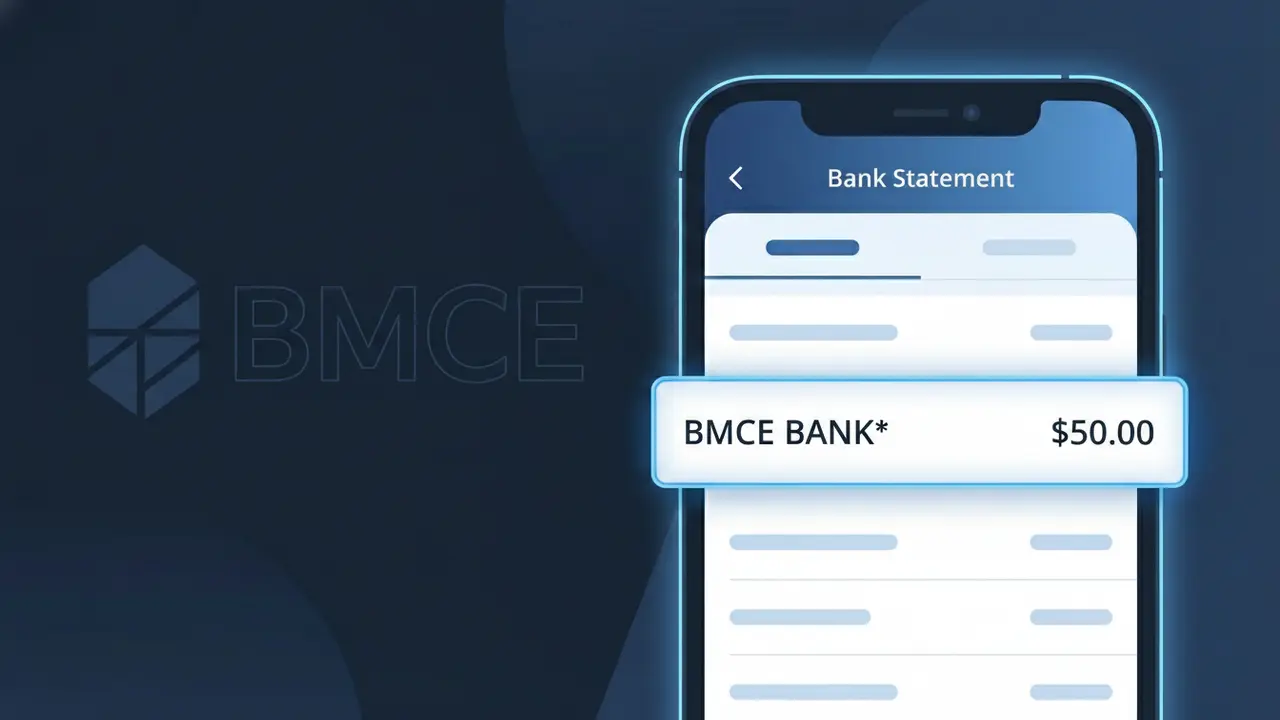
BMCE BANK* Charge (What It Is + Is It Legit?)
✓ LegitimateThe "BMCE BANK*" charge is from BMCE Bank of Africa. BMCE Bank frais bancaires.
BMCE Bank of Africa
BMCE Bank frais bancaires.
Category
Banking
Avg. Charge
Variable
Country
MA
Billing Cycle
Monthly
Cancel At
bmcebank.ma
Support
See website
What is this charge?
BMCE Bank of Africa truncates its billing identifier to "BMCE BANK*" on bank statements due to the character limitations imposed by international payment processing systems, which typically cap merchant descriptors at around 22 characters. The asterisk following the descriptor is a standard formatting convention used by payment networks to separate the merchant name from any additional transaction reference data that may follow. As one of Morocco's largest banking institutions, BMCE Bank of Africa uses this shortened form across its monthly banking fee transactions, known locally as "frais bancaires," to ensure compatibility with both domestic and international card processing infrastructure.
How to handle this charge
Identify the BMCE Bank charge
Review your bank statement closely and confirm that the charge labeled BMCE BANK* corresponds to a known BMCE Bank of Africa account, loan, or service you currently hold. BMCE Bank frais bancaires refers to standard banking fees that may include account maintenance, transaction processing, or other service charges.
Log in to your BMCE Bank of Africa account
Visit bmcebank.ma and sign in to your online banking portal to cross-reference the charge with your recent account activity, fee schedule, or any active financial products you have with BMCE Bank of Africa to confirm the exact source of the BMCE BANK* charge.
Contact BMCE Bank of Africa directly
If you cannot identify what specific banking fee the BMCE BANK* charge represents, reach out to BMCE Bank of Africa customer support through the official website at bmcebank.ma to request a detailed breakdown of the charge and clarification on which account or service it was applied to.
Review and manage your BMCE Bank fee agreements
Once the charge is verified, take time to review the fee terms associated with your BMCE Bank of Africa account by visiting bmcebank.ma. If you believe the fee is incorrect or wish to explore account options with lower fees, discuss alternatives directly with a BMCE Bank of Africa representative.
How to cancel BMCE Bank of Africa
BMCE Bank of Africa bills you Monthly. To stop future charges, cancel from your account directly.
Cancel at BMCE Bank of Africaℹ️ International processing
This charge is processed in MA. You may see a foreign transaction fee from your bank (typically 1-3%).
Quick fraud check
No, this is a legitimate charge from BMCE Bank of Africa. However, if you did not authorize this charge or cancelled your subscription, you may be eligible for a refund.
ℹ️ Note
In most cases, seeing "BMCE BANK*" on your statement is completely normal. Before assuming fraud, check your recent purchases — most mystery charges have a simple explanation.
Is the BMCE BANK* Charge Legitimate or Fraud?
If you've spotted BMCE BANK* on your bank or credit card statement, it most likely originates from BMCE Bank (Banque Marocaine du Commerce Extérieur), one of Morocco's largest financial institutions. This charge typically appears when you have an active account, loan, or financial product with BMCE Bank and a fee, transfer, or service cost has been applied.
Common legitimate reasons you might see the BMCE BANK* charge include:
- Monthly or annual account maintenance fees charged by BMCE Bank
- International wire transfer or currency conversion fees processed through BMCE Bank
- Loan repayment installments or credit facility charges from BMCE Bank
- Insurance premium deductions linked to a BMCE Bank financial product
- Card issuance, renewal, or transaction fees billed by BMCE Bank
However, if you do not hold any account or product with BMCE Bank and cannot recognize the BMCE BANK* charge, it may indicate unauthorized use of your payment details and should be investigated immediately.
How to Verify the BMCE BANK* Charge
- 1
Log into your BMCE Bank account
Sign into your BMCE Bank online banking portal or mobile app and review recent transactions. Look for any fee schedules, loan repayments, or service charges that match the BMCE BANK* amount on your statement.
- 2
Search your email for BMCE Bank correspondence
Search your inbox for emails from BMCE Bank referencing fees, statements, or transaction confirmations. BMCE Bank typically sends e-notifications when charges are applied to your account.
- 3
Check if a family member used BMCE Bank services
If your card is linked to a joint account or a family member has access to your payment details, confirm whether they initiated a BMCE Bank transaction that generated the BMCE BANK* charge.
- 4
Review your BMCE Bank product agreements
Locate your original BMCE Bank account or loan agreement and check the fee schedule. Many recurring BMCE BANK* charges are clearly outlined in the terms and conditions you agreed to at sign-up.
- 5
Contact BMCE Bank customer support directly
Call or visit a BMCE Bank branch and provide the exact charge amount and date. A BMCE Bank representative can look up the transaction reference and confirm whether the BMCE BANK* charge is valid.
How to Dispute a BMCE BANK* Charge
- 1
Act within 60 days of the charge appearing
Most card issuers and consumer protection regulations require disputes to be filed within 60 days of the BMCE BANK* charge appearing on your statement. Acting quickly improves your chances of a successful resolution.
- 2
Contact BMCE Bank first
Reach out to BMCE Bank's customer service directly — by phone, branch visit, or their official online messaging channel — and explain that you are disputing the BMCE BANK* charge. Request a transaction reference number for your records.
- 3
File a chargeback with your card issuer
If BMCE Bank does not resolve the issue, contact your own bank or credit card provider to initiate a formal chargeback for the BMCE BANK* transaction. Provide all documentation including dates, amounts, and any communication with BMCE Bank.
- 4
Request a new card number
If the BMCE BANK* charge appears fraudulent and you never held an account with BMCE Bank, ask your card issuer to cancel your current card and issue a new one to prevent any further unauthorized charges.
Tips for Managing BMCE BANK Charges
Enable SMS and email alerts on your BMCE Bank account to get notified instantly whenever a BMCE BANK* charge is applied.
Keep a copy of your BMCE Bank fee schedule so you can quickly cross-reference any unexpected BMCE BANK* charge on your statement.
Regularly update your BMCE Bank online banking password and enable two-factor authentication to protect against unauthorized BMCE BANK* charges.
Note your BMCE Bank billing cycle dates so recurring BMCE BANK* charges such as monthly fees or loan payments are expected and not mistaken for fraud.
Consider enrolling in BMCE Bank's fraud protection or card monitoring service to add an extra layer of security against unauthorized charges.
Use WhatIsThisCharge.net to identify related charges that may appear alongside BMCE BANK* on your statement.
Frequently Asked Questions
Was this page helpful?
Community Reports (0)
0 votesNo votes yet — be the first to report on this charge!
Have you seen this charge? Help others by voting:
Community Comments (0)
No comments yet. Be the first to share your experience!
Share your experience
Your email is only used to verify your comment and will never be shown publicly.
Search Another Charge
Popular Charges
Maroc Telecom
MAROC TELECOM*
Orange Maroc
ORANGE MA*
Inwi Maroc
INWI*
Attijariwafa Bank
ATTIJARIWAFA*
CIH Bank Maroc
CIH BANK*
Related Charges
Need to dispute this charge?
Generate a professional dispute letter in seconds with our AI tool.
Open Charge AssistantCommunity Verified
Real user reports
Free to Use
Always free to check
Secure & Private
Your data is safe
Help Millions
48K+ charges identified