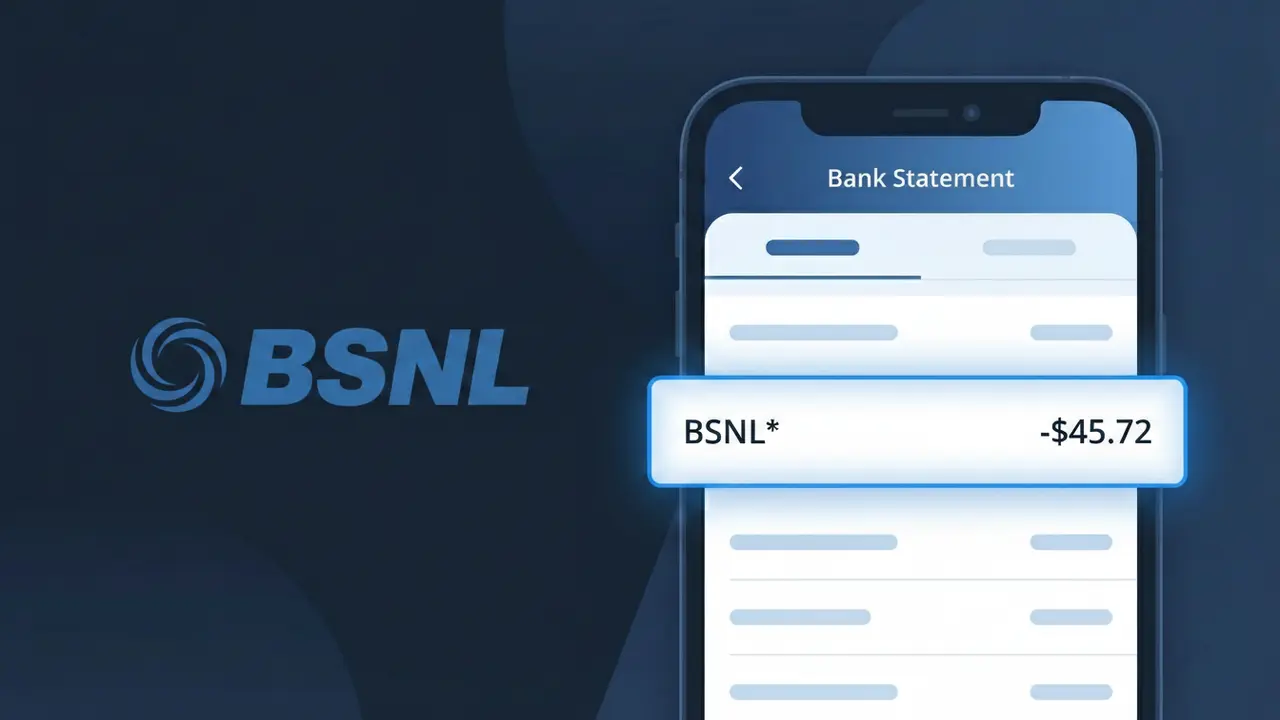
BSNL* Charge (What It Is + Is It Legit?)
✓ LegitimateThe "BSNL*" charge is from BSNL India. BSNL broadband or mobile bill.
BSNL India
BSNL broadband or mobile bill.
Category
Telecom
Avg. Charge
₹299
Country
IN
Billing Cycle
Monthly
Cancel At
bsnl.co.in
Support
See website
Why does this charge appear?
BSNL India's billing systems truncate the company identifier to "BSNL*" on bank statements because the state-owned telecom uses automated payment processing infrastructure that applies a shorthand code followed by an asterisk, a formatting convention commonly used by large utility and telecom providers to separate the merchant name from any trailing transaction reference data. The asterisk in "BSNL*" often indicates that additional characters, such as a circle code or regional billing zone identifier, may follow depending on your bank's display settings, which is why some customers see only the truncated version. If you spot this descriptor alongside a charge of around ₹299, it is almost certainly your monthly BSNL broadband or mobile bill processed through their centralized billing platform.
Your next steps
Verify your BSNL account
Log in to your BSNL account at bsnl.co.in and check your billing history to confirm the BSNL* charge on your bank statement matches your current broadband or mobile plan amount and billing date.
Review your BSNL service plan
While logged into bsnl.co.in, review your active BSNL broadband or mobile plan details to ensure the charge reflects the correct subscription tier, any add-ons, or usage-based fees you have authorized.
Contact BSNL India support
If the BSNL* charge amount looks unfamiliar or higher than expected, reach out to BSNL India customer care directly through bsnl.co.in to request a detailed bill breakdown and clarify any discrepancies before assuming it is an error.
Manage or cancel your BSNL subscription
If you no longer use your BSNL broadband or mobile service and want to stop future BSNL* charges, visit bsnl.co.in to manage your subscription, request a disconnection, or downgrade your plan to avoid recurring billing.
How to cancel BSNL India
BSNL India bills you Monthly. To stop future charges, cancel from your account directly.
Cancel at BSNL Indiaℹ️ International processing
This charge is processed in IN. You may see a foreign transaction fee from your bank (typically 1-3%).
Legitimate or scam?
No, this is a legitimate charge from BSNL India. However, if you did not authorize this charge or cancelled your subscription, you may be eligible for a refund.
ℹ️ Note
In most cases, seeing "BSNL*" on your statement is completely normal. Before assuming fraud, check your recent purchases — most mystery charges have a simple explanation.
Is the BSNL* Charge Legitimate or Fraud?
If you see a BSNL* charge on your bank or credit card statement, it most likely comes from Bharat Sanchar Nigam Limited (BSNL), India's government-owned telecommunications company. BSNL provides broadband, mobile, landline, and fiber internet services across India, and the BSNL* descriptor typically appears when a recurring payment for one of these services is processed. However, if you do not have an active BSNL plan or did not authorize the payment, the charge warrants closer investigation.
- You or a family member recently activated or renewed a BSNL broadband or mobile plan
- You set up an auto-pay or standing instruction for a BSNL postpaid or fiber connection
- A BSNL prepaid recharge was completed through a third-party app that billed your card
- The charge amount matches a known BSNL plan tariff (e.g., ₹199, ₹499, ₹999 broadband plans)
How to Verify the BSNL* Charge
- 1
Log into your BSNL account
Visit the BSNL Self Care Portal at selfcare.bsnl.co.in or the BSNL app and check your billing history. Match the charge amount and date to an invoice in your BSNL account dashboard.
- 2
Search your email for BSNL receipts
Search your inbox for emails from BSNL containing keywords like 'BSNL invoice', 'BSNL recharge', or 'BSNL payment confirmation' to find a matching transaction receipt.
- 3
Check if a household member made the payment
Ask family members whether they paid a BSNL bill or recharged a BSNL SIM using your card, as shared accounts or auto-pay setups can generate unexpected BSNL* charges.
- 4
Review third-party recharge apps
If you use apps like PhonePe, Paytm, or Google Pay for BSNL recharges, check their transaction history — these platforms may bill your card and show up as BSNL* on your statement.
- 5
Contact your bank for details
Ask your bank for the full merchant details behind the BSNL* charge, including the merchant ID and transaction reference, which can help confirm whether the charge originated from BSNL.
How to Dispute a BSNL* Charge
- 1
Act within 60 days of the charge
Most banks require you to raise a dispute within 60 days of the BSNL* charge appearing on your statement. Note the exact date, amount, and transaction ID before contacting anyone.
- 2
Contact BSNL customer support first
Call BSNL's customer care at 1800-345-1500 (toll-free) or raise a complaint at bsnlportal.bsnl.co.in. BSNL can investigate the charge and issue a refund if the billing was erroneous.
- 3
File a chargeback with your bank
If BSNL does not resolve the issue, contact your bank or card issuer to file a formal chargeback against the BSNL* transaction. Provide all communication records with BSNL as supporting evidence.
- 4
Request a new card number
If you suspect the BSNL* charge is fraudulent and your card details were compromised, ask your bank to cancel your current card and issue a new one to prevent further unauthorized charges.
Tips for Managing BSNL Charges
Enable SMS and email alerts on your BSNL account to get notified every time a BSNL* payment is processed.
Download your BSNL monthly bill from the Self Care Portal and cross-check it against BSNL* charges on your bank statement.
Keep your BSNL account login credentials secure and review linked payment methods regularly to avoid surprise charges.
Note your BSNL billing cycle date so you can anticipate when the BSNL* charge will appear each month.
Set a transaction limit alert on your card to flag any BSNL* charge that exceeds your expected BSNL plan amount.
Use WhatIsThisCharge.net to identify related charges that may appear alongside BSNL* on your statement.
Quick answers
Was this page helpful?
Community Reports (0)
0 votesNo votes yet — be the first to report on this charge!
Have you seen this charge? Help others by voting:
Community Comments (0)
No comments yet. Be the first to share your experience!
Share your experience
Your email is only used to verify your comment and will never be shown publicly.
Search Another Charge
Popular Charges

Amazon India
AMAZON IN*
Google Pay India
GPAY*
Flipkart
FLIPKART*
Airtel India
AIRTEL INDIA*
PhonePe
PHONEPE*
Related Charges
Need to dispute this charge?
Generate a professional dispute letter in seconds with our AI tool.
Open Charge AssistantCommunity Verified
Real user reports
Free to Use
Always free to check
Secure & Private
Your data is safe
Help Millions
48K+ charges identified