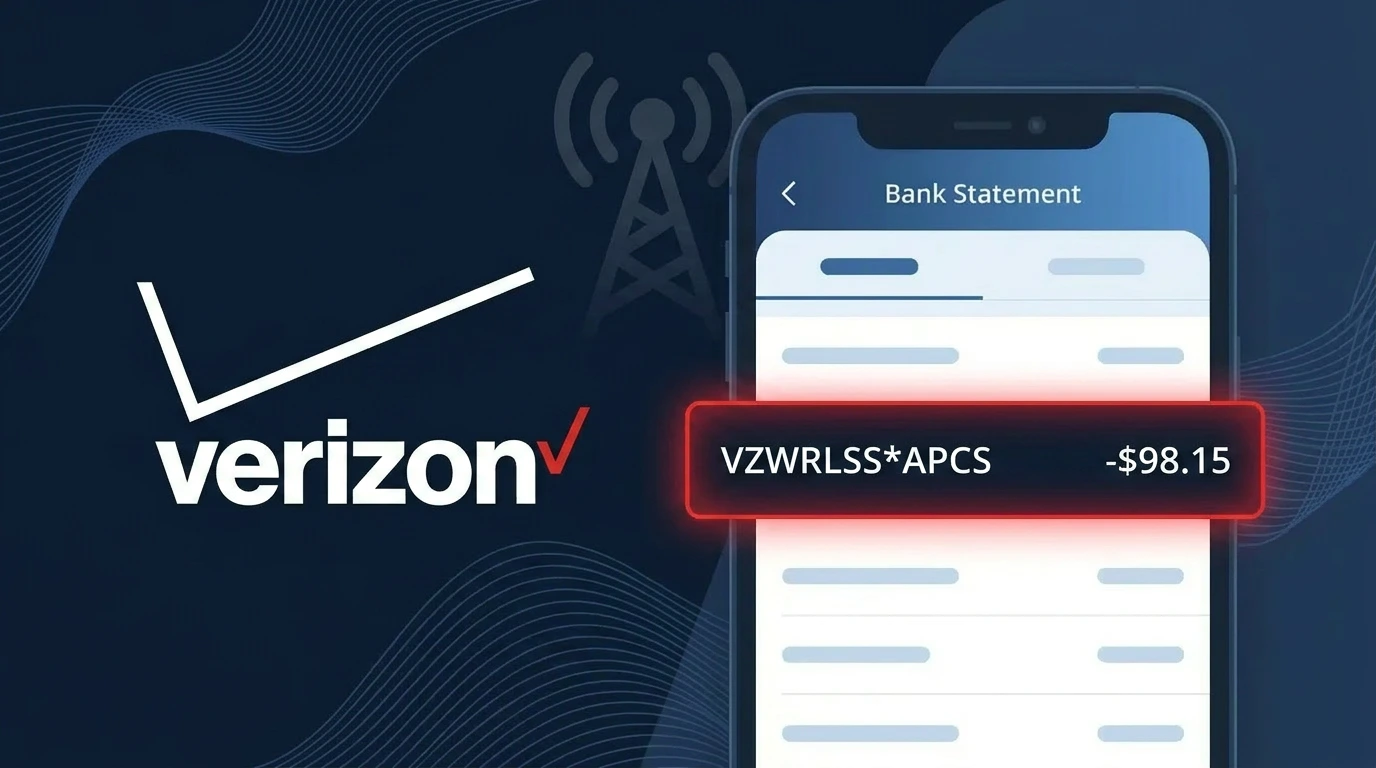
VZWRLSS*APCS Charge (What It Is + Is It Legit?)
✓ LegitimateThe "VZWRLSS*APCS" charge is from Verizon Wireless. Verizon wireless service monthly bill.
Verizon Wireless
Verizon wireless service monthly bill.
Category
Telecom
Avg. Charge
$55–$120
Country
US
Billing Cycle
Monthly
Cancel At
verizon.com/account
Support
See website
Why does this charge appear?
Verizon Wireless uses the abbreviated descriptor VZWRLSS\*APCS on bank statements because payment card networks like Visa and Mastercard enforce strict character limits on merchant descriptors, forcing large telecom companies to compress their billing identifiers. The "VZWRLSS" portion is a shorthand encoding of "Verizon Wireless," while "APCS" refers to Verizon's Automated Payment and Collection System, the internal billing platform that processes monthly service charges for wireless accounts. If you see this descriptor on your statement, it almost certainly reflects your regular monthly Verizon Wireless bill rather than any unauthorized transaction.
Your next steps
Log into Your Verizon Account
Visit verizon.com and sign into your account to confirm that the VZWRLSS*APCS charge matches your current Verizon Wireless monthly service plan. Check your billing history to ensure the amount aligns with your expected bill cycle.
Review Your Verizon Wireless Bill Details
Inside your Verizon account at verizon.com, navigate to the billing section and review the itemized charges for the same period. The VZWRLSS*APCS charge should correspond to your Verizon Wireless monthly service, including any plan fees, taxes, or add-ons.
Check for Plan or Service Changes
If the VZWRLSS*APCS amount looks different than usual, check whether any changes were recently made to your Verizon Wireless plan, such as upgraded data, added lines, or new device payments, which could explain a higher or unexpected charge.
Manage or Cancel Your Verizon Wireless Plan
If you no longer need the Verizon Wireless service or want to adjust your plan to avoid future VZWRLSS*APCS charges, visit verizon.com/account to manage your subscription, downgrade your plan, or contact Verizon Wireless customer support directly for assistance.
How to cancel Verizon Wireless
Verizon Wireless bills you Monthly. To stop future charges, cancel from your account directly.
Cancel at Verizon WirelessLegitimate or scam?
No, this is a legitimate charge from Verizon Wireless. However, if you did not authorize this charge or cancelled your subscription, you may be eligible for a refund.
How to Verify the VZWRLSS*APCS Charge
- 1
Log into your Verizon account
Visit verizon.com or open the My Verizon app and review your billing history. Look for a payment matching the VZWRLSS*APCS amount and date on your statement.
- 2
Search your email for VZWRLSS receipts
Search your inbox for emails from Verizon Wireless containing keywords like 'VZWRLSS', 'payment confirmation', or 'auto pay'. Verizon typically sends a receipt when VZWRLSS*APCS auto-payments process.
- 3
Check household or shared plan members
If you share a Verizon plan, ask other members whether they made account changes. VZWRLSS*APCS charges can reflect shared-line additions, upgrades, or overages on a family account.
- 4
Review your Verizon subscription and add-ons
Inside My Verizon, navigate to 'Plan Details' and check for any active add-ons, device protection plans, or recently activated features that could account for the VZWRLSS*APCS charge.
- 5
Contact your bank for transaction details
Ask your bank for the full merchant descriptor tied to the VZWRLSS*APCS charge. Banks can often provide a merchant contact number or additional transaction metadata to help confirm the charge origin.
How to Dispute a VZWRLSS*APCS Charge
- 1
Act within 60 days of the charge
Most banks require disputes to be filed within 60 days of the VZWRLSS*APCS charge appearing on your statement. Acting quickly protects your right to a full chargeback if the charge is unauthorized.
- 2
Contact Verizon Wireless (VZWRLSS) first
Call Verizon Wireless customer support at 1-800-922-0204 or chat at verizon.com. Reference the VZWRLSS*APCS charge with its date and amount — Verizon can often issue a credit faster than a bank dispute.
- 3
File a chargeback with your bank
If Verizon does not resolve the issue, contact your bank or card issuer and formally dispute the VZWRLSS*APCS transaction. Provide your statement, any Verizon correspondence, and your account details as supporting evidence.
- 4
Request a new card number
If you suspect the VZWRLSS*APCS charge is fraudulent and tied to unauthorized use of your card, ask your bank to issue a replacement card. Update your payment method on any legitimate Verizon accounts afterward.
Tips for Managing VZWRLSS*APCS Charges
Enable Verizon billing alerts so you're notified before each VZWRLSS*APCS auto-payment processes.
Download your Verizon monthly bill PDF to reconcile each VZWRLSS*APCS charge line by line.
Keep your My Verizon (VZWRLSS) account login secure and review payment methods quarterly.
Note your Verizon billing cycle date so VZWRLSS*APCS charges never catch you off guard each month.
Use a dedicated card for VZWRLSS charges to make fraudulent VZWRLSS*APCS entries easier to spot.
Use WhatIsThisCharge.net to identify related charges that appear alongside VZWRLSS*APCS on your statement.
Is the VZWRLSS*APCS Charge Legitimate or Fraud?
The VZWRLSS*APCS charge on your bank or credit card statement is almost certainly a legitimate charge from Verizon Wireless. The billing descriptor 'VZWRLSS' is Verizon's abbreviated name used by their payment processing system, and 'APCS' stands for Autopay/Credit System, indicating an automatic payment was processed for your Verizon Wireless account.
This charge typically appears when one or more of the following applies to your account:
- Your Verizon Wireless monthly service bill was paid via AutoPay
- A device payment installment was automatically deducted from your account
- A one-time payment was submitted through the My Verizon app or website
- A shared or family plan administrator made a payment on your linked account
While VZWRLSS*APCS is generally legitimate, you should verify the amount matches your expected Verizon bill. Fraudulent charges sometimes mimic real billing descriptors, so if the amount looks unfamiliar, take steps to confirm it immediately.
Quick answers
Was this page helpful?
Community Reports (0)
0 votesNo votes yet — be the first to report on this charge!
Have you seen this charge? Help others by voting:
Community Comments (0)
No comments yet. Be the first to share your experience!
Share your experience
Your email is only used to verify your comment and will never be shown publicly.
Search Another Charge
Popular Charges

Amazon Marketplace
AMZN MKTP US
Netflix
NETFLIX *SUBSCRIPTION
Netflix
NETFLIX.COM *
Apple
APPLE *SUBSCRIPTION
Apple
APPLE.COM/BILL
Related Charges
Need to dispute this charge?
Generate a professional dispute letter in seconds with our AI tool.
Open Charge AssistantCommunity Verified
Real user reports
Free to Use
Always free to check
Secure & Private
Your data is safe
Help Millions
48K+ charges identified