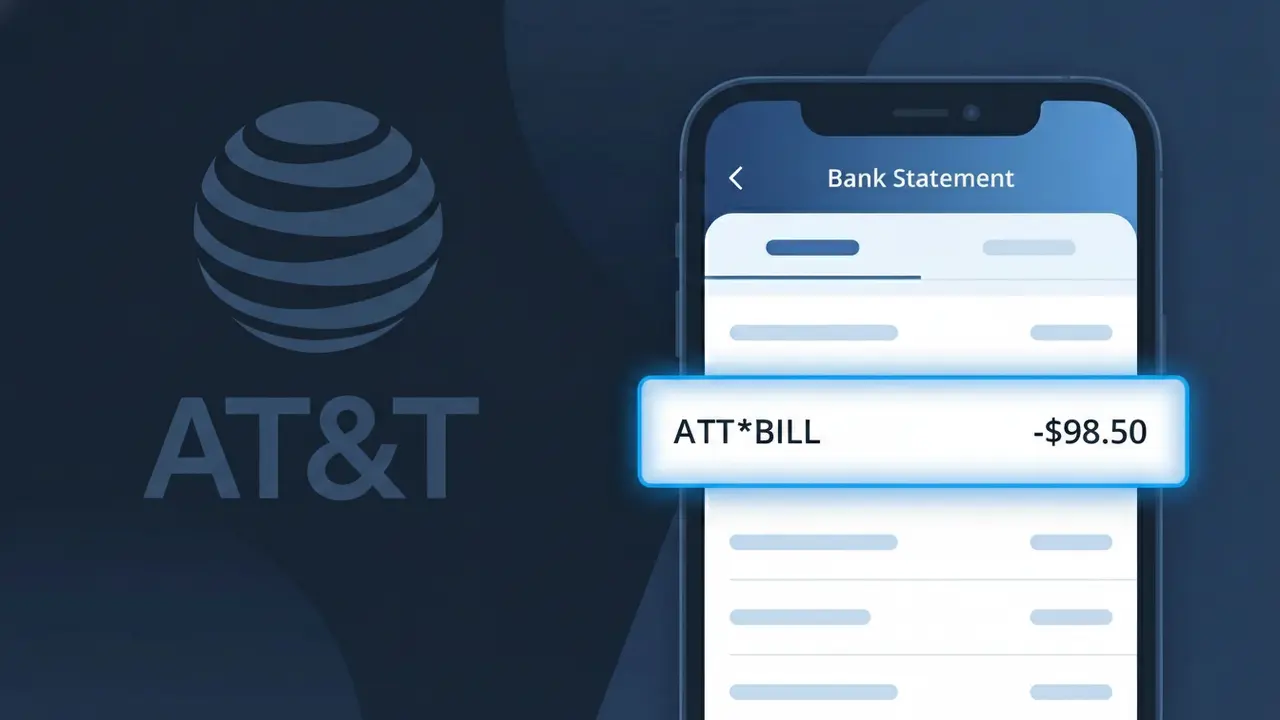
ATT*BILL Charge (What It Is + Is It Legit?)
✓ LegitimateThe "ATT*BILL" charge is from AT&T. AT&T wireless or internet monthly bill.
AT&T
AT&T wireless or internet monthly bill.
Category
Telecom
Avg. Charge
$65.00
Country
US
Billing Cycle
Monthly
Cancel At
att.com/myatt
Support
See website
Why does this charge appear?
AT&T uses the shortened descriptor "ATT*BILL" on bank statements because the ampersand symbol in "AT&T" is not supported by most payment processing systems, which are limited to alphanumeric characters, causing the company name to be condensed into "ATT" followed by an asterisk and billing identifier. The asterisk in "ATT*BILL" is a standard delimiter used by AT&T's billing platform to separate the company identifier from the charge type, helping distinguish it from other AT&T-related charges such as equipment installments or one-time fees. If you see "ATT*BILL" on your statement as a recurring monthly charge around $65, it almost certainly represents your regular AT&T wireless or internet service payment.
Your next steps
Log into Your AT&T Account
Visit att.com and sign in to your AT&T account to review your current billing cycle. Navigate to the billing section to confirm that the ATT*BILL charge on your bank statement matches your expected monthly amount for your wireless or internet plan.
Review Your AT&T Bill Details
Inside your AT&T account, check your itemized bill to see exactly what services, fees, and taxes make up the ATT*BILL charge. Look for any unexpected add-ons, overages, or plan changes that may have caused a different amount than usual.
Manage or Cancel AT&T Services if Needed
If the ATT*BILL charge reflects services you no longer want or a plan you did not authorize, visit att.com/myatt to manage your account, adjust your plan, remove unwanted features, or cancel services to prevent future charges.
Contact AT&T Support to Clarify Any Discrepancies
If the ATT*BILL amount does not match what you expected after reviewing your account at att.com, contact AT&T customer support directly by calling 800-288-2020 or using the chat feature on their website to request a detailed explanation and any applicable corrections to your bill.
How to cancel AT&T
AT&T bills you Monthly. To stop future charges, cancel from your account directly.
Cancel at AT&TLegitimate or scam?
No, this is a legitimate charge from AT&T. However, if you did not authorize this charge or cancelled your subscription, you may be eligible for a refund.
ℹ️ Note
In most cases, seeing "ATT*BILL" on your statement is completely normal. Before assuming fraud, check your recent purchases — most mystery charges have a simple explanation.
Is the ATT*BILL Charge Legitimate or Fraud?
If you've spotted ATT*BILL on your bank or credit card statement, this is almost certainly a legitimate charge from AT&T, one of the largest telecommunications companies in the United States. This descriptor appears when AT&T processes a recurring billing payment for services such as wireless phone plans, internet, home phone, or DirecTV bundles.
While the charge is typically valid, it's always smart to verify it matches your expected billing amount. Here are the most common reasons you'll see ATT*BILL on your statement:
- Monthly AT&T wireless or postpaid cell phone plan payment
- AT&T internet or fiber (AT&T Fiber) service billing
- AT&T bundle charges covering phone, internet, and TV together
- AutoPay enrollment processing a scheduled monthly deduction
- Overage fees, upgrade charges, or one-time service fees billed by AT&T
Fraudulent use of this descriptor is rare, but if the amount doesn't match your AT&T bill or you don't have an AT&T account, you should investigate further and consider disputing the charge.
How to Verify the ATT*BILL Charge
- 1
Log into your AT&T account online
Visit att.com and sign in to your account. Navigate to 'Billing & Payments' to view your current and past invoices and confirm whether the ATT*BILL amount matches your most recent statement.
- 2
Check the AT&T mobile app
Open the myAT&T app on your smartphone and go to the billing section. The app shows a detailed breakdown of your charges, making it easy to match the ATT*BILL amount to a specific service or billing period.
- 3
Search your email for AT&T billing notices
Search your inbox for emails from AT&T with subjects like 'Your bill is ready' or 'Payment confirmation.' These emails include the exact billing amount, which should match the ATT*BILL charge on your statement.
- 4
Check if a household member made changes
If others are on your AT&T family plan or share account access, ask if they added a line, upgraded a device, or made a purchase that could explain an unexpected ATT*BILL charge amount.
- 5
Contact AT&T customer support directly
Call AT&T at 1-800-331-0500 or use the live chat on att.com. Provide the date and dollar amount of the ATT*BILL charge and a representative can identify exactly what the payment was for.
How to Dispute an ATT*BILL Charge
- 1
Act within 60 days of the charge
Most banks and card issuers require you to dispute unauthorized charges within 60 days of the statement date. Don't delay if you believe the ATT*BILL charge is incorrect or fraudulent — time limits are strictly enforced.
- 2
Contact AT&T billing first
Call AT&T customer service at 1-800-331-0500 or visit an AT&T store to dispute the charge directly. AT&T can often resolve billing errors, issue credits, or clarify what the ATT*BILL charge covers faster than a bank dispute.
- 3
Gather your documentation
Collect your bank statement showing the ATT*BILL charge, your AT&T billing statements, and any correspondence with AT&T. This documentation will be essential if you need to escalate the dispute to your bank or card issuer.
- 4
File a chargeback with your bank
If AT&T does not resolve the issue, contact your bank or credit card issuer to file a formal chargeback. Reference the ATT*BILL descriptor and provide your supporting documentation to strengthen your claim.
- 5
Request a new card if fraud is suspected
If you believe the ATT*BILL charge is part of unauthorized account activity or identity theft, ask your bank to cancel your current card and issue a replacement to prevent further fraudulent charges.
Tips for Managing ATT*BILL Charges
Set up ATT*BILL payment alerts in your banking app so you're notified the moment AT&T processes a charge.
Review your AT&T bill in detail each month at att.com to catch unexpected fees before they appear as ATT*BILL.
Keep your AT&T online account credentials current so you can quickly access billing history whenever ATT*BILL appears.
Note your AT&T billing cycle date so you can anticipate when ATT*BILL will post and avoid confusing it with other charges.
Enable AutoPay on your AT&T account to ensure ATT*BILL payments process on time and avoid late fees.
Use WhatIsThisCharge.net to identify related charges that may appear alongside ATT*BILL on your statement.
Quick answers
Was this page helpful?
Community Reports (0)
0 votesNo votes yet — be the first to report on this charge!
Have you seen this charge? Help others by voting:
Community Comments (0)
No comments yet. Be the first to share your experience!
Share your experience
Your email is only used to verify your comment and will never be shown publicly.
Search Another Charge
Popular Charges

Amazon Marketplace
AMZN MKTP US
Netflix
NETFLIX *SUBSCRIPTION
Netflix
NETFLIX.COM *
Apple
APPLE *SUBSCRIPTION
Apple
APPLE.COM/BILL
Related Charges
Need to dispute this charge?
Generate a professional dispute letter in seconds with our AI tool.
Open Charge AssistantCommunity Verified
Real user reports
Free to Use
Always free to check
Secure & Private
Your data is safe
Help Millions
48K+ charges identified