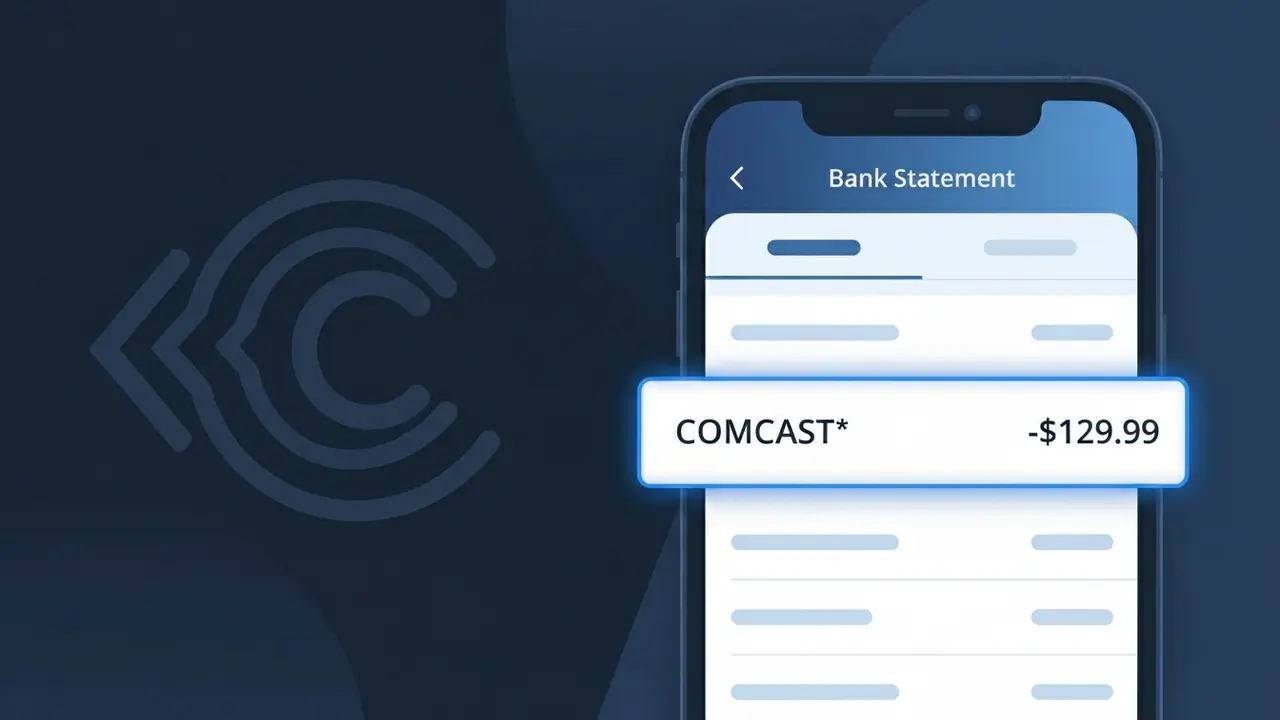
COMCAST* Charge (What It Is + Is It Legit?)
✓ LegitimateThe "COMCAST*" charge is from Comcast Xfinity. Comcast Xfinity internet or cable bill.
Comcast Xfinity
Comcast Xfinity internet or cable bill.
Category
Telecom
Avg. Charge
$80.00
Country
US
Billing Cycle
Monthly
Cancel At
customer.xfinity.com
Support
See website
What is this charge?
Comcast bills its customers through its parent corporate entity rather than its Xfinity consumer brand, which is why your statement shows COMCAST* instead of the full Comcast Xfinity name. The asterisk following COMCAST is a standard merchant descriptor formatting convention used by payment processors to separate the company name from any additional billing detail or account identifier that may follow. Because Xfinity is simply a branded service line under the Comcast Corporation umbrella, the legal billing name on file with Visa and Mastercard networks defaults to the parent company, leaving many customers puzzled when they see COMCAST* on their monthly statement for what they know as their Xfinity internet or cable bill.
How to handle this charge
Verify your Xfinity account
Log in to your Xfinity account at xfinity.com and navigate to the billing section to confirm the COMCAST* charge matches your current internet or cable plan and billing cycle.
Review your Xfinity bill details
Check your most recent Comcast Xfinity statement for any changes in your plan, added premium channels, equipment fees, or service upgrades that could explain a higher than expected COMCAST* charge.
Manage or cancel your Xfinity subscription
If you no longer want the service or want to adjust your plan to reduce future COMCAST* charges, visit customer.xfinity.com to manage your subscription, downgrade your package, or initiate a cancellation.
Contact Comcast Xfinity support directly
If the COMCAST* charge amount seems incorrect or unexpected, reach out to Comcast Xfinity customer support through xfinity.com or call 1-800-XFINITY to request a detailed billing explanation or dispute an incorrect charge.
How to cancel Comcast Xfinity
Comcast Xfinity bills you Monthly. To stop future charges, cancel from your account directly.
Cancel at Comcast XfinityQuick fraud check
No, this is a legitimate charge from Comcast Xfinity. However, if you did not authorize this charge or cancelled your subscription, you may be eligible for a refund.
How to Verify the COMCAST* Charge
- 1
Log into your Xfinity account
Visit xfinity.com or open the Xfinity My Account app and review your billing history. Your COMCAST* charge should match an invoice listed there with the same amount and date.
- 2
Search your email for Comcast receipts
Search your inbox for emails from billing@comcast.net or notifications@xfinity.com. Comcast typically sends an email confirmation every billing cycle with a breakdown of the COMCAST* charge.
- 3
Check if household members made purchases
Ask other members of your household if they rented an on-demand movie, purchased a pay-per-view event, or added a premium channel through Xfinity that would generate a COMCAST* charge.
- 4
Review your active Comcast subscriptions
Log into your Xfinity account and navigate to 'Services' to see all active plans and add-ons. A new streaming subscription or equipment upgrade could explain an unexpected COMCAST* amount.
- 5
Call Comcast customer support
If you still cannot identify the COMCAST* charge, call Comcast at 1-800-XFINITY (1-800-934-6489). A representative can pull up your account and explain exactly what the charge was for.
How to Dispute a COMCAST* Charge
- 1
Act within 60 days of the charge
Most banks require you to dispute an unauthorized COMCAST* charge within 60 days of the statement date. Acting quickly gives you the best chance of a successful chargeback or refund.
- 2
Contact Comcast directly first
Call Comcast at 1-800-XFINITY or chat at xfinity.com to report the incorrect or unauthorized COMCAST* charge. Comcast can often issue a credit or refund faster than going through your bank.
- 3
File a chargeback with your bank or card issuer
If Comcast does not resolve the dispute, contact your bank or credit card company and formally dispute the COMCAST* charge. Provide your Comcast account details and any supporting documentation.
- 4
Request a new payment card
If you believe the COMCAST* charge is the result of card fraud rather than an issue with your Comcast account, ask your bank to cancel the compromised card and issue a new one to prevent further unauthorized charges.
Tips for Managing COMCAST* Charges
Enable billing alerts in your Xfinity account to get notified by email or text whenever a new COMCAST* charge is processed.
Review your Xfinity bill monthly at xfinity.com to catch unexpected COMCAST* charges like on-demand purchases early.
Set a PIN or purchase lock in your Xfinity account settings to prevent unauthorized on-demand purchases that show as COMCAST*.
Note your Comcast billing cycle date so you can anticipate when the COMCAST* charge will appear on your statement each month.
Use a dedicated card for your Comcast subscription so COMCAST* charges are easy to isolate and monitor for discrepancies.
Use WhatIsThisCharge.net to identify related charges that may appear alongside COMCAST* on your statement.
Frequently Asked Questions
Was this page helpful?
Community Reports (0)
0 votesNo votes yet — be the first to report on this charge!
Have you seen this charge? Help others by voting:
Community Comments (0)
No comments yet. Be the first to share your experience!
Share your experience
Your email is only used to verify your comment and will never be shown publicly.
Search Another Charge
Popular Charges

Amazon Marketplace
AMZN MKTP US
Netflix
NETFLIX *SUBSCRIPTION
Netflix
NETFLIX.COM *
Apple
APPLE *SUBSCRIPTION
Apple
APPLE.COM/BILL
Related Charges
Need to dispute this charge?
Generate a professional dispute letter in seconds with our AI tool.
Open Charge AssistantCommunity Verified
Real user reports
Free to Use
Always free to check
Secure & Private
Your data is safe
Help Millions
48K+ charges identified