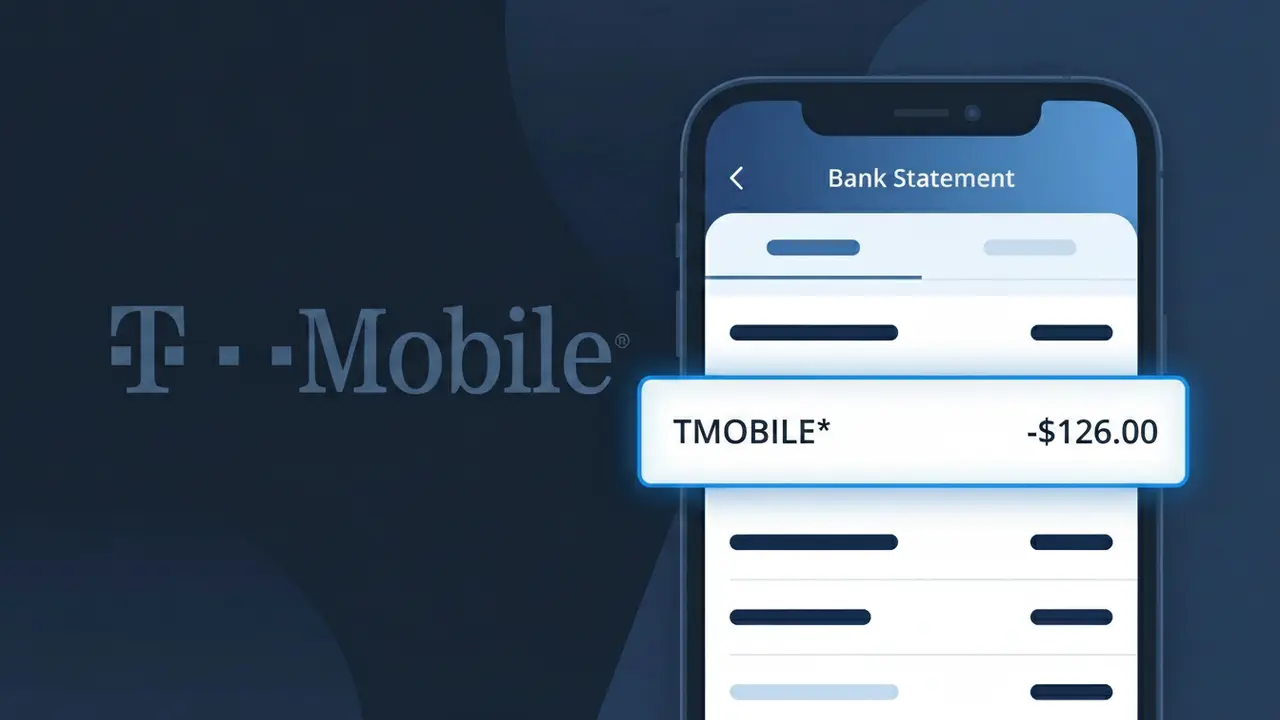
TMOBILE* Charge (What It Is + Is It Legit?)
✓ LegitimateThe "TMOBILE*" charge is from T-Mobile. T-Mobile wireless monthly bill.
T-Mobile
T-Mobile wireless monthly bill.
Category
Telecom
Avg. Charge
$50.00
Country
US
Billing Cycle
Monthly
Cancel At
my.t-mobile.com
Support
See website
Why this shows on your statement
T-Mobile's billing system truncates its brand name into the shorthand "TMOBILE*" on bank statements because wireless carriers like T-Mobile process millions of monthly transactions through automated payment systems that strip special characters, such as the hyphen in "T-Mobile," and apply a standardized merchant code prefix. The asterisk following "TMOBILE*" is a common formatting convention used by T-Mobile's payment processor to separate the brand identifier from any additional billing detail, such as an account number or service plan type, that may follow. If you're seeing this descriptor on a recurring monthly basis for around $50, it almost certainly corresponds to your T-Mobile wireless service plan charge.
What should you do?
Log into your T-Mobile account
Visit t-mobile.com and sign in to your T-Mobile account to review your billing history and confirm that the TMOBILE* charge matches your current monthly wireless plan amount.
Review your T-Mobile bill details
Inside your T-Mobile account dashboard, navigate to the billing section to see a full breakdown of the charge, including any plan fees, add-ons, or overages that may have contributed to the TMOBILE* amount on your bank statement.
Check your T-Mobile plan and services
While logged in at t-mobile.com, verify that your active T-Mobile wireless plan, number of lines, and any premium features like T-Mobile Magenta or add-ons align with the amount charged, ensuring nothing unexpected was added to your account.
Manage or cancel your T-Mobile subscription
If you no longer wish to continue your T-Mobile wireless service or want to adjust your plan to change future TMOBILE* charges, visit my.t-mobile.com to modify your account, downgrade your plan, or contact T-Mobile support to discuss cancellation options.
How to cancel T-Mobile
T-Mobile bills you Monthly. To stop future charges, cancel from your account directly.
Cancel at T-MobileShould you be worried?
No, this is a legitimate charge from T-Mobile. However, if you did not authorize this charge or cancelled your subscription, you may be eligible for a refund.
How to Verify the TMOBILE* Charge
- 1
Log into your T-Mobile account
Visit T-Mobile.com or open the T-Mobile app and navigate to 'Billing' to review your current and past statements. The TMOBILE* charge amount should match an invoice in your account history.
- 2
Search your email for TMOBILE receipts
Search your inbox for emails from T-Mobile (billing@t-mobile.com or no-reply@t-mobile.com). TMOBILE sends email confirmations for most charges, including monthly bills and one-time purchases.
- 3
Check with other household members
If you share a TMOBILE family plan, a charge may have been triggered by another line on your account, such as a family member adding a service or purchasing a device.
- 4
Review your active TMOBILE subscriptions
Log into your TMOBILE account and check 'Add-Ons & Features' to see if any new services like Netflix on Us, protection plans, or international packages were recently activated.
- 5
Contact your bank for transaction details
Ask your bank for the full merchant descriptor and transaction ID for the TMOBILE* charge. This information can help T-Mobile customer service locate the exact transaction.
How to Dispute a TMOBILE* Charge
- 1
Act within 60 days of the charge
Most banks require disputes to be filed within 60 days of the TMOBILE* charge appearing on your statement. Acting quickly improves your chances of a successful resolution.
- 2
Contact TMOBILE customer service first
Call T-Mobile at 1-800-937-8997 or use the T-Mobile app chat to report the unrecognized TMOBILE* charge. T-Mobile can often resolve billing errors faster than a bank dispute.
- 3
File a chargeback with your bank
If TMOBILE cannot resolve the issue, contact your bank or credit card issuer to file a formal chargeback. Provide the transaction date, amount, and any correspondence with TMOBILE as evidence.
- 4
Request a new card number
If the TMOBILE* charge appears fraudulent and your card details may be compromised, ask your bank to cancel your current card and issue a new one to prevent further unauthorized charges.
Tips for Managing TMOBILE Charges
Enable AutoPay alerts in your TMOBILE account so you're notified before each TMOBILE* charge is processed.
Download your TMOBILE bill each month and compare it line-by-line against your bank statement charges.
Secure your TMOBILE account with a strong password and two-factor authentication to prevent unauthorized charges.
Note your TMOBILE billing cycle date so you can anticipate when the TMOBILE* charge will hit your account.
Set up TMOBILE's Scam Shield and account PIN to protect against unauthorized account changes that could cause unexpected charges.
Use WhatIsThisCharge.net to identify related charges that may appear alongside the TMOBILE* charge on your statement.
Questions and answers
Was this page helpful?
Community Reports (0)
0 votesNo votes yet — be the first to report on this charge!
Have you seen this charge? Help others by voting:
Community Comments (0)
No comments yet. Be the first to share your experience!
Share your experience
Your email is only used to verify your comment and will never be shown publicly.
Search Another Charge
Popular Charges

Amazon Marketplace
AMZN MKTP US
Netflix
NETFLIX *SUBSCRIPTION
Apple
APPLE *SUBSCRIPTION
Netflix
NETFLIX.COM *
Apple
APPLE.COM/BILL
Related Charges
Need to dispute this charge?
Generate a professional dispute letter in seconds with our AI tool.
Open Charge AssistantCommunity Verified
Real user reports
Free to Use
Always free to check
Secure & Private
Your data is safe
Help Millions
48K+ charges identified