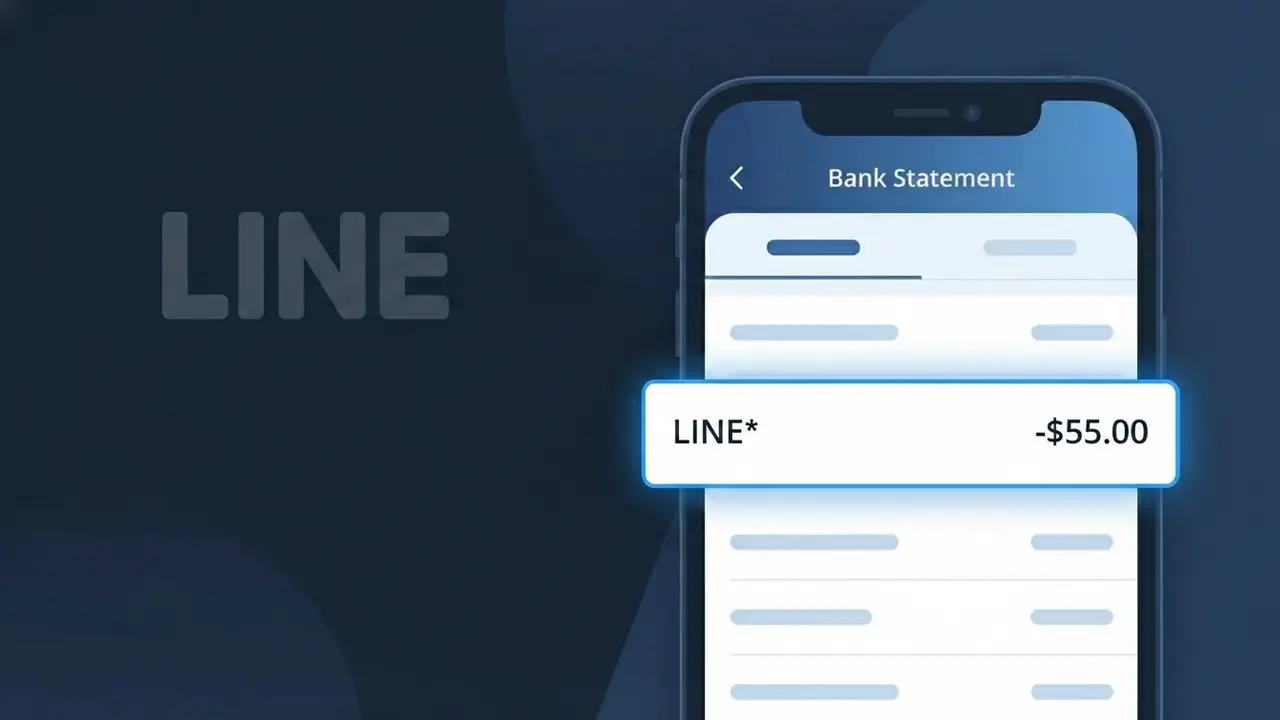
LINE* Charge (What It Is + Is It Legit?)
✓ LegitimateThe "LINE*" charge is from LINE. LINE premium or sticker purchase Japan.
LINE
LINE premium or sticker purchase Japan.
Category
Tech
Avg. Charge
¥250
Country
JP
Billing Cycle
One-time
Cancel At
line.me/account
Support
See website
Why does this charge appear?
LINE is a Japanese messaging and social platform that processes payments through its regional billing infrastructure, which truncates or abbreviates merchant identifiers to fit within the character limits imposed by international banking and card network transaction systems. When you purchase LINE Premium or buy sticker packs within the app, the payment flows through LINE Corporation's Japanese payment processing pipeline, which appends an asterisk after the merchant code, resulting in the "LINE*" descriptor rather than the full company name. The asterisk is a standard separator used by payment processors to distinguish the merchant identifier from any additional transaction detail that may follow, such as a product code or regional suffix.
Your next steps
Check Your LINE Purchase History
Log into your LINE account at line.me and review your purchase history to confirm whether you recently bought a LINE premium subscription or LINE stickers, which are the most common reasons for a LINE* charge appearing on your statement.
Match the Charge Amount
Compare the exact amount of the LINE* charge on your bank statement against LINE's pricing for sticker packs or premium features. LINE sticker purchases and premium plans have fixed pricing, so the amount should clearly match a known LINE product or service.
Check for Shared Account Access
If you share your LINE account or have the app installed on multiple devices, check whether a family member or another user may have made a sticker or premium purchase through your linked LINE account that resulted in the LINE* charge.
Manage or Cancel LINE Subscriptions
If you want to stop future LINE* charges from appearing, visit line.me/account to review your active LINE subscriptions and premium services. From there you can cancel any recurring LINE premium plan to prevent additional billing going forward.
ℹ️ International processing
This charge is processed in JP. You may see a foreign transaction fee from your bank (typically 1-3%).
Legitimate or scam?
No, this is a legitimate charge from LINE. However, if you did not authorize this charge or cancelled your subscription, you may be eligible for a refund.
Is the LINE* Charge Legitimate or Fraud?
A LINE* charge on your bank or credit card statement is most commonly a legitimate transaction from LINE, the popular messaging and social platform. LINE uses the LINE* billing descriptor for purchases such as LINE FRIENDS sticker packs, LINE Premium subscriptions, LINE Out calling credits, and in-app coin purchases. If you or someone in your household uses the LINE app, this charge is very likely authorized.
- LINE* appears when you purchase LINE Coins used for stickers, themes, or games
- LINE* is billed for LINE Premium (formerly LINE@ or LINE Official Account) subscriptions
- LINE* charges can originate from LINE Out, the app's VoIP calling credit feature
- LINE* may appear if a family member linked the same payment method to their LINE account
How to Verify the LINE* Charge
- 1
Log into your LINE account
Open the LINE app, go to Settings > Coins or Settings > Premium and review your purchase history to match the LINE* charge amount and date.
- 2
Search your email for LINE receipts
Search your inbox for emails from 'noreply@line.me' or 'LINE' — LINE sends purchase confirmation emails for every LINE* transaction processed.
- 3
Check household members' LINE usage
Ask family members if they purchased LINE stickers, themes, or coins recently, as LINE* charges can come from any account linked to your payment method.
- 4
Review active LINE subscriptions
In the LINE app, navigate to Settings > Account > Subscriptions to see any recurring LINE Premium or other subscription that would generate a recurring LINE* charge.
- 5
Contact your bank for charge details
Ask your bank for the full merchant name behind the LINE* descriptor — this can help confirm whether it originates from LINE Corporation or a different merchant.
How to Dispute a LINE* Charge
- 1
Act within 60 days
Most banks require disputes to be filed within 60 days of the LINE* charge appearing on your statement, so don't delay if you believe it is unauthorized.
- 2
Contact LINE support first
Visit LINE's official Help Center at help.line.me and submit a refund or dispute request for the LINE* charge — LINE may resolve the issue faster than a bank chargeback.
- 3
File a chargeback with your bank
If LINE support cannot resolve the issue, call your bank and formally dispute the LINE* charge as unauthorized, providing any LINE transaction records or email receipts you have.
- 4
Request a new card if fraud is suspected
If the LINE* charge appears fraudulent and you did not make any LINE purchases, ask your bank to cancel your card and issue a new one to prevent further unauthorized charges.
Tips for Managing LINE Charges
Enable LINE app notifications for every coin or sticker purchase so you're alerted the moment a LINE* charge is triggered.
Keep LINE purchase confirmation emails in a dedicated folder to quickly match any LINE* charge on your bank statement.
Secure your LINE account with a strong password and two-step verification to prevent unauthorized purchases that show as LINE* charges.
Note your LINE Premium renewal date so recurring LINE* charges on your billing cycle never come as a surprise.
Remove saved payment methods from your LINE account when not actively purchasing to reduce the risk of accidental LINE* charges.
Use WhatIsThisCharge.net to identify any related LINE* charges or similar tech subscription descriptors on your statement.
ℹ️ Note
In most cases, a LINE* charge is a legitimate and expected transaction from LINE Corporation, typically linked to a sticker pack, coin purchase, or LINE Premium subscription you or a family member set up. Checking your LINE app's purchase history usually resolves any confusion within minutes.
Quick answers
Was this page helpful?
Community Reports (0)
0 votesNo votes yet — be the first to report on this charge!
Have you seen this charge? Help others by voting:
Community Comments (0)
No comments yet. Be the first to share your experience!
Share your experience
Your email is only used to verify your comment and will never be shown publicly.
Search Another Charge
Popular Charges

Amazon Japan
AMAZON JP*
Rakuten Ichiba
楽天市場 RAKUTEN
NTT Docomo Japan
DOCOMO*
NTT Docomo
NTT DOCOMO
au (KDDI)
AU KDDI*
Related Charges
Need to dispute this charge?
Generate a professional dispute letter in seconds with our AI tool.
Open Charge AssistantCommunity Verified
Real user reports
Free to Use
Always free to check
Secure & Private
Your data is safe
Help Millions
48K+ charges identified