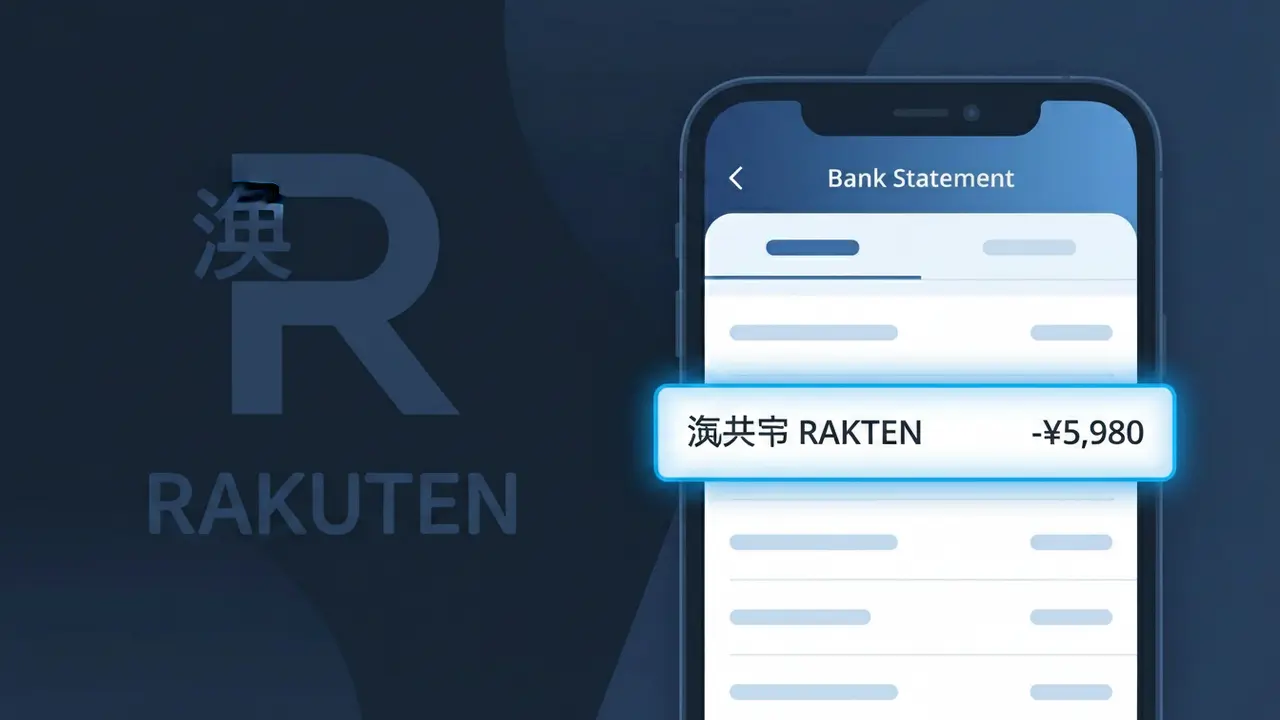
楽天市場 RAKUTEN Charge (What It Is + Is It Legit?)
✓ LegitimateThe "楽天市場 RAKUTEN" charge is from Rakuten Ichiba. Rakuten online marketplace purchase in Japan.
Rakuten Ichiba
Rakuten online marketplace purchase in Japan.
Category
Shopping
Avg. Charge
¥1000–¥50000
Country
JP
Billing Cycle
One-time
Cancel At
rakuten.co.jp
Support
See website
Why does this charge appear?
Rakuten Ichiba, Japan's largest online marketplace, displays the descriptor "楽天市場 RAKUTEN" on bank statements because Japanese merchants are required by domestic payment processing standards to include their native-script business name alongside any romanized identifier, with 楽天市場 being the official Japanese rendering of Rakuten Ichiba used across all billing systems in Japan. The hybrid format reflects how Rakuten's payment infrastructure is registered with Japanese credit card networks, where the kanji and katakana name takes legal and billing precedence over the English-language brand name familiar to international shoppers. If you made a purchase through Rakuten's Japanese marketplace platform and see this descriptor, it is a legitimate charge corresponding to your order, not a duplicate or fraudulent transaction.
Your next steps
Check Your Rakuten Ichiba Order History
Log in to your account at rakuten.co.jp and navigate to your order history to match the charge amount from 楽天市場 RAKUTEN with a recent purchase. Rakuten Ichiba lists all completed transactions with dates and merchant details that should align with what appears on your bank statement.
Review Rakuten Point Usage and Promotions
On rakuten.co.jp, check whether the charge reflects a partial payment after Rakuten Points were applied, as 楽天市場 RAKUTEN purchases often combine points and cash payments, which can make the billed amount appear different from your original order total.
Verify Any Subscriptions or Recurring Orders
Visit rakuten.co.jp and check if you have any scheduled or recurring orders set up through 楽天市場 RAKUTEN, such as automatic re-orders for daily goods, which can generate charges you may have forgotten about setting up previously.
Contact Rakuten Ichiba Support if Needed
If you cannot reconcile the 楽天市場 RAKUTEN charge after reviewing your order history on rakuten.co.jp, reach out to Rakuten Ichiba customer support directly through the help section on rakuten.co.jp to request a detailed breakdown of the transaction before escalating to your bank.
ℹ️ International processing
This charge is processed in JP. You may see a foreign transaction fee from your bank (typically 1-3%).
Legitimate or scam?
No, this is a legitimate charge from Rakuten Ichiba. However, if you did not authorize this charge or cancelled your subscription, you may be eligible for a refund.
Is the 楽天市場 RAKUTEN Charge Legitimate or Fraud?
If you see 楽天市場 RAKUTEN on your bank or credit card statement, this charge almost certainly comes from a purchase made on Rakuten Ichiba, Japan's largest online shopping marketplace. Rakuten Ichiba processes millions of transactions daily, so this descriptor is a normal and expected charge for shoppers on the platform. Here are common reasons this charge appears:
- You recently purchased a product from a seller on the Rakuten Ichiba marketplace
- You enrolled in Rakuten's premium membership (Rakuten Premium) which bills periodically
- A family member or household member used your payment method to shop on Rakuten Ichiba
- You subscribed to a Rakuten-affiliated service such as Rakuten Fashion or Rakuten Books that bills under the same descriptor
How to Verify the 楽天市場 RAKUTEN Charge
- 1
Log into your Rakuten Ichiba account
Visit ichiba.rakuten.co.jp and sign in, then navigate to your order history. Match the charge amount and date to a recent 楽天市場 RAKUTEN transaction on your statement.
- 2
Search your email for Rakuten receipts
Search your inbox for emails from 'order@rakuten.co.jp' or 'noreply@rakuten.co.jp'. Rakuten Ichiba sends order confirmation emails that include the exact purchase amount.
- 3
Check household members
Ask family members or anyone who shares your payment method if they recently shopped on Rakuten Ichiba. Sub-accounts linked to your Rakuten ID can also generate 楽天市場 RAKUTEN charges.
- 4
Review your Rakuten subscriptions
Check for active Rakuten Premium memberships or recurring subscriptions in your Rakuten account settings. These renew automatically and appear as 楽天市場 RAKUTEN on your statement.
- 5
Contact your bank for transaction details
If you still cannot identify the charge, call your bank and ask for the full merchant details tied to the 楽天市場 RAKUTEN descriptor, including the transaction date and exact amount.
How to Dispute a 楽天市場 RAKUTEN Charge
- 1
Act within 60 days of the charge
Most banks require disputes to be filed within 60 days of the 楽天市場 RAKUTEN charge appearing on your statement. Document the charge amount, date, and any supporting evidence before contacting anyone.
- 2
Contact Rakuten Ichiba customer support first
Reach out to Rakuten Ichiba's support team via the help center at rakuten.co.jp/help before escalating. Rakuten Ichiba can often resolve unauthorized charges or mistaken purchases faster than a bank dispute.
- 3
File a chargeback with your bank or card issuer
If Rakuten Ichiba does not resolve your issue, contact your bank or credit card issuer and formally dispute the 楽天市場 RAKUTEN charge. Provide your order number, email correspondence, and any denial from Rakuten Ichiba as evidence.
- 4
Request a new card if fraud is suspected
If you believe the 楽天市場 RAKUTEN charge is the result of stolen card details, ask your bank to cancel your card and issue a replacement immediately to prevent additional unauthorized transactions.
Tips for Managing Rakuten Ichiba Charges
Enable purchase notifications in your Rakuten Ichiba account so you receive an alert every time a 楽天市場 RAKUTEN charge is processed.
Keep your Rakuten Ichiba order confirmation emails in a dedicated folder so you can quickly match them to 楽天市場 RAKUTEN charges on your statement.
Use a strong, unique password for your Rakuten Ichiba account and enable two-factor authentication to prevent unauthorized purchases billed as 楽天市場 RAKUTEN.
Note your Rakuten Premium membership renewal date to anticipate recurring 楽天市場 RAKUTEN charges and avoid surprise billing.
Use a credit card rather than a debit card for Rakuten Ichiba purchases — credit cards offer stronger chargeback protections for disputed 楽天市場 RAKUTEN charges.
Use WhatIsThisCharge.net to identify related charges that may appear alongside 楽天市場 RAKUTEN on your statement.
ℹ️ Note
In most cases, a 楽天市場 RAKUTEN charge is completely legitimate and simply reflects a recent purchase or membership renewal on Rakuten Ichiba — Japan's most popular online shopping marketplace. A quick check of your Rakuten Ichiba order history is usually all it takes to confirm the charge and put your mind at ease.
Quick answers
Was this page helpful?
Community Reports (0)
0 votesNo votes yet — be the first to report on this charge!
Have you seen this charge? Help others by voting:
Community Comments (0)
No comments yet. Be the first to share your experience!
Share your experience
Your email is only used to verify your comment and will never be shown publicly.
Search Another Charge
Popular Charges
View all charges
Related Charges
Need to dispute this charge?
Generate a professional dispute letter in seconds with our AI tool.
Open Charge AssistantCommunity Verified
Real user reports
Free to Use
Always free to check
Secure & Private
Your data is safe
Help Millions
48K+ charges identified