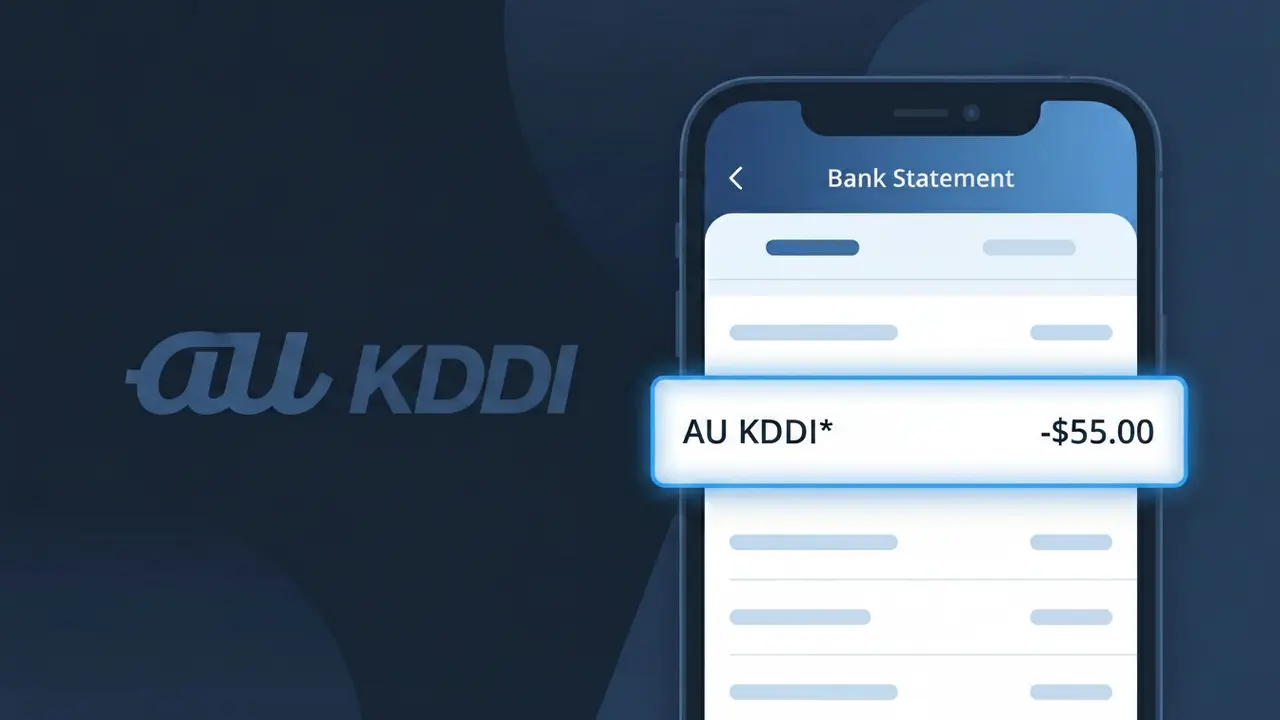
AU KDDI* Charge (What It Is + Is It Legit?)
✓ LegitimateThe "AU KDDI*" charge is from au (KDDI). au KDDI mobile monthly bill Japan.
au (KDDI)
au KDDI mobile monthly bill Japan.
Category
Telecom
Avg. Charge
¥4000
Country
JP
Billing Cycle
Monthly
Cancel At
au.com/account
Support
See website
What is this charge?
When Japanese mobile carrier KDDI processes monthly billing for its "au" brand subscribers, the payment system combines both identifiers into the truncated descriptor "AU KDDI*" because au is the consumer-facing brand name while KDDI Corporation is the registered legal billing entity that actually charges your account. Japan's telecom billing infrastructure, particularly through credit card networks and bank payment systems, often appends both the brand and parent company name to satisfy financial identification requirements. If you hold an au mobile plan in Japan and pay roughly ¥4,000 per month, this descriptor is simply your regular monthly mobile bill appearing under KDDI's official corporate billing credentials.
How to handle this charge
Confirm your au (KDDI) subscription
The AU KDDI* charge on your statement is the monthly mobile bill from au (KDDI), a major Japanese telecom carrier. Log in to your au account at au.com to verify the charge matches your current mobile plan and billing cycle.
Review your au (KDDI) bill details
At au.com, navigate to your billing section to see a full breakdown of the AU KDDI* charge, including your base plan cost, any data add-ons, international roaming fees, or optional services that may have been added to your monthly bill.
Check for any au (KDDI) plan changes
If the AU KDDI* amount looks different from previous months, check your au account at au.com for recent plan upgrades, service additions, or one-time fees such as device installment payments or early cancellation charges that could explain the difference.
Manage or cancel your au (KDDI) service
If you no longer wish to continue your au (KDDI) mobile service or want to adjust your plan to reduce future AU KDDI* charges, visit au.com/account to manage your subscription, change your plan, or initiate a cancellation request directly through your account settings.
How to cancel au (KDDI)
au (KDDI) bills you Monthly. To stop future charges, cancel from your account directly.
Cancel at au (KDDI)ℹ️ International processing
This charge is processed in JP. You may see a foreign transaction fee from your bank (typically 1-3%).
Quick fraud check
No, this is a legitimate charge from au (KDDI). However, if you did not authorize this charge or cancelled your subscription, you may be eligible for a refund.
ℹ️ Note
In most cases, seeing "AU KDDI*" on your statement is completely normal. Before assuming fraud, check your recent purchases — most mystery charges have a simple explanation.
Is the AU KDDI* Charge Legitimate or Fraud?
If you see AU KDDI* on your bank or credit card statement, it is most likely a legitimate charge from AU KDDI, one of Japan's largest telecommunications providers. AU KDDI offers mobile phone plans, home internet, fiber broadband (auひかり), and digital content services, all of which can appear as AU KDDI* on billing statements.
Common reasons you may see an AU KDDI* charge include:
- Monthly AU KDDI mobile phone plan subscription fee
- AU KDDI home internet or auひかり fiber broadband billing
- Purchase or subscription to AU KDDI digital content via the au Marketplace
- AU KDDI device installment payment for a smartphone or tablet
- Roaming or international calling charges billed through AU KDDI
However, if you do not recognize the AU KDDI* charge and have no AU KDDI account or services, it is worth investigating further as it could indicate unauthorized use of your payment details.
How to Verify the AU KDDI* Charge
- 1
Log into your AU KDDI account
Visit the official AU KDDI website (au.com) or open the My au app and review your billing history to match the AU KDDI* charge amount and date.
- 2
Search your email for AU KDDI receipts
Search your inbox for emails from AU KDDI or au.com. AU KDDI typically sends monthly billing notifications and receipts that should match the AU KDDI* charge on your statement.
- 3
Check with household or family members
If you share finances with family members, ask whether anyone signed up for an AU KDDI mobile plan, auひかり internet, or purchased a device through AU KDDI on your payment method.
- 4
Review your AU KDDI subscriptions and services
Log into My au and check for any active subscriptions including au Smart Pass, au Music, au Video, or other AU KDDI content services that bill monthly.
- 5
Contact AU KDDI customer support directly
Call AU KDDI customer service at 0077-7-111 (from an AU phone) or 0120-977-033 (toll-free) and provide the charge amount and date to confirm whether it originated from your account.
How to Dispute an AU KDDI* Charge
- 1
Act within 60 days of the charge
Most banks and credit card issuers require you to dispute an unrecognized AU KDDI* charge within 60 days of the statement date, so act quickly to preserve your rights.
- 2
Contact AU KDDI first
Reach out to AU KDDI customer support at 0120-977-033 or through the My au portal. Explain the unauthorized or incorrect AU KDDI* charge and request a formal review or refund directly from AU KDDI.
- 3
File a chargeback with your bank
If AU KDDI does not resolve the issue, contact your bank or credit card issuer and file a chargeback. Provide your statement showing the AU KDDI* charge, any correspondence with AU KDDI, and a written explanation.
- 4
Request a new card number
If the AU KDDI* charge appears fraudulent and you never had an AU KDDI account, ask your bank to cancel your current card and issue a new one to prevent further unauthorized AU KDDI* billing.
Tips for Managing AU KDDI Charges
Enable billing alerts in My au to get notified immediately whenever a new AU KDDI* charge is processed.
Review your AU KDDI monthly invoice in the My au app to verify each AU KDDI* line item before your payment due date.
Secure your AU KDDI account with a strong password and two-factor authentication to prevent unauthorized AU KDDI* charges.
Note that AU KDDI billing cycles typically close mid-month, so AU KDDI* charges may appear on different calendar dates each cycle.
If you cancel an AU KDDI service, save your cancellation confirmation number in case a stray AU KDDI* charge appears later.
Use WhatIsThisCharge.net to identify related charges that may appear alongside AU KDDI* on your statement.
Frequently Asked Questions
Was this page helpful?
Community Reports (0)
0 votesNo votes yet — be the first to report on this charge!
Have you seen this charge? Help others by voting:
Community Comments (0)
No comments yet. Be the first to share your experience!
Share your experience
Your email is only used to verify your comment and will never be shown publicly.
Search Another Charge
Popular Charges

Amazon Japan
AMAZON JP*
Rakuten Ichiba
楽天市場 RAKUTEN
NTT Docomo Japan
DOCOMO*
NTT Docomo
NTT DOCOMO
LINE
LINE*
Related Charges
Need to dispute this charge?
Generate a professional dispute letter in seconds with our AI tool.
Open Charge AssistantCommunity Verified
Real user reports
Free to Use
Always free to check
Secure & Private
Your data is safe
Help Millions
48K+ charges identified