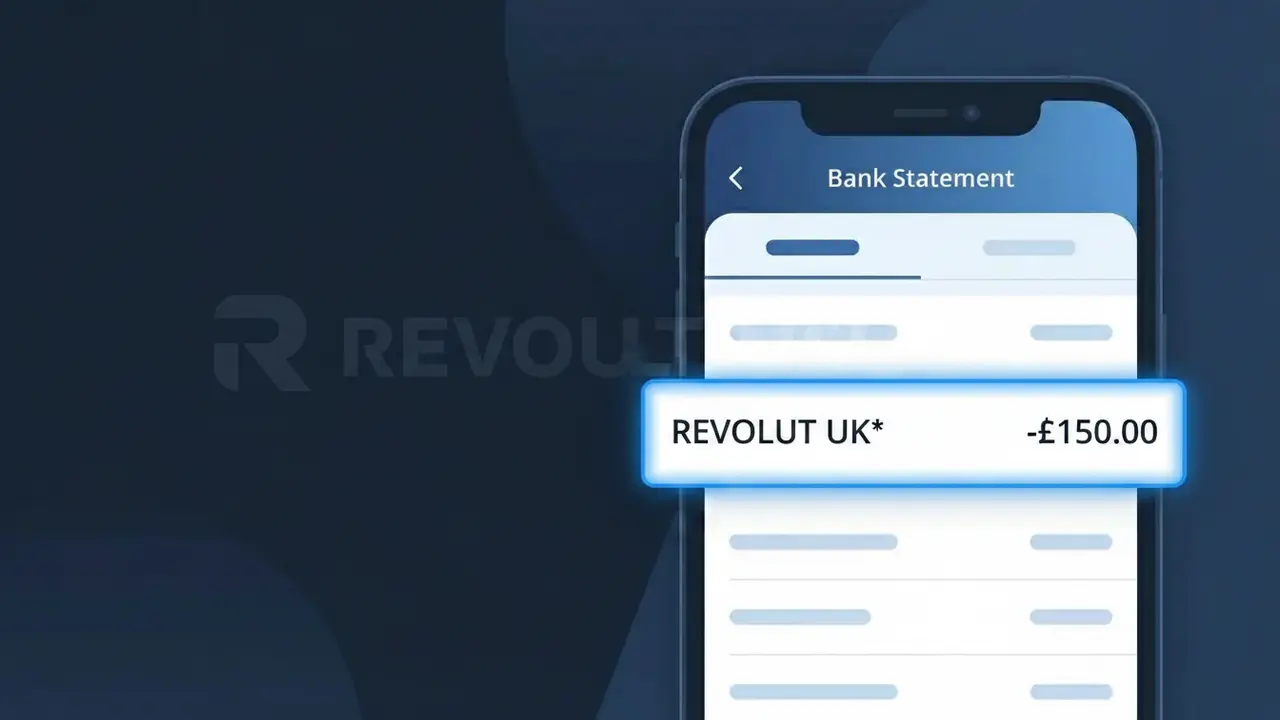
REVOLUT UK* Charge (What It Is + Is It Legit?)
✓ LegitimateThe "REVOLUT UK*" charge is from Revolut UK. Revolut premium subscription UK.
Revolut UK
Revolut premium subscription UK.
Category
Finance
Avg. Charge
£9.99
Country
GB
Billing Cycle
Monthly
Cancel At
app.revolut.com/settings
Support
See website
What is this charge?
When Revolut UK processes its monthly Premium subscription billing at £9.99, the payment is routed through an internal payment infrastructure that truncates and formats the merchant name into a standardised descriptor string, producing "REVOLUT UK*" on your bank statement. The asterisk in the descriptor is a common convention used by financial technology companies to separate the brand name from a transaction identifier or service code that may follow, and Revolut UK employs this format specifically for its UK-based subscription billing to distinguish it from international Revolut transactions. If you see REVOLUT UK* on your statement, it almost certainly relates to your active Revolut Premium or Metal plan being charged on its regular monthly cycle.
How to handle this charge
Confirm Your Revolut UK Plan
Log into your Revolut app and navigate to your account profile to verify that you are subscribed to a Revolut UK premium plan. The REVOLUT UK* charge on your statement corresponds to this paid subscription, so confirming your active plan tier will help you understand exactly what you are being billed for.
Review Subscription Details at revolut.com
Visit revolut.com and sign into your account to check the billing date, subscription cost, and plan features associated with the REVOLUT UK* charge. This will confirm whether the amount charged matches your current Revolut UK premium subscription tier.
Manage or Cancel the Revolut UK Subscription
If you no longer wish to continue your Revolut UK premium plan, go directly to app.revolut.com/settings where you can manage your subscription preferences and cancel the plan to prevent future REVOLUT UK* charges from appearing on your bank statement.
Contact Revolut UK Support if the Amount Looks Wrong
If the REVOLUT UK* charge does not match the expected cost of your chosen Revolut UK plan, reach out to Revolut UK customer support through the in-app chat available on revolut.com to clarify the discrepancy and request a review of your billing history.
How to cancel Revolut UK
Revolut UK bills you Monthly. To stop future charges, cancel from your account directly.
Cancel at Revolut UKℹ️ International processing
This charge is processed in GB. You may see a foreign transaction fee from your bank (typically 1-3%).
Quick fraud check
No, this is a legitimate charge from Revolut UK. However, if you did not authorize this charge or cancelled your subscription, you may be eligible for a refund.
Is the REVOLUT UK* Charge Legitimate or Fraud?
If you see REVOLUT UK* on your bank or credit card statement, this charge almost always originates from Revolut UK, a leading UK-based digital banking and financial services platform. This descriptor appears when Revolut UK processes a payment for one of their products or services on your behalf. Common legitimate reasons you might see REVOLUT UK* include:
- A monthly or annual fee for a Revolut UK Premium, Metal, or Ultra subscription plan
- A currency exchange or international money transfer fee charged by Revolut UK
- A top-up or funding transaction to your Revolut UK account from a linked debit or credit card
- A fee for an add-on service such as Revolut UK's travel insurance or overseas medical cover
How to Verify the REVOLUT UK* Charge
- 1
Log into your Revolut UK app
Open the Revolut UK app and navigate to your transaction history. Search for the exact amount matching the REVOLUT UK* charge on your statement to confirm it's recorded there.
- 2
Search your email for Revolut UK receipts
Check your inbox for emails from Revolut UK (no-reply@revolut.com). Revolut UK sends receipts and subscription renewal notices that will match the REVOLUT UK* charge date and amount.
- 3
Check if household members use Revolut UK
Ask family members or housemates whether they used your card to top up their own Revolut UK account or pay for a Revolut UK subscription, which would generate a REVOLUT UK* entry.
- 4
Review your Revolut UK subscription plan
Inside the Revolut UK app, go to Profile > Plan to see your current subscription tier and its billing date. This will clarify whether REVOLUT UK* corresponds to a recurring plan fee.
- 5
Contact your bank for transaction details
If the REVOLUT UK* charge is still unexplained, call your bank and ask for the full merchant details including MCC code and transaction ID to help pinpoint the source.
How to Dispute a REVOLUT UK* Charge
- 1
Act within 60 days of the charge
Most banks require you to raise a dispute within 60 days of the REVOLUT UK* charge appearing on your statement. Acting quickly protects your right to a chargeback.
- 2
Contact Revolut UK support first
Use the in-app chat in the Revolut UK app (Profile > Help) to report the unrecognised REVOLUT UK* charge. Revolut UK's support team can often resolve billing errors directly and quickly.
- 3
File a chargeback with your card issuer
If Revolut UK does not resolve the issue, contact your bank or credit card provider and formally request a chargeback for the REVOLUT UK* transaction, providing all relevant evidence.
- 4
Request a new card if fraud is suspected
If you believe the REVOLUT UK* charge is fraudulent and linked to compromised card details, ask your bank to cancel your current card and issue a replacement to prevent further unauthorised charges.
Tips for Managing Revolut UK Charges
Enable push notifications in the Revolut UK app so you're alerted instantly whenever a REVOLUT UK* charge is processed.
Keep a note of your Revolut UK plan renewal date to anticipate REVOLUT UK* charges before they hit your statement.
Secure your Revolut UK account with a strong PIN and biometric login to prevent unauthorised top-ups generating unexpected REVOLUT UK* charges.
Revolut UK bills subscriptions on the same day each month — mark your billing date in your calendar to spot any unexpected REVOLUT UK* entries.
Use Revolut UK's virtual card feature for online purchases to limit exposure and reduce unrecognised REVOLUT UK* charges.
Use WhatIsThisCharge.net to identify related charges that may appear alongside REVOLUT UK* on your statement.
ℹ️ Note
In most cases, a REVOLUT UK* charge is a completely legitimate transaction from Revolut UK — typically a subscription renewal or a card top-up you or a household member initiated. A quick check of your Revolut UK app transaction history is usually all it takes to confirm the charge and put your mind at ease.
Frequently Asked Questions
Was this page helpful?
Community Reports (0)
0 votesNo votes yet — be the first to report on this charge!
Have you seen this charge? Help others by voting:
Community Comments (0)
No comments yet. Be the first to share your experience!
Share your experience
Your email is only used to verify your comment and will never be shown publicly.
Search Another Charge
Popular Charges

Amazon UK
AMAZON UK*
OnlyFans
ONLYFANS*
Revolut
REVOLUT*
Just Eat
JUST EAT*
Sky TV / Sky Sports
SKY*SUBSCRIPTION
Need to dispute this charge?
Generate a professional dispute letter in seconds with our AI tool.
Open Charge AssistantCommunity Verified
Real user reports
Free to Use
Always free to check
Secure & Private
Your data is safe
Help Millions
48K+ charges identified